You can test the network connectivity of the remote servers using the telnet client. Please refer to the following steps to install the telnet client on Windows 10.
1. Log in to your PC with Windows 10 installed on it.
2. Search for the control panel.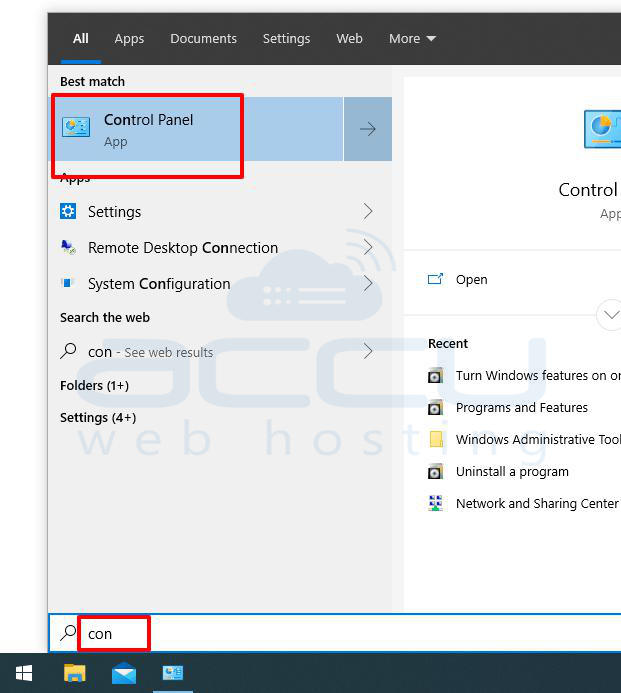
3. Go to the Programmed and Features. 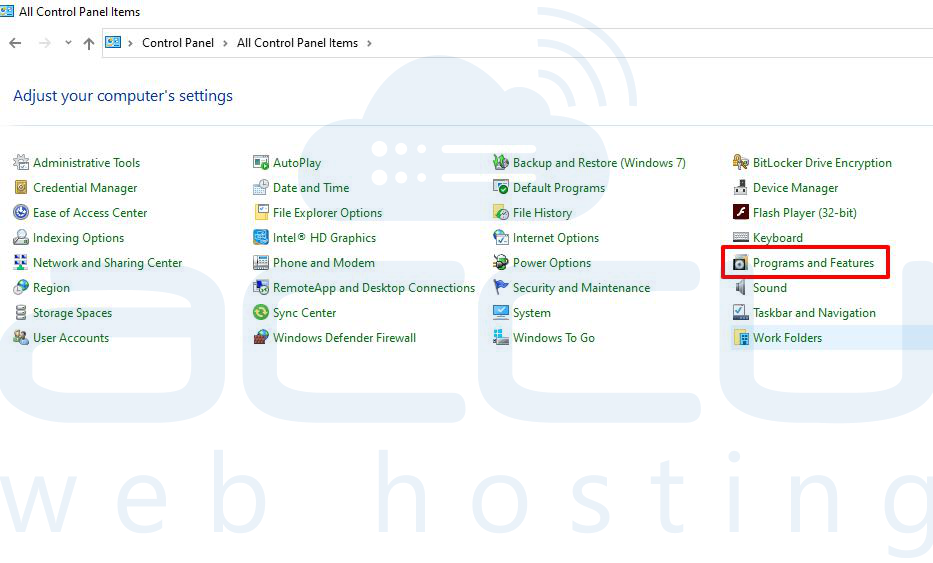
4. Click on the turn windows features on or off. 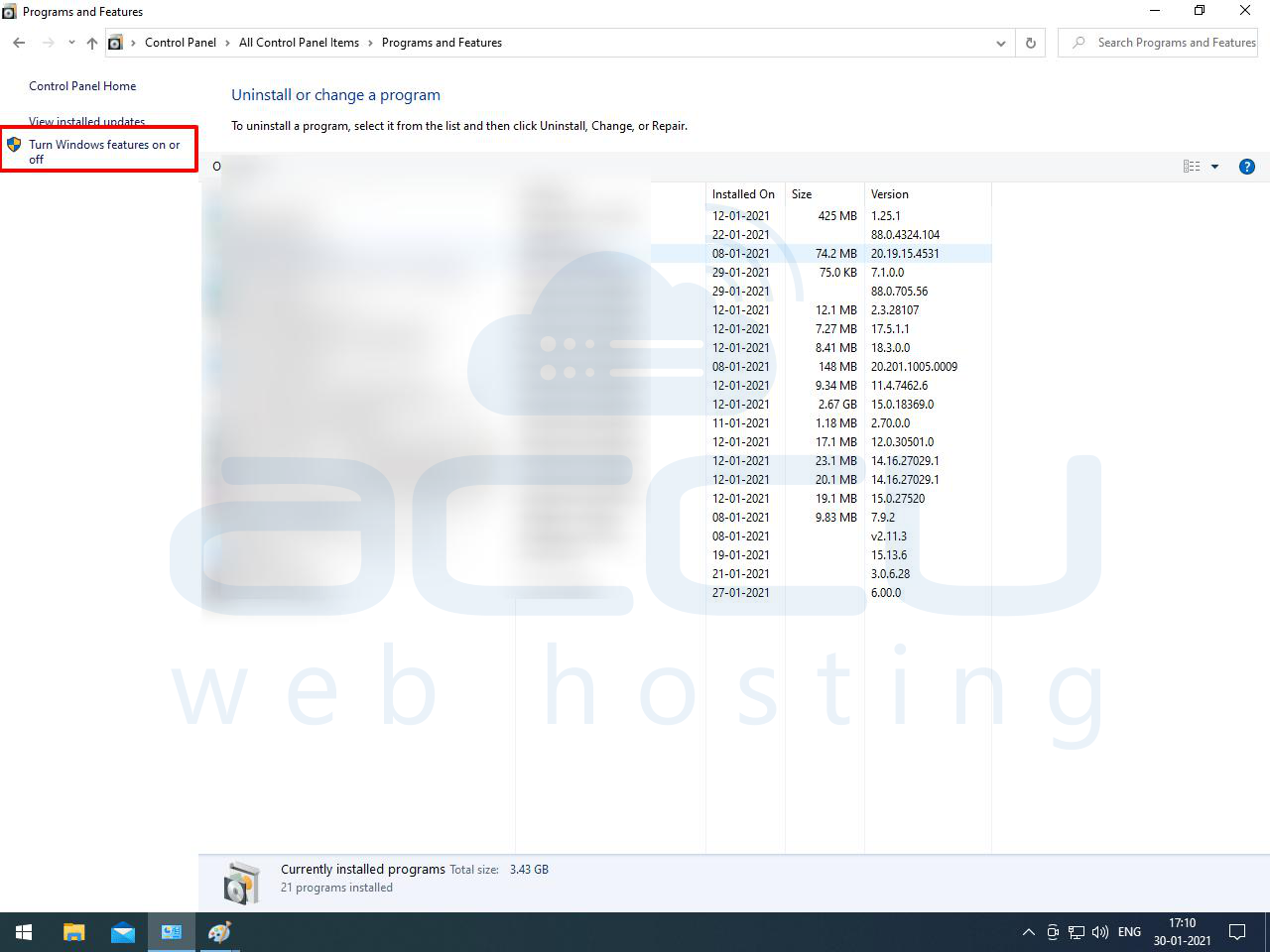
5. Tick on the telnet client. 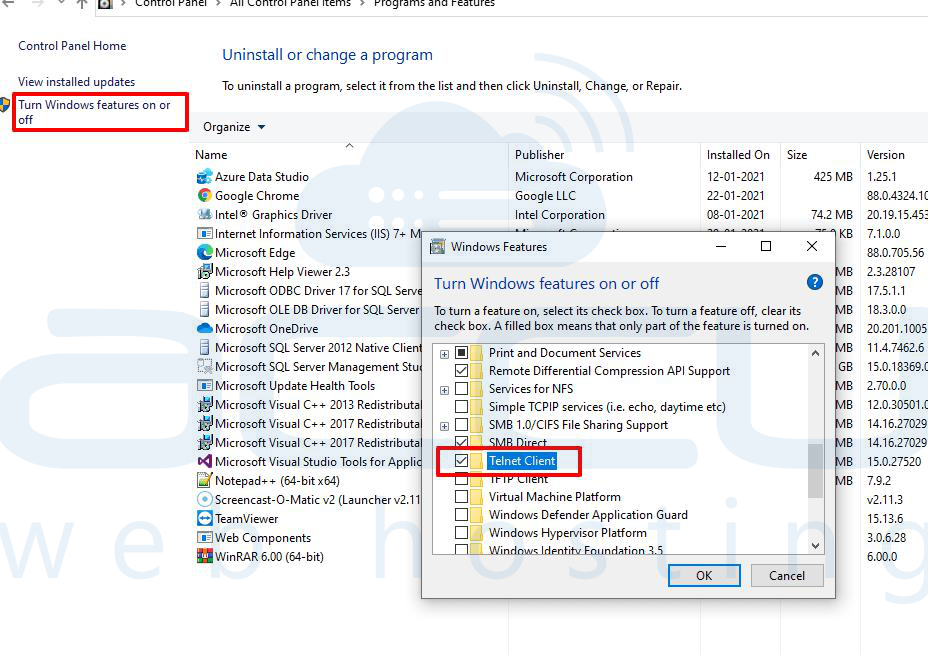
6. Click on the close button.