
The utf8mb4 character set in MySQL is recommended when working with multi-language or emoji-supporting applications, as it supports full Unicode, including 4-byte characters. This guide will show you how to change the MySQL server collation to utf8mb4 using phpMyAdmin from your cPanel account.
Steps to Change MySQL Server Collation to utf8mb4 via phpMyAdmin
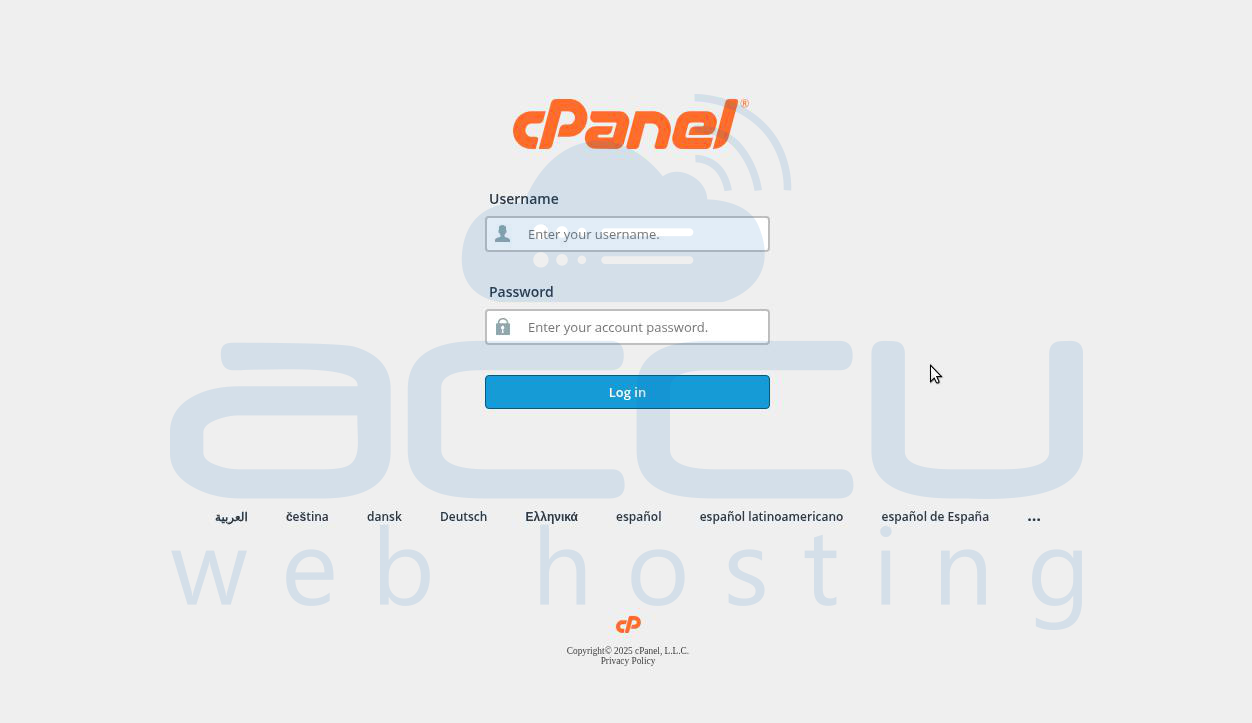
Step 1: Log in to cPanel
Access your cPanel account using your hosting provider credentials.
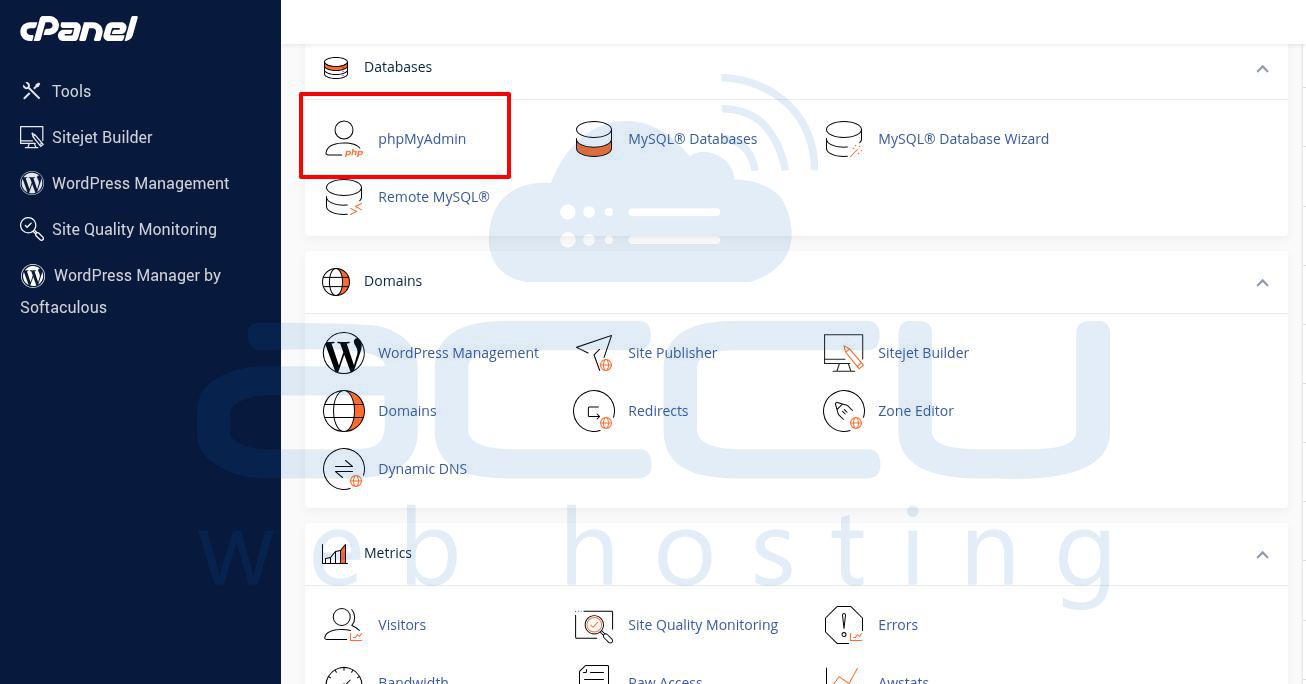
Step 2: Open phpMyAdmin
In the Databases section, click on phpMyAdmin.
Step 3: Access Server Collation Settings
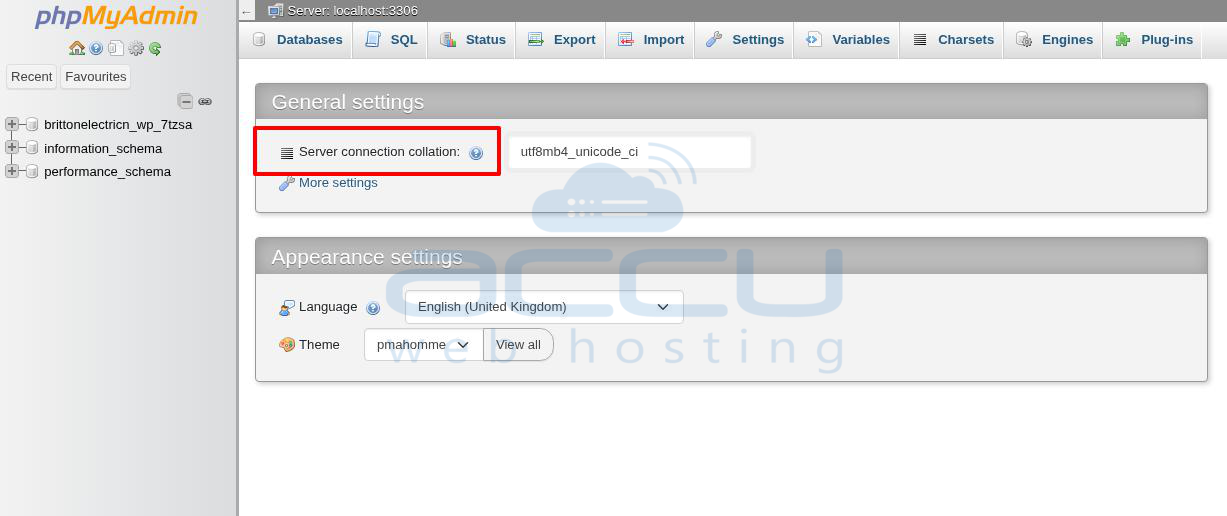
In phpMyAdmin, under the "Server collation" section, you will see a dropdown menu to select the collation.
Step 4: Set utf8mb4 Collation
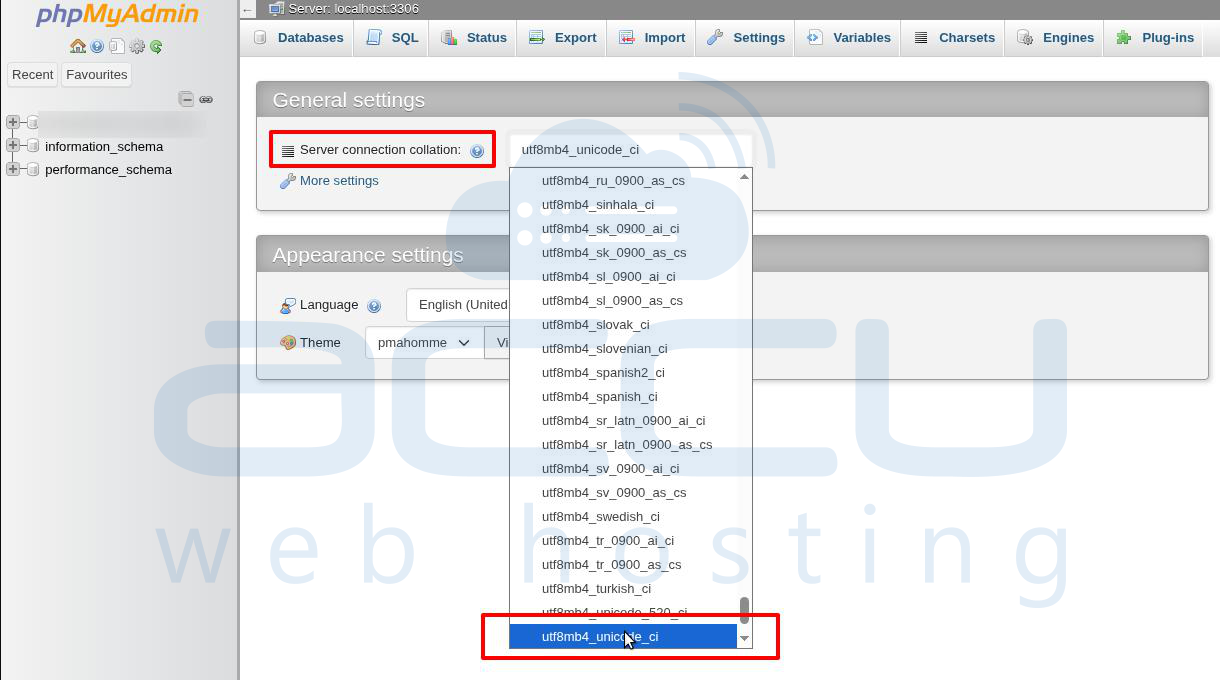
From the dropdown, choose any utf8mb4 variant (e.g., utf8mb4_unicode_ci or utf8mb4_general_ci) depending on your requirement.
phpMyAdmin will automatically save the selection once changed.
Conclusion
That’s it! You've successfully updated the MySQL server’s default collation to utf8mb4. This ensures proper support for full Unicode character sets, including emojis and multilingual text. For specific databases or tables, collation must be set individually—this guide changes the server default only.


