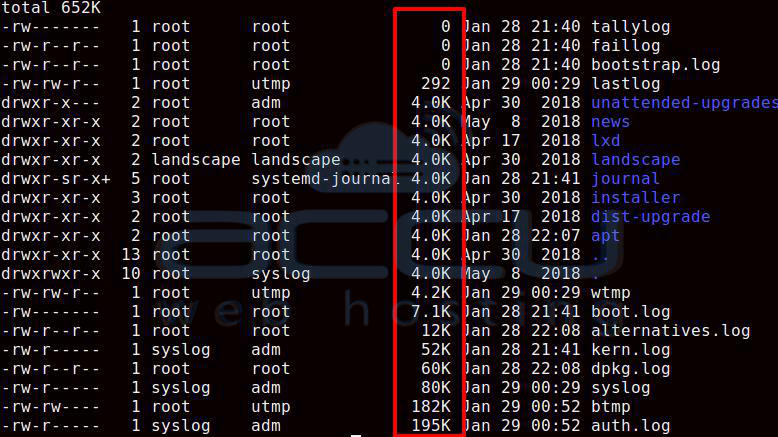
In Linux, we can list all the files using the ls command. Here, we will share some commands which will help you to sort the files in order of their size.
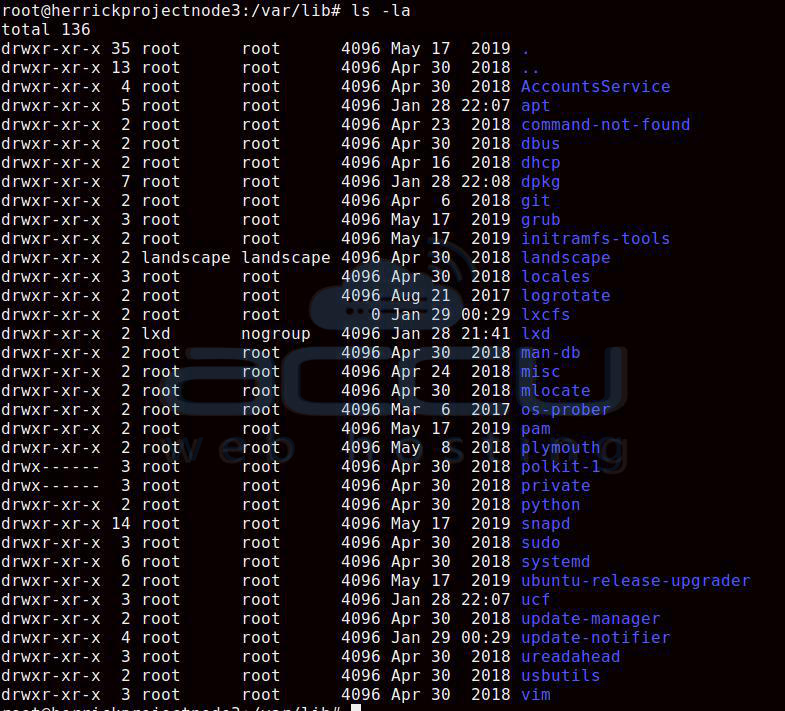
In the following command, we will list all the files in a directory, and this will also list the hidden files in that directory.
# ls -la
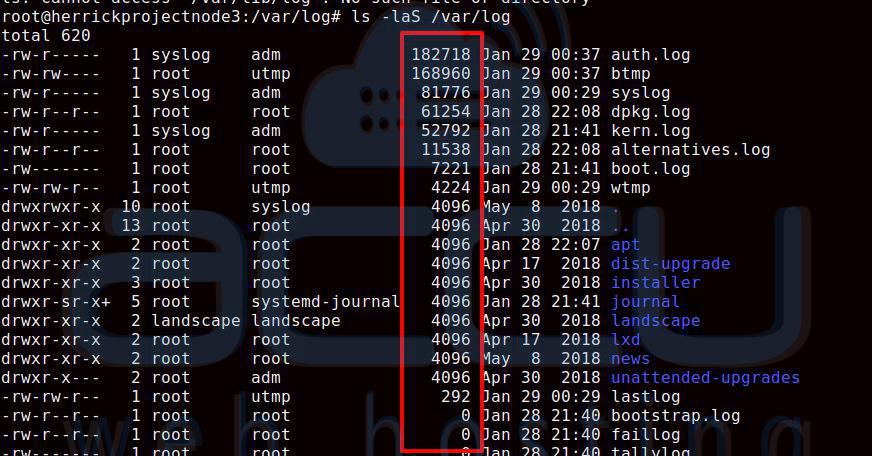
Here, we will use the -s option to list all the files in descending order (largest to smallest in size).
# ls -laS /var/log
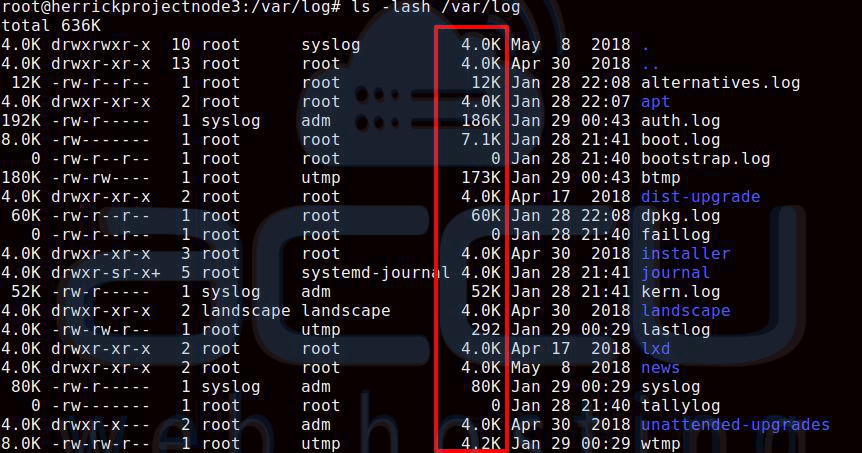
Now, if you want to see the file size in a human-readable format, you can add the -h option in the command.
# ls -laSh /var/log
If you want to sort the file in reverse order, please add r to # ls -laSh /var/log as mentioned below –
# ls -laShr /var/log