
At times, certain applications may block a specific port (like 80, 443, or 3306), preventing other services from using it. In such cases, identifying and terminating the process occupying that port is essential to free it up.
This guide will help you identify and kill a process running on a specific port in any Linux distribution using basic commands.
Steps to Kill a Process Running on a Specific Port:
Step 1: Check the Process ID (PID) for the Port
Use the below command to find the PID of the process occupying a specific port (replace 3306 with your desired port):
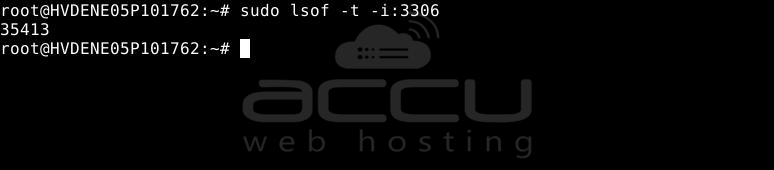
# sudo lsof -t -i:3306
Example output: 35413
Here, 35413 is the PID using port 3306.
Step 2: Kill the Process Using the PID
Once you have the PID, use the following command to terminate it:
# sudo kill -9 35413
Or combine both steps using this single-line command:
# sudo kill -9 $(sudo lsof -t -i:3306)

Conclusion:
To kill a process using a specific port in Linux, identify its PID using the lsof command and terminate it with kill -9. This is useful for freeing up ports when a service hangs or is misconfigured. Always verify the process before killing it to avoid disrupting important services.


