
Following are the steps to add Database in ISPConfig.
- Login to ISPConfig.
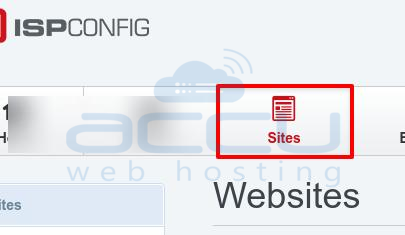
- Click on Sites.
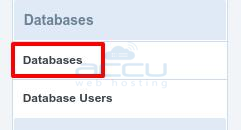
- Click on Databases.
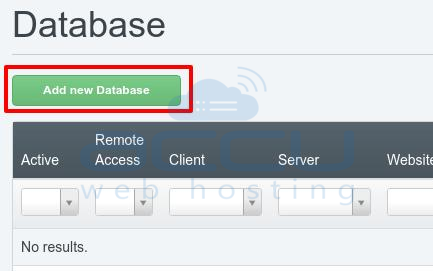
- Click on Add New Database.
- Enter the Required Details.

- Site : Website name for which you want add Database.
- Type : MySQL
- Database Name : Your DB Name
- Database Quota : Enter the Quota size for DB
- Database User : Select DB User from Drop-Down
- Database Charset : UTF-8
- Remote Access : Tick for Remote Access
- Remote Access IPs : You can enter the IPAddress if you want to connect the database remotely for any specific account.
- Active : Tick to Activate DB
- Click on Save Button.
- Database will be added to Database list. You can click on it to modify the Database Details.


