
Following are the steps to add a Website in ISPConfig
- Login to ISPConfig.
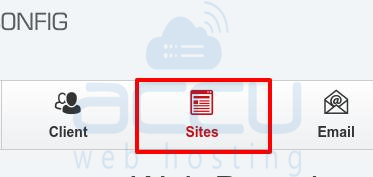
- Click on Sites Button.
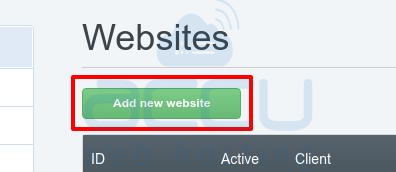
- Click on Add new WebSite.
- Enter Website Name, HardDisk, Traffic Quota (Bandwidth). Tick other features like CGI,SSI,Perl,Ruby,Python,SuEXEC,Own Error-Documents,Auto-Subdomain,Auto-Subdomain,SSL,Let's Encrypt SSL etc. Also, select the required php version.
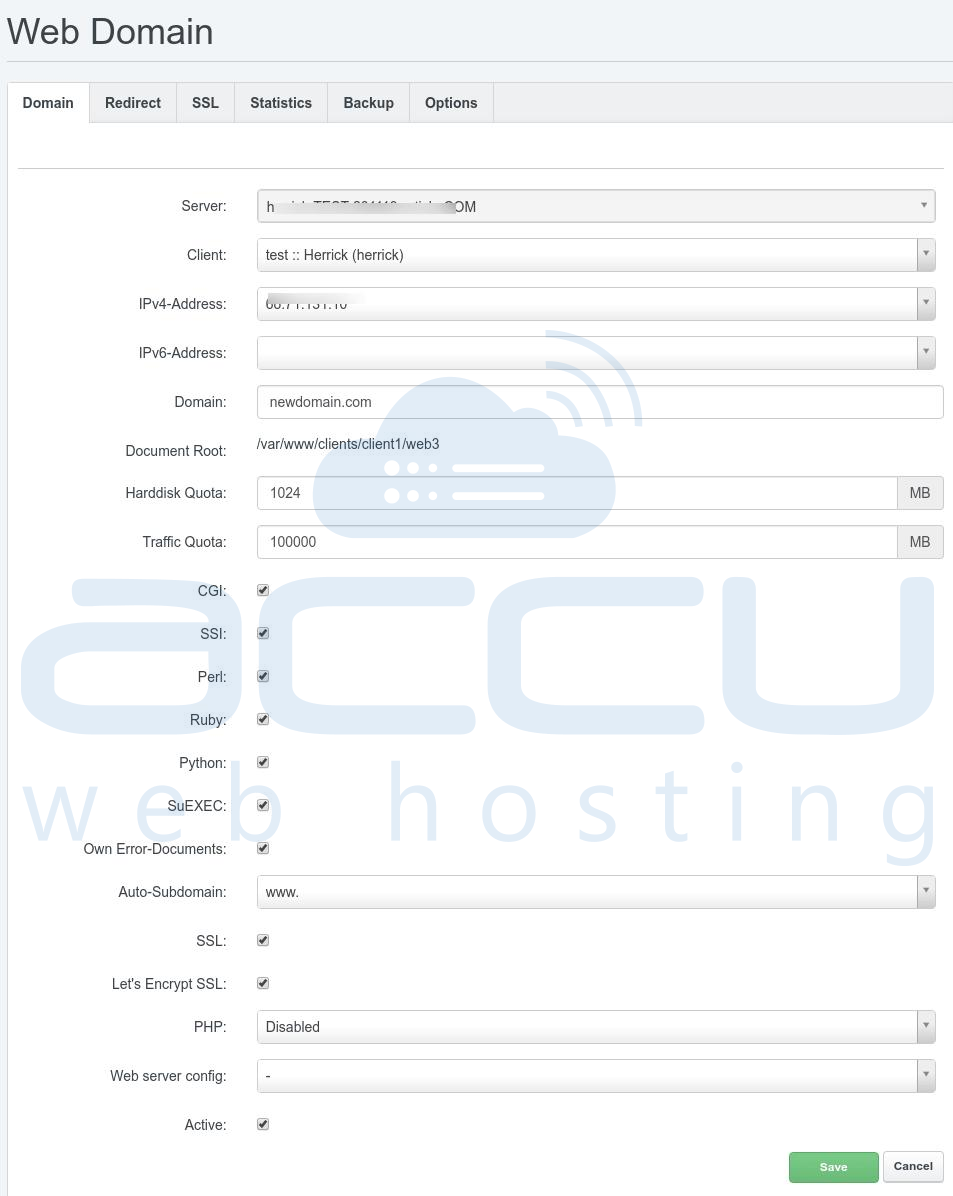
- Hit Save Button.
