
You can change the ISPConfig Password within Panel. Following are the steps to change it.
- Login to ISPConfig with IPAddress:8080
- Click on Tools Button.

- Inside User Settings >> Password and Languages.
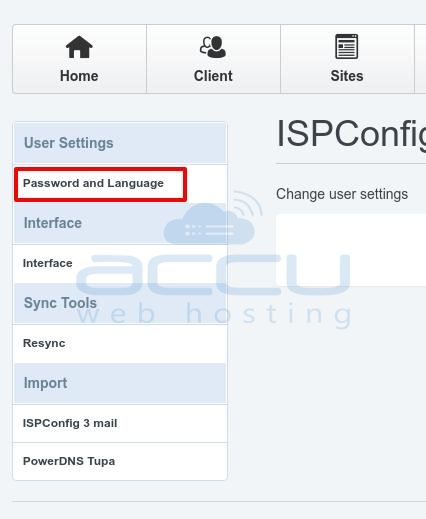
- At Settings Page. Enter and Repeat the Password which you want to change and click on Save Button.

- Click on Logout and try to login with the new Password.
