
Please refer to the following steps to change the Administrator User Password of the Windows 2016/ 2019 Server.
1. Log on to the computer using the Administrator user and click on the Window button left the bottom corner.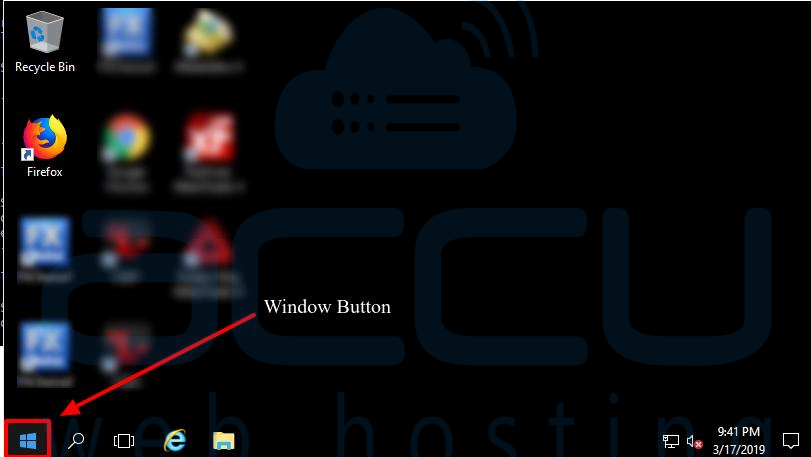
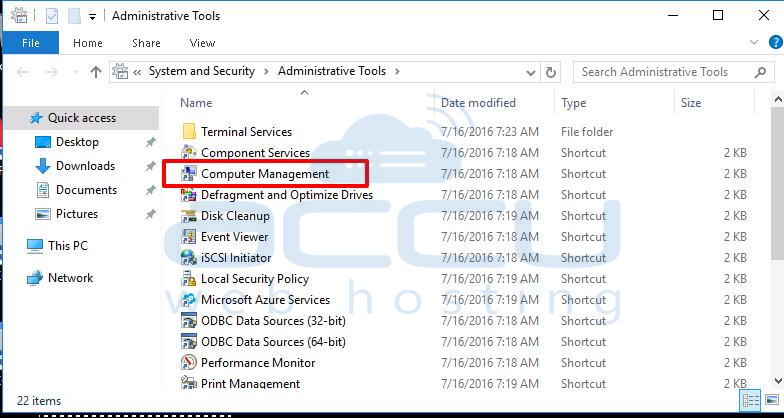
2. Select the Administrative tools and click on Computer Management. 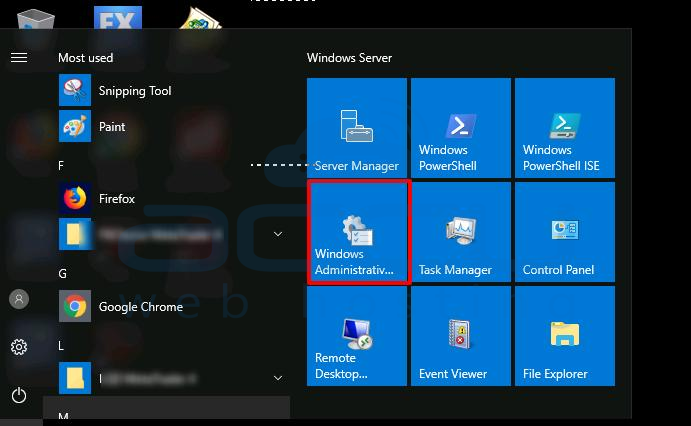
3. Click on Local Users and Groups >> Users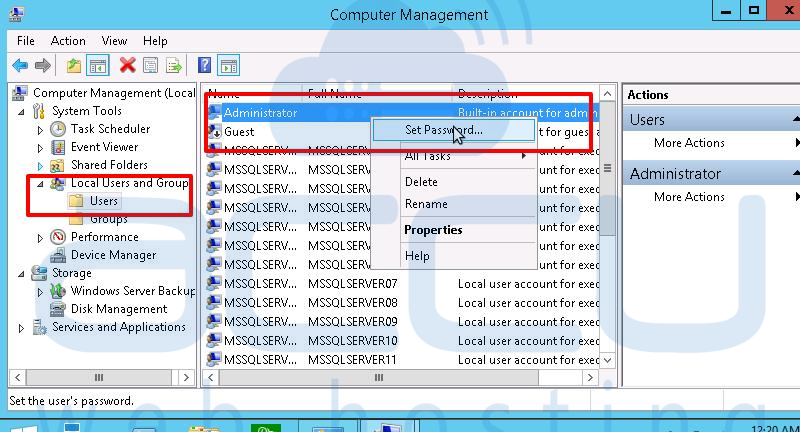
4. Right Click on Administrator User and click on the set password button. 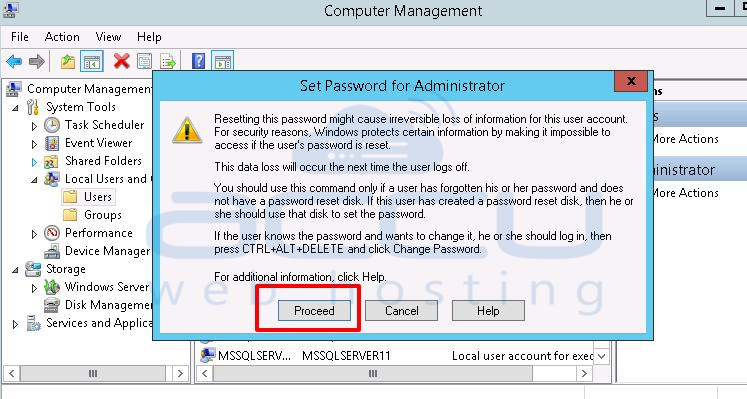
5. Enter the New Password and Confirm Password and hit the OK Button.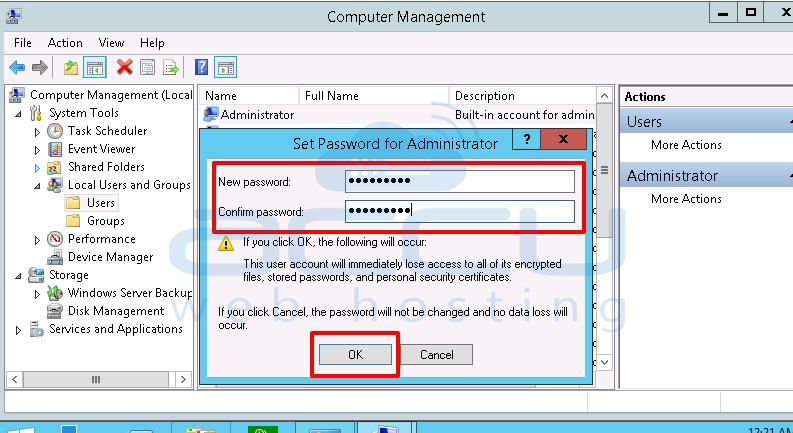
Now, you can log in to your VPS with the new Password.


