
Following are the steps to change the Administrator Password of Window Server 2012 R2 –
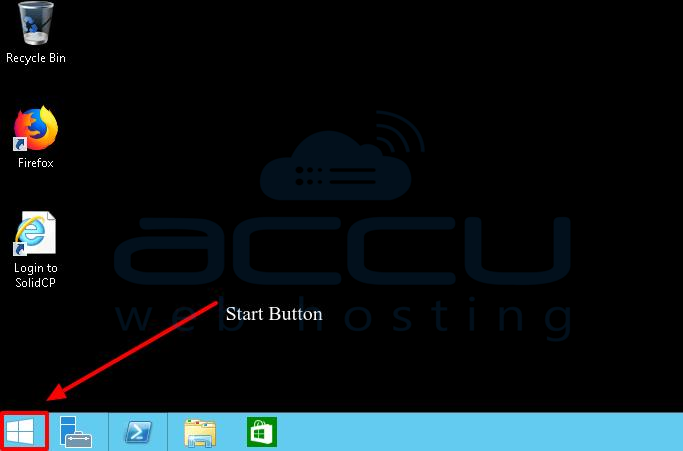
1. Log in to the computer using the Administrator User and click on the Window button left the bottom corner.
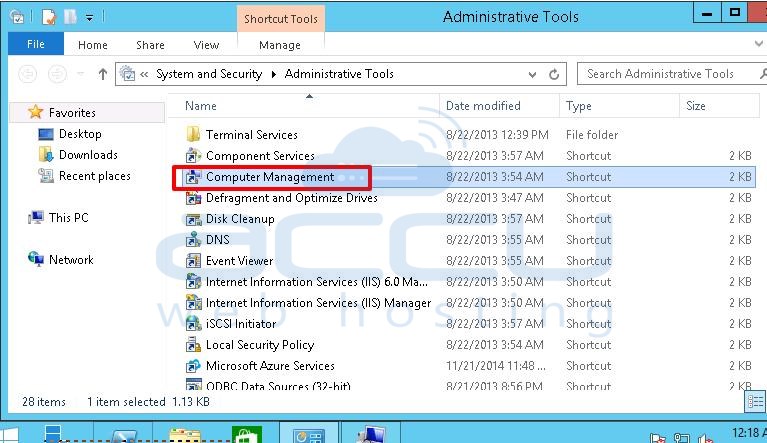
2. Select the Administrative Tools option and click on Computer Management.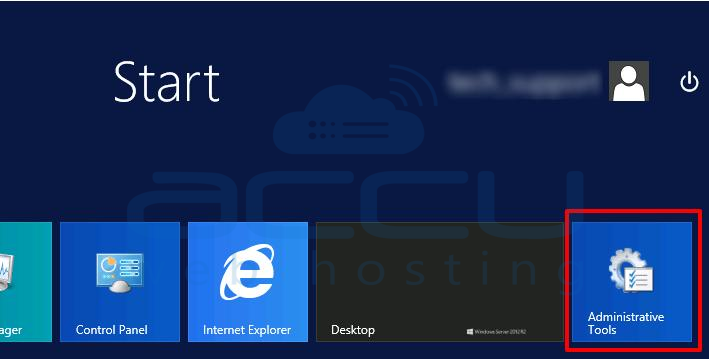
3. Click on Local Users and Groups >> Users.
4. Right-click on Administrator User and then on the Set Password button.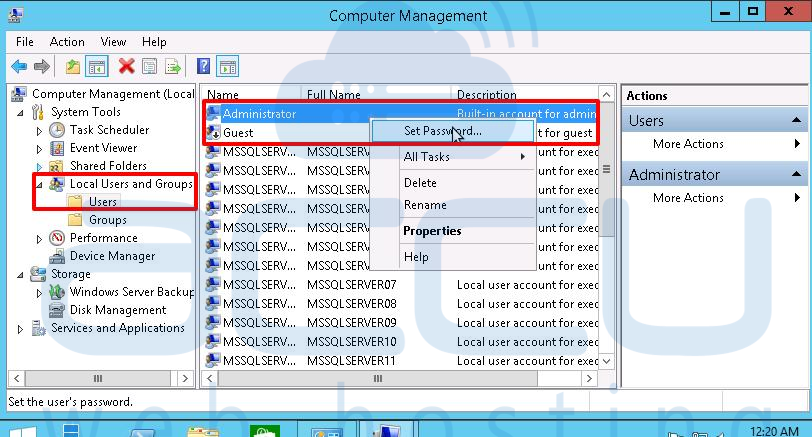
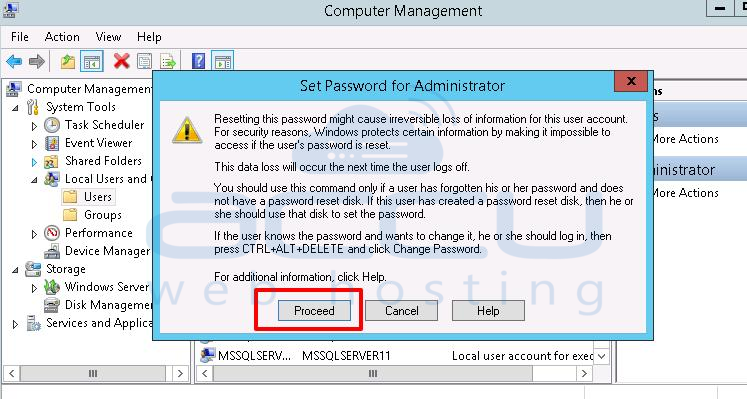
5. Enter the New password, Confirm password, and click the OK button.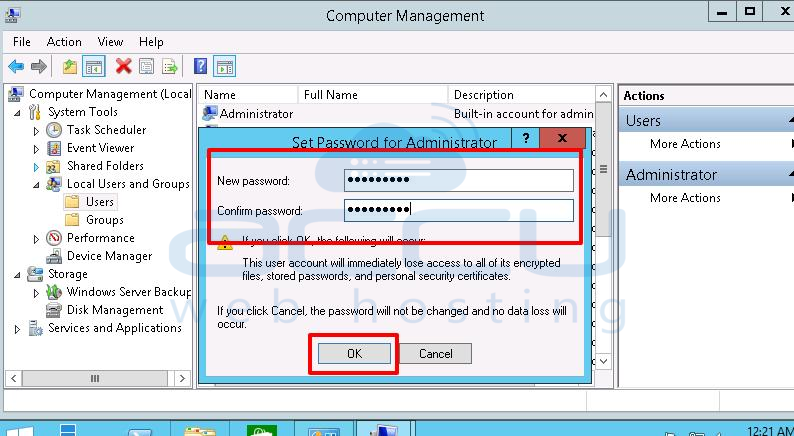
Now, you can log in to your VPS with the new password.


