Follow the below mentioned steps in order to create the temporary URL for your domain from the HELM control panel:

  1. Login to the HELM control panel.

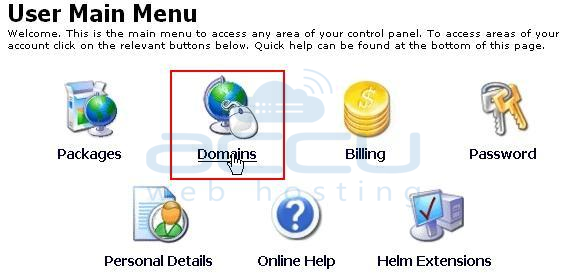
  2. Click on the Domains.

    Go to Domains Under a User


  3. Hit on your hosted domain e.g. testdomain.com.
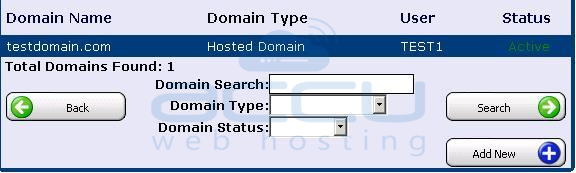
    Select a Domain for which You Need to Create a Temporary URL


  4. Click on the link,- Click here to create a temporary access URL.
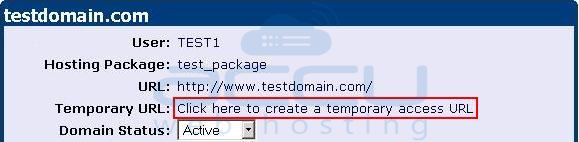
    Click to Create a Temporary URL


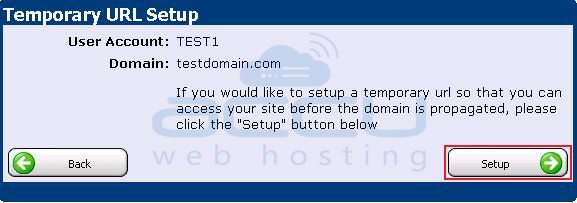
  5. Click on the Setup button.

    Temporary URL Set up


Now, the temporary URL for your domain will be created which would be similar to as below:
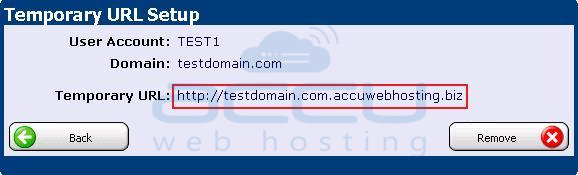
Verify Your Temporary URL


¿Le ha resultado útil esta respuesta? 237 Los usuarios encontraron esto útil (621 Votos)