
What is Memtester and How to Install It on Linux?
Memtester is a Linux-based command-line utility used to check system memory (RAM) for potential hardware errors. It helps in identifying unstable or faulty memory modules that may cause random server crashes, application failures, corrupted processes, or kernel-level instability.
Unlike offline hardware diagnostic tools, Memtester runs inside the operating system and performs memory stress tests by allocating a portion of RAM and repeatedly writing and reading data patterns to detect inconsistencies.
It is commonly used in server environments for initial memory troubleshooting before performing deeper hardware-level diagnostics.
Installation of Memtester on Linux
Memtester is available through default or additional repositories, depending on the Linux distribution.
Ubuntu / Debian-Based Systems
First, update the package list:
sudo apt update -y
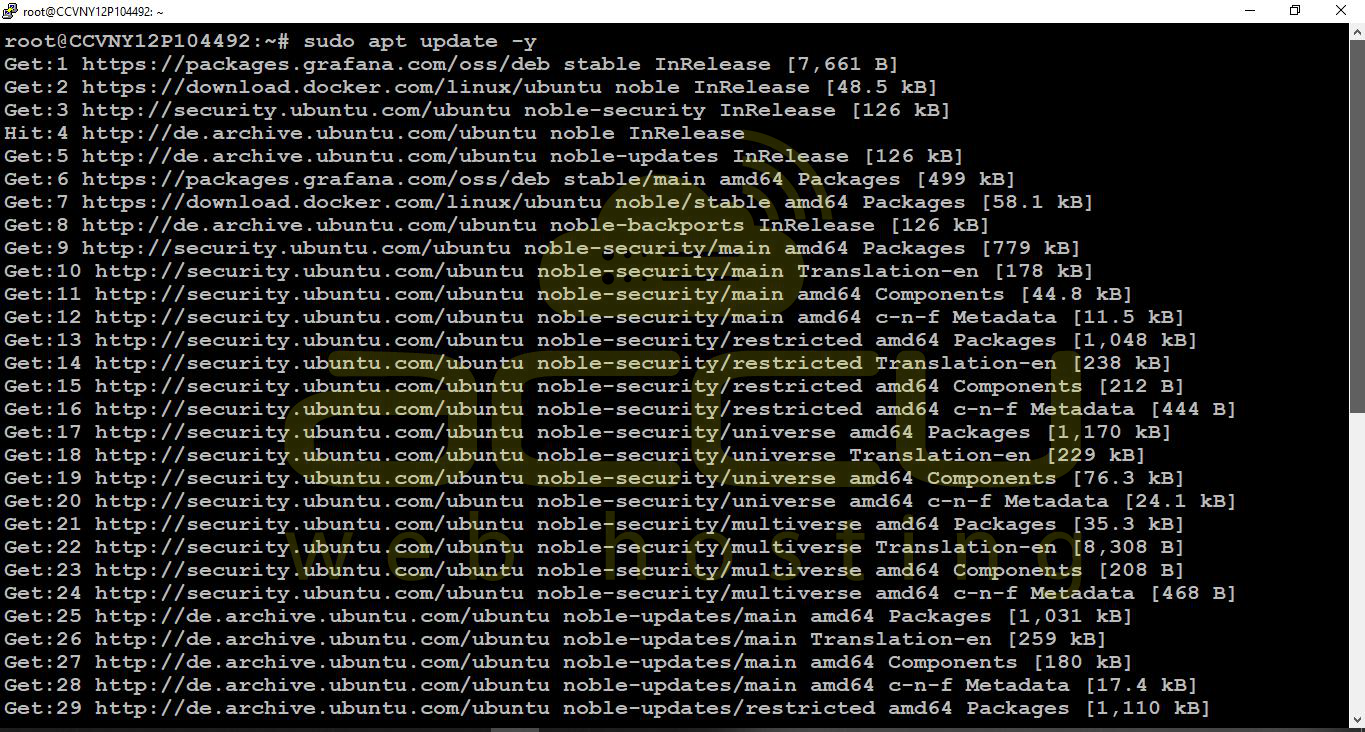
Then install Memtester:
sudo apt install memtester -y
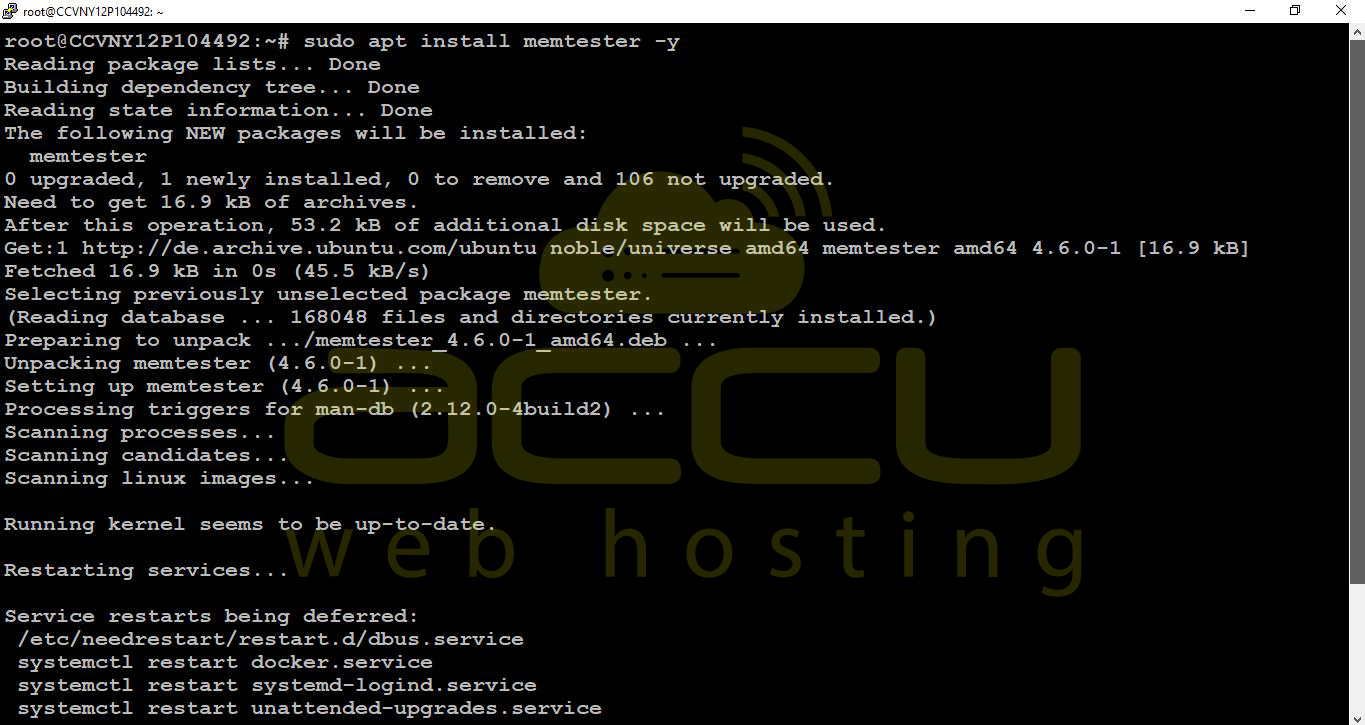
Once installed, the package will be available system-wide and can be executed from the terminal.
CentOS / RHEL / AlmaLinux
On Red Hat-based systems, Memtester is available via the EPEL repository.
Install EPEL release package:
sudo yum install epel-release -y
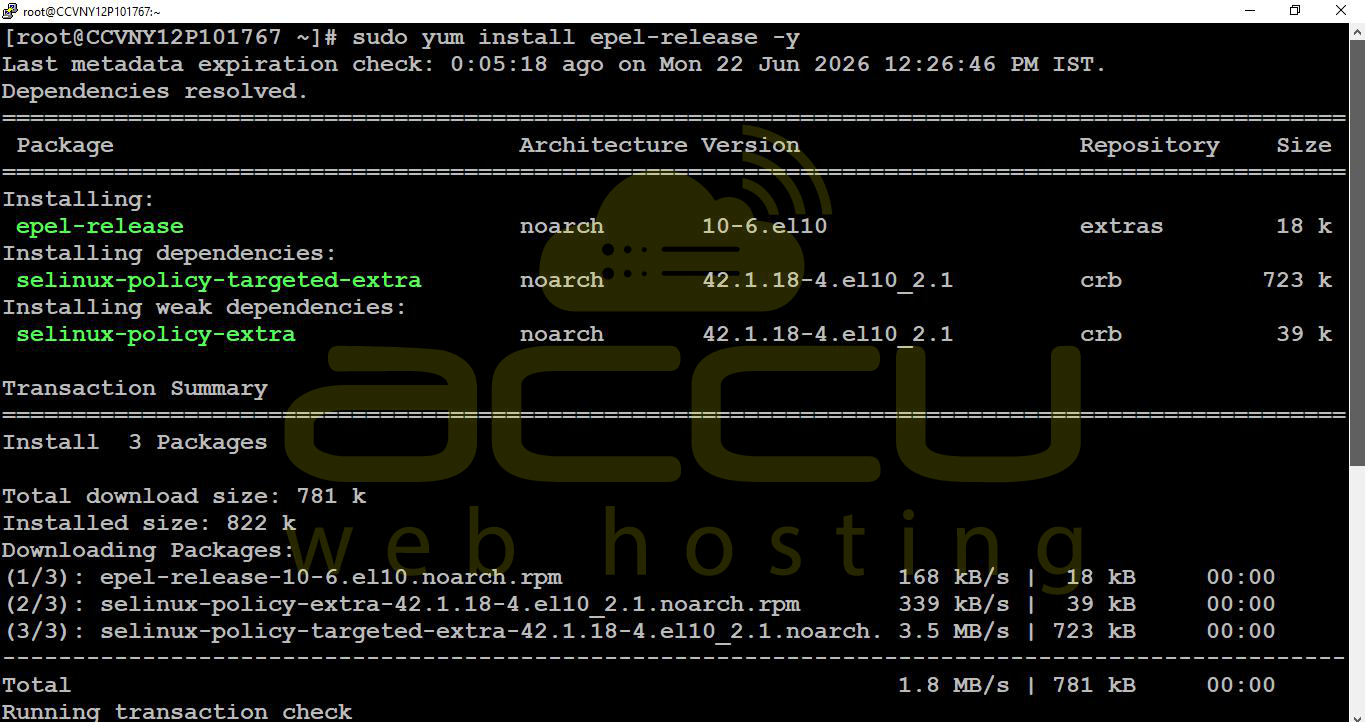
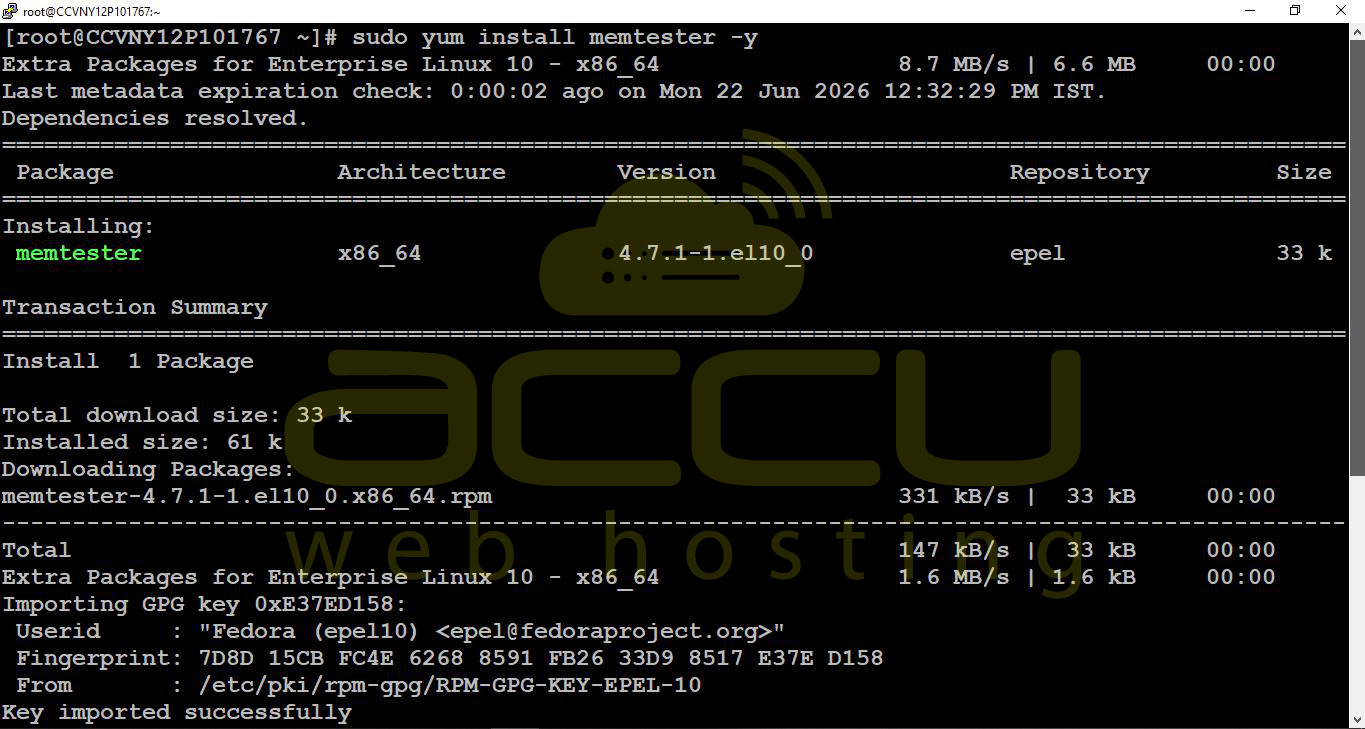
After enabling EPEL, install Memtester:
sudo yum install memtester -y
How to Use Memtester
Memtester requires two parameters to run: the amount of memory to test and the number of test iterations.
The basic syntax is:
memtester <memory_size> <iterations>
Example:
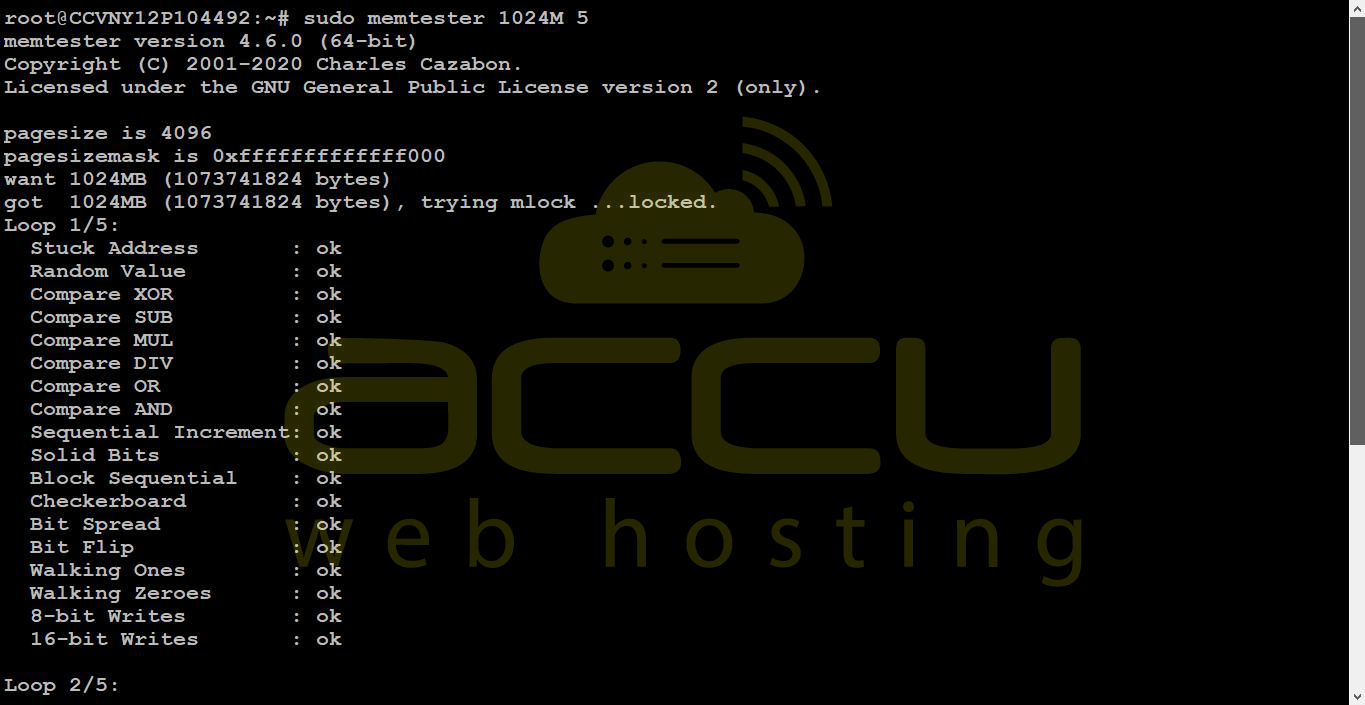
sudo memtester 1024M 5
In this example:
-
1024M defines 1GB of RAM to be tested
-
5 defines the number of test cycles
It is recommended to leave sufficient free memory for the operating system while running the test. Allocating all available RAM may cause system instability or service slowdown.
Interpreting Results
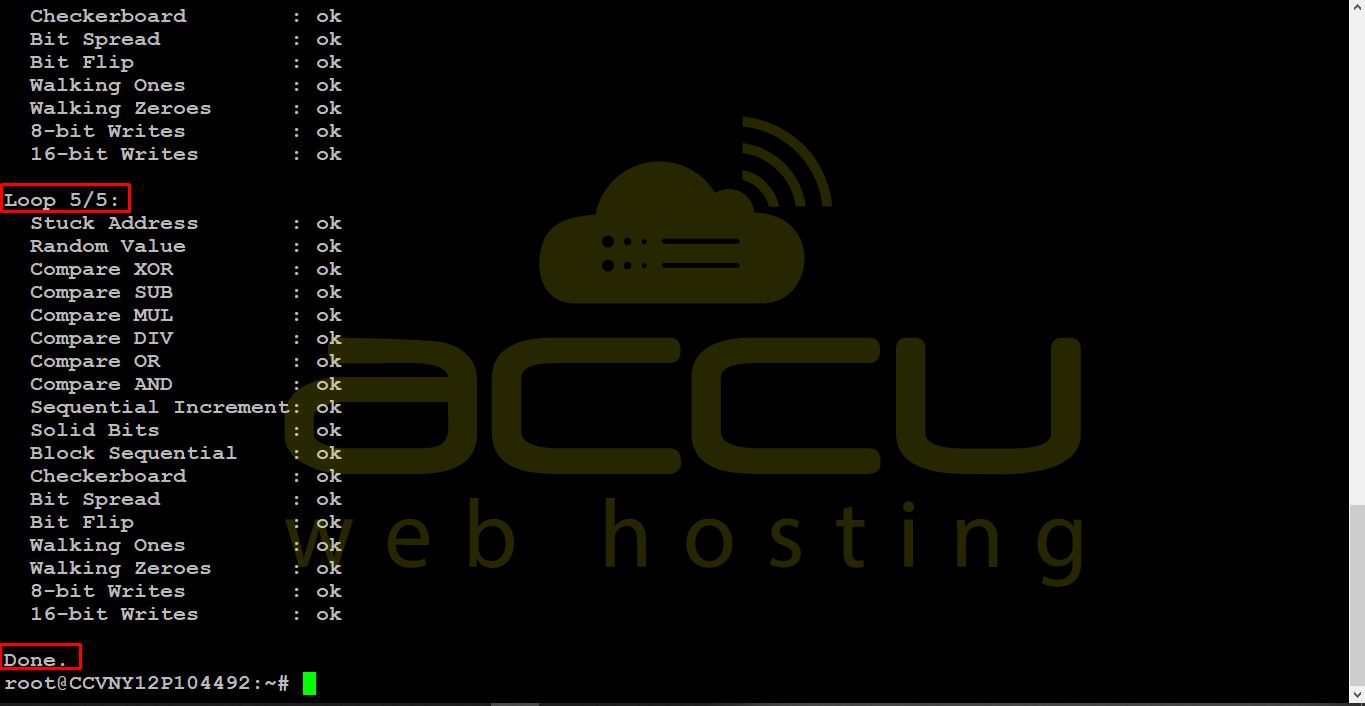
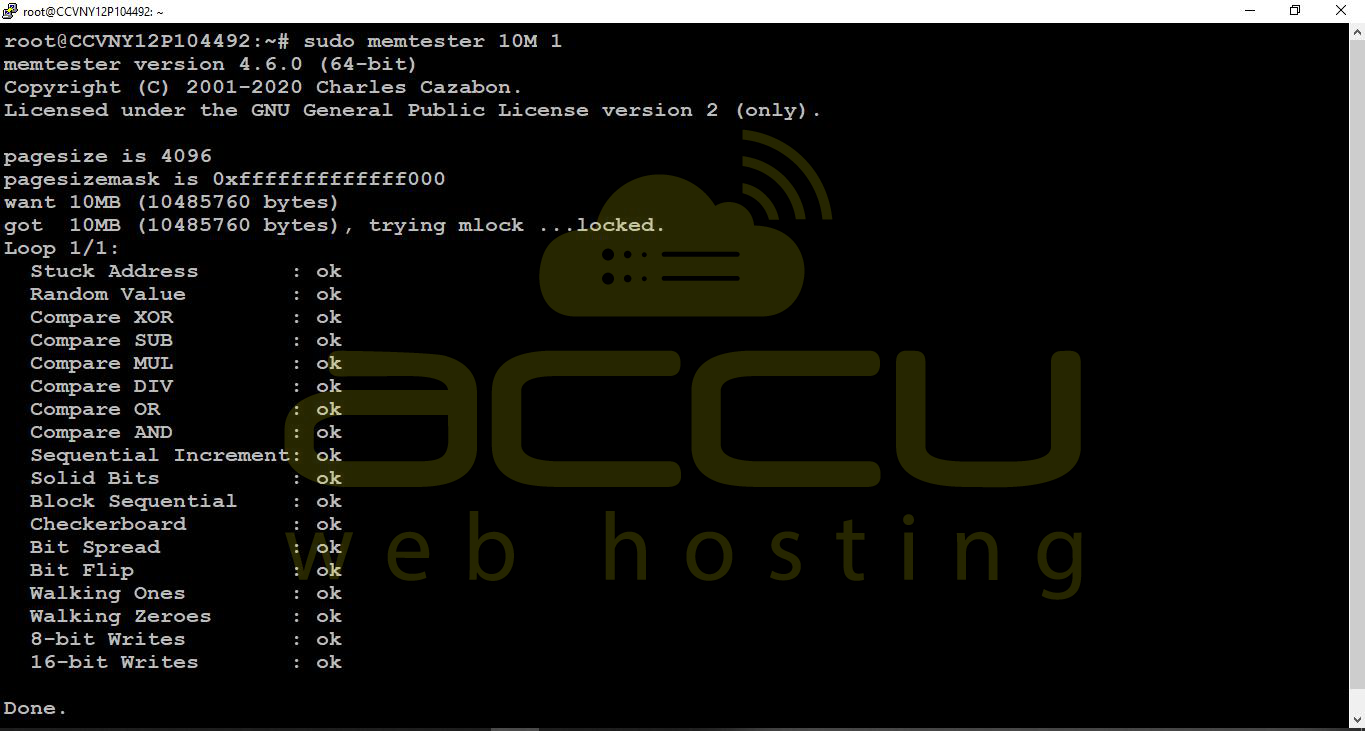
During execution, Memtester runs multiple memory stress patterns, including address testing, random value comparison, and bit-level verification.
If no issues are detected, the output will end with a success message indicating completion without errors.
If memory issues are found, Memtester will display error details, including the failing memory address and the type of mismatch detected. This usually indicates faulty RAM modules or unstable hardware.
-
Memtester should not be run during peak server usage on production environments
-
Always ensure sufficient free RAM is available before execution
-
The tool only tests allocated memory and does not scan full system memory by default
-
For complete hardware diagnostics, it is recommended to use boot-level tools such as Memtest86+
Conclusion
Memtester is a useful utility for identifying potential RAM-related issues on Linux servers without requiring a reboot. It provides a quick way to validate memory stability from within the operating system and is commonly used as a first step in troubleshooting memory-related performance or crash issues.
However, it should be used as a supplementary tool and not as a replacement for full hardware diagnostic testing.


