
Introduction:
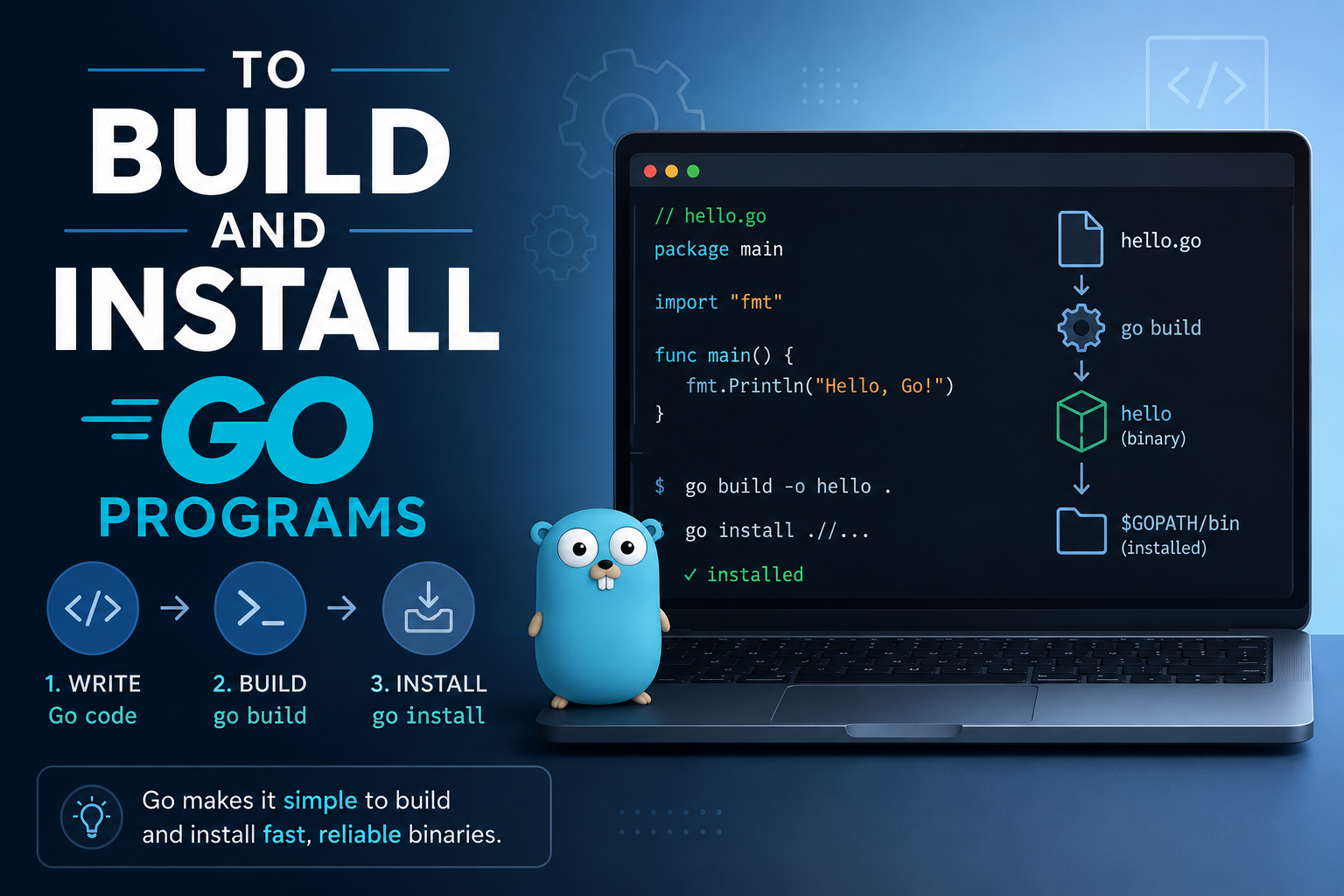
Go, also known as Go Programming Language, is a fast and efficient open-source programming language developed by Google. It is widely used for building web applications, APIs, cloud services, and command-line tools.
On an Ubuntu 24 VPS, you can easily install Go, build programs from source, and create executables for deployment. In this article, we will explain how to install Go, configure the environment, build Go applications, and run them on your server.
Benefits of Using the Go Programming Language:
- Fast Performance
- Simple and Easy to Learn
- Excellent Concurrency Support
- Strong Standard Library
- Cross-Platform Compilation
- Single Binary Deployment
- Great for Cloud and DevOps Tools
- Excellent for Microservices
Prerequisites:
Before you begin, ensure you have:
-
An Ubuntu 24 VPS
-
A non-root user with sudo privileges
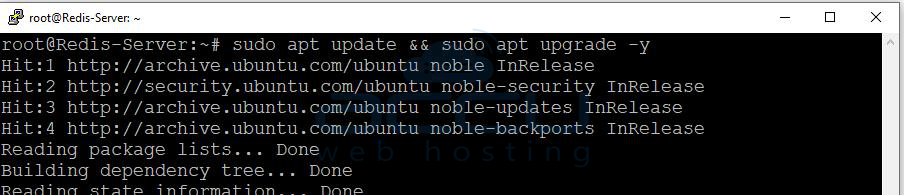
Update your system packages first:
sudo apt update && sudo apt upgrade -y
Step 1: Download the Latest Go Version
Visit the official Go downloads page:
You can also check the latest version directly from the terminal.
Download the latest Go release:
wget https://go.dev/dl/go1.24.3.linux-amd64.tar.gz
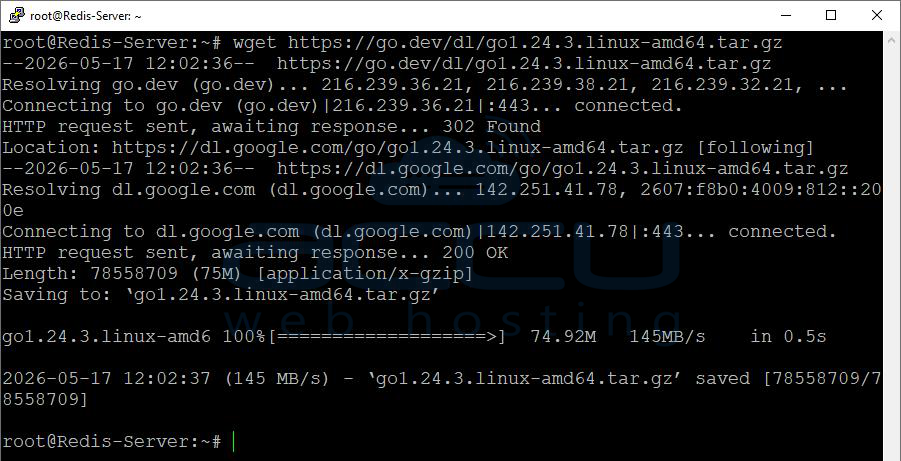
Replace the version number if a newer release is available.
Step 2: Remove Any Existing Go Installation
If Go is already installed, remove the old version first:
sudo rm -rf /usr/local/go

Step 3: Install Go on Ubuntu 24
Extract the downloaded archive to /usr/local:
sudo tar -C /usr/local -xzf go1.24.3.linux-amd64.tar.gz

Step 4: Configure Go Environment Variables
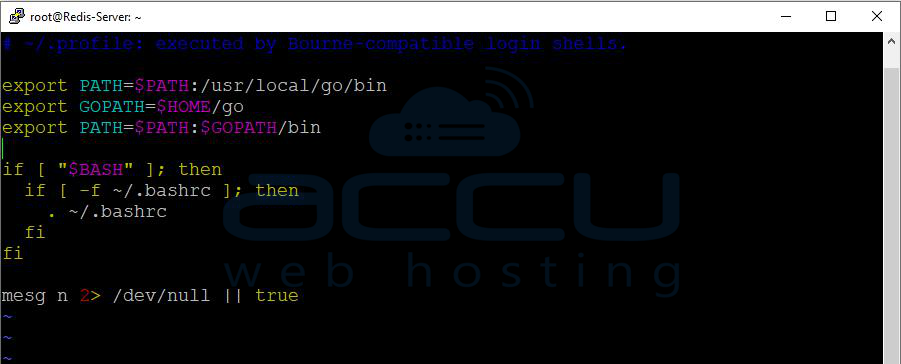
Open the profile configuration file:
nano ~/.profile
Add the following lines at the end of the file:
export PATH=$PATH:/usr/local/go/bin
export GOPATH=$HOME/go
export PATH=$PATH:$GOPATH/bin
Save and close the file.
Apply the changes:
source ~/.profile
Step 5: Verify the Installation
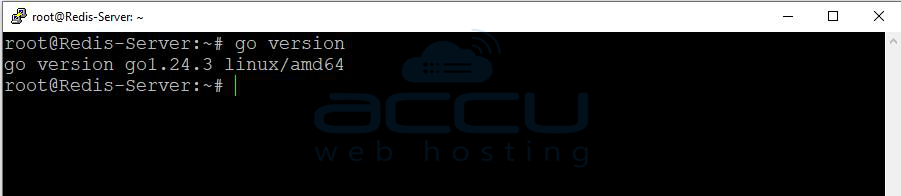
Check the installed Go version:
go version
Example output:
go version go1.24.3 linux/amd64
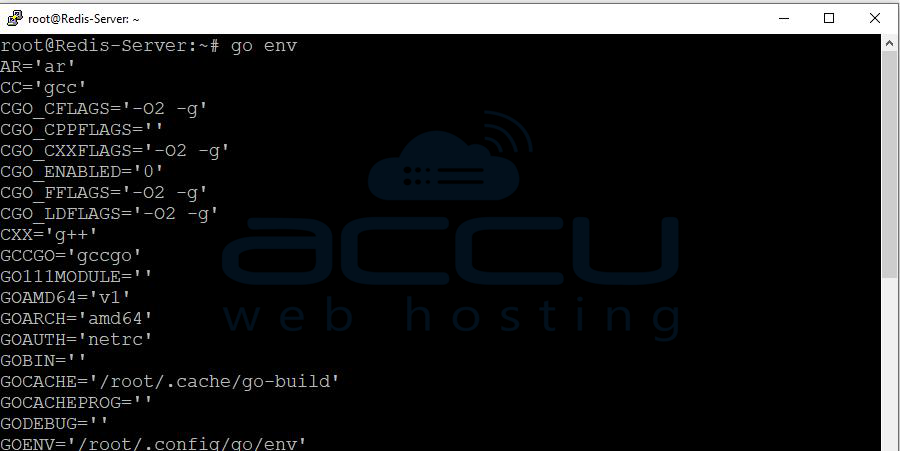
You can also verify the Go environment:
go env
Step 6: Create a Simple Go Program
Create a new project directory:
mkdir -p ~/go-projects/hello
cd ~/go-projects/hello
Create a Go source file:
nano main.go
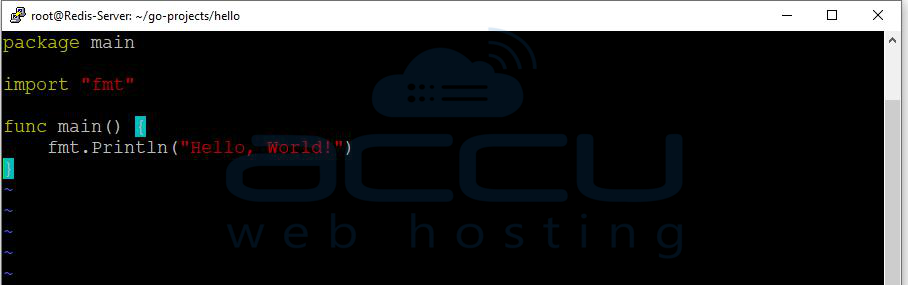
Add the following code:
package main
import "fmt"
func main() {
fmt.Println("Hello, World!")
}
Save the file.
Step 7: Build the Go Program
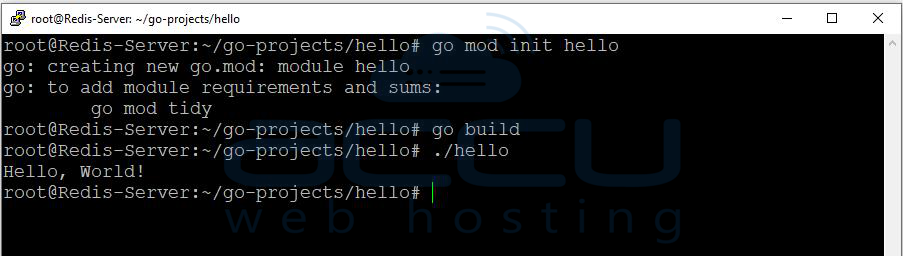
Compile the application using:
go build
This command creates an executable binary in the current directory.
Run the program:
./hello
Output:
Hello, World!
Step 8: Install a Go Program
To install the binary into your Go workspace, use:
go install
The executable will be stored in:
~/go/bin
You can run it directly:
~/go/bin/hello

Conclusion
In this article, we have explained how to install the Go Programming Language on an Ubuntu 24 VPS, configure the Go environment, and compile applications.
With Go properly configured, you can now build APIs, automation tools, web services, and cloud-native applications directly on your VPS.
If you encounter any issues during installation, please feel free to contact us via chat or support. Our support team will assist you with the installation process.


