
Introduction
Monitoring servers is an essential task for system administrators and DevOps engineers. It helps detect issues early, maintain uptime, and ensure infrastructure stability.
One powerful open-source monitoring solution is NetXMS. It is a full-featured enterprise monitoring system designed to monitor:
- Servers
- Network devices
- Applications
- Cloud infrastructure
- Virtual environments
NetXMS supports both agent-based and agentless monitoring. In agentless monitoring, no monitoring agent needs to be installed on the target servers. Instead, monitoring is done through protocols like:
- ICMP (Ping)
- SNMP
- SSH
- WMI
- Network service checks
This guide explains how to install and configure NetXMS on an Ubuntu VPS and monitor servers without installing agents.
What is NetXMS?
NetXMS (Network Management and Monitoring System) is an open-source enterprise monitoring platform used for infrastructure monitoring and network management.
Key Features
- Infrastructure monitoring
- Network discovery
- Performance monitoring
- Alerting and event management
- Agentless monitoring
- SNMP monitoring
- Visualization dashboards
- Custom scripts and automation
It provides a centralized monitoring server where administrators can monitor all infrastructure.
NetXMS Architecture
NetXMS has several core components:
1. NetXMS Server
Central monitoring engine that collects and processes monitoring data.
2. Database
Stores monitoring data, alerts, configuration, and history.
3. Management Client
GUI interface used by administrators to manage monitoring.
4. Monitoring Agents (Optional)
Installed on servers if deep monitoring is required.
For agentless monitoring, only the server and database are required.
System Requirements
Before installing NetXMS, ensure your Ubuntu VPS meets the following requirements.
Minimum Requirements
- CPU: 1 Core
- RAM: 1 GB
- Disk: 10 GB
- OS: Ubuntu 20.04 / 22.04 / 24.04
Ubuntu versions like Ubuntu 20.04, 22.04, and 24.04 are officially supported platforms for NetXMS.
Preparing the Ubuntu VPS
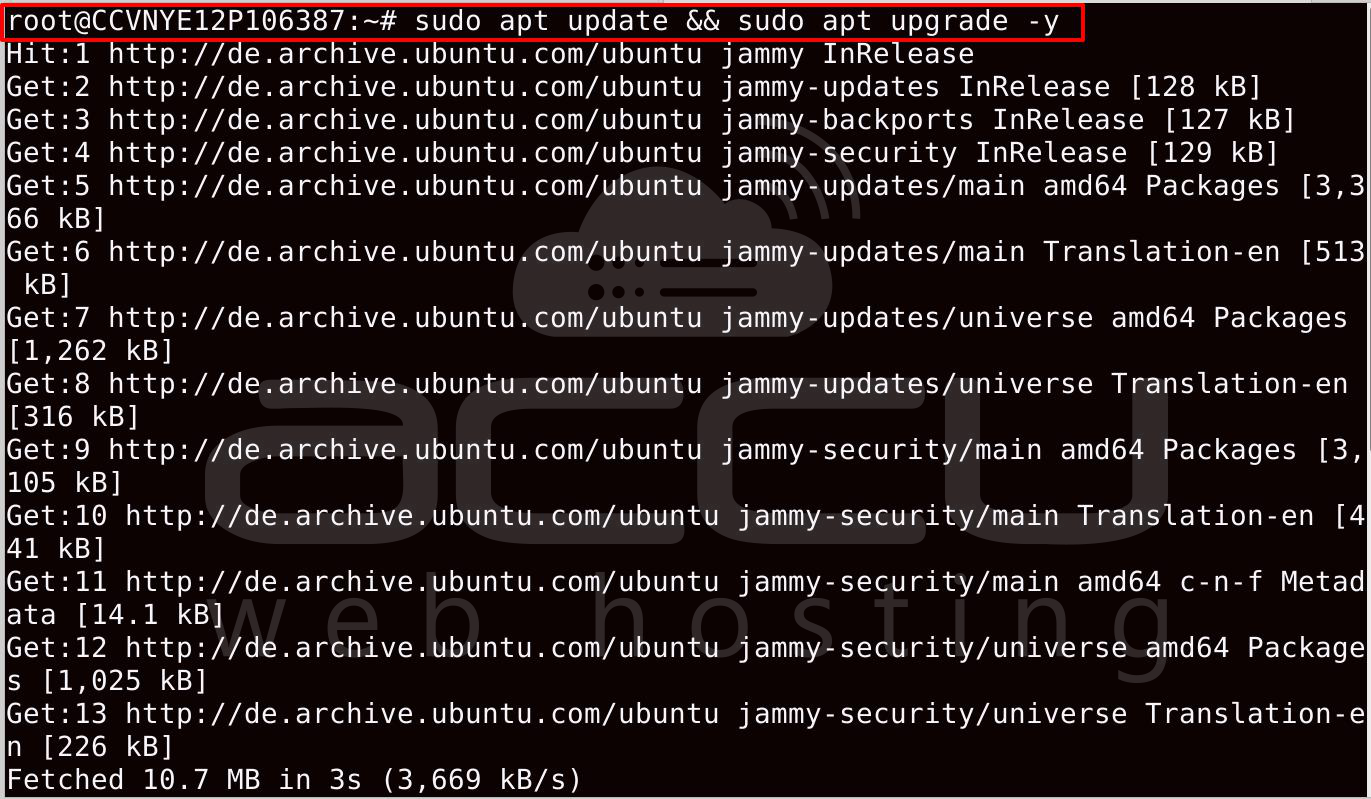
First, update your system.
sudo apt update && sudo apt upgrade -y
Install NetXMS Repository
NetXMS packages are available via an official repository.
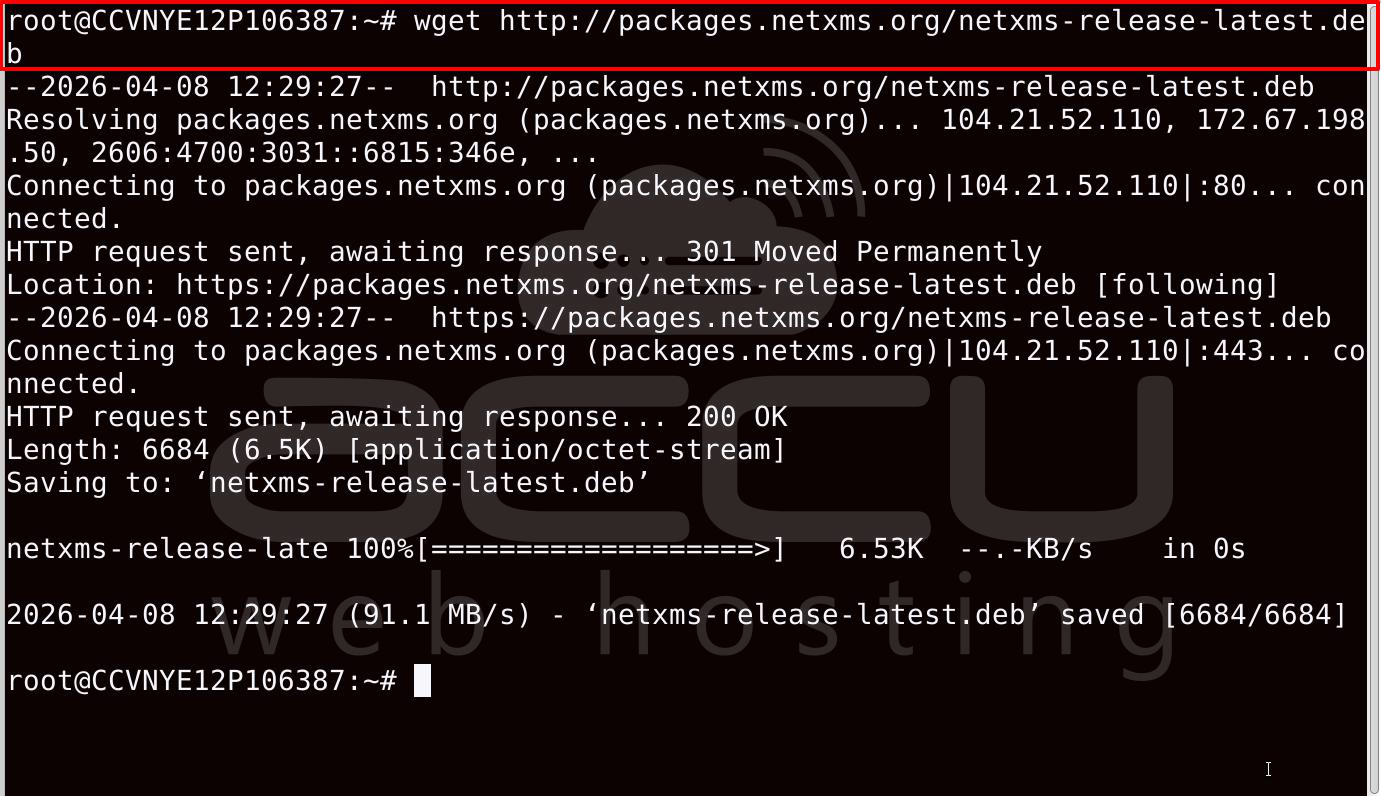
Download repository package:
wget http://packages.netxms.org/netxms-release-latest.deb
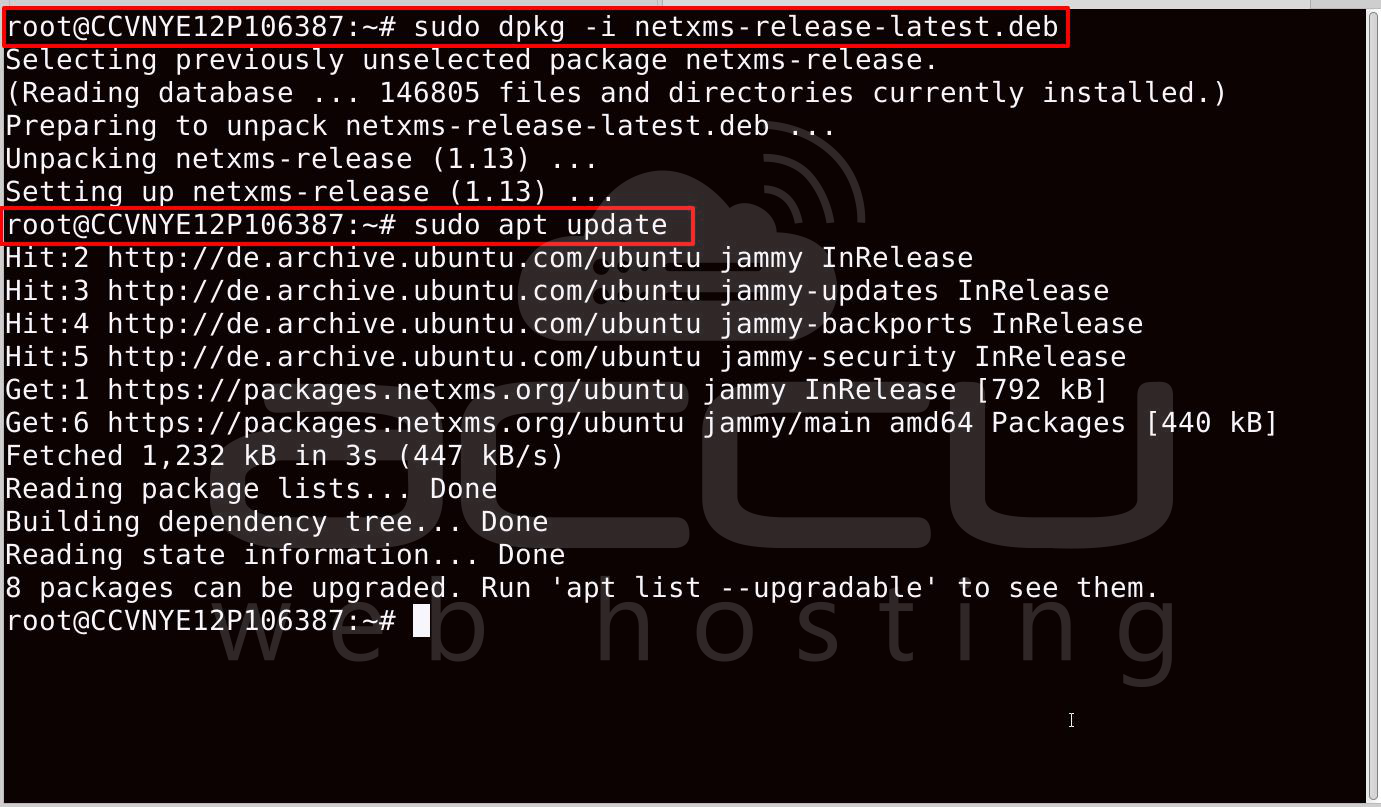
Install repository:
sudo dpkg -i netxms-release-latest.deb
Update packages list:
sudo apt update
Install NetXMS Server
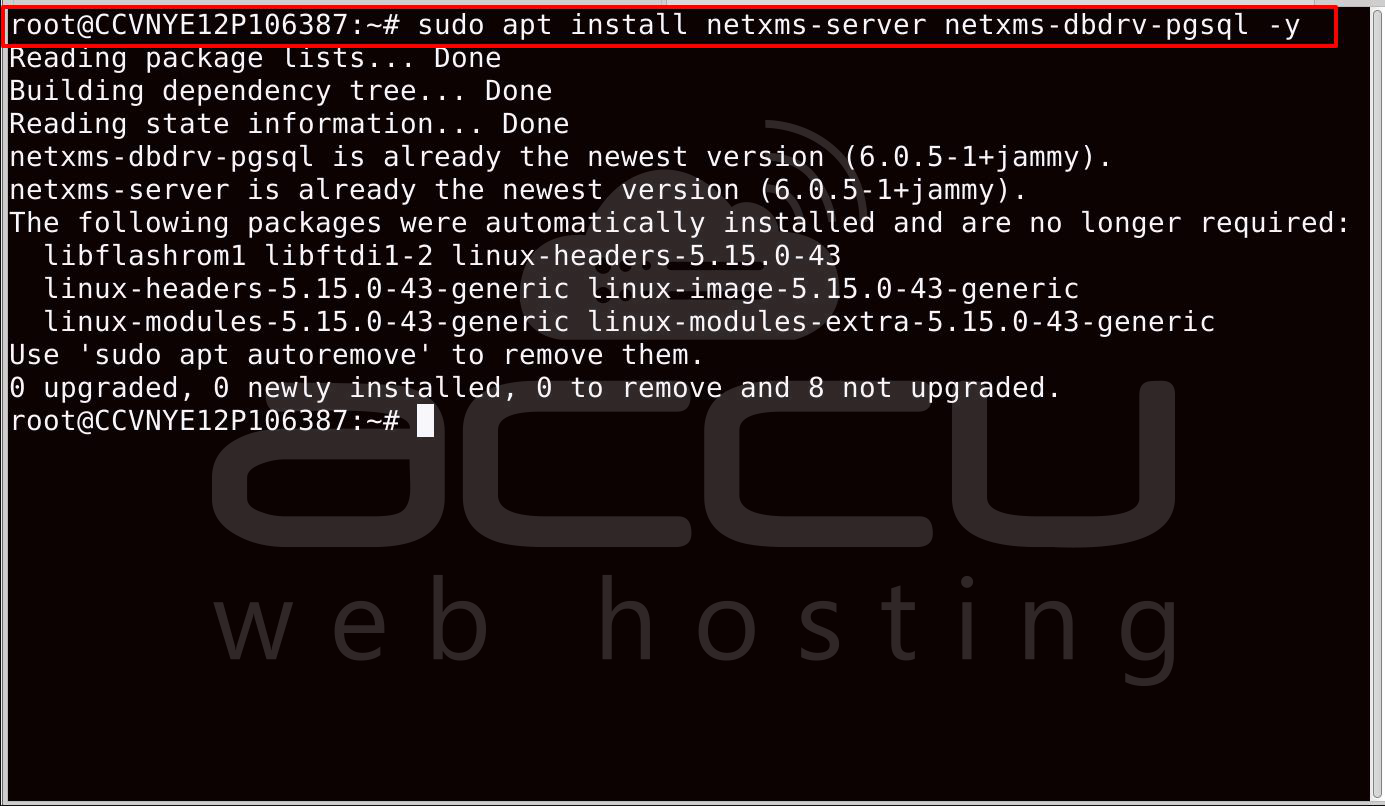
Now install the NetXMS server and database driver.
Example using PostgreSQL driver:
sudo apt install netxms-server netxms-dbdrv-pgsql -y
NetXMS requires two components to run:
- netxms-server
- database driver package.
Install and Configure PostgreSQL Database
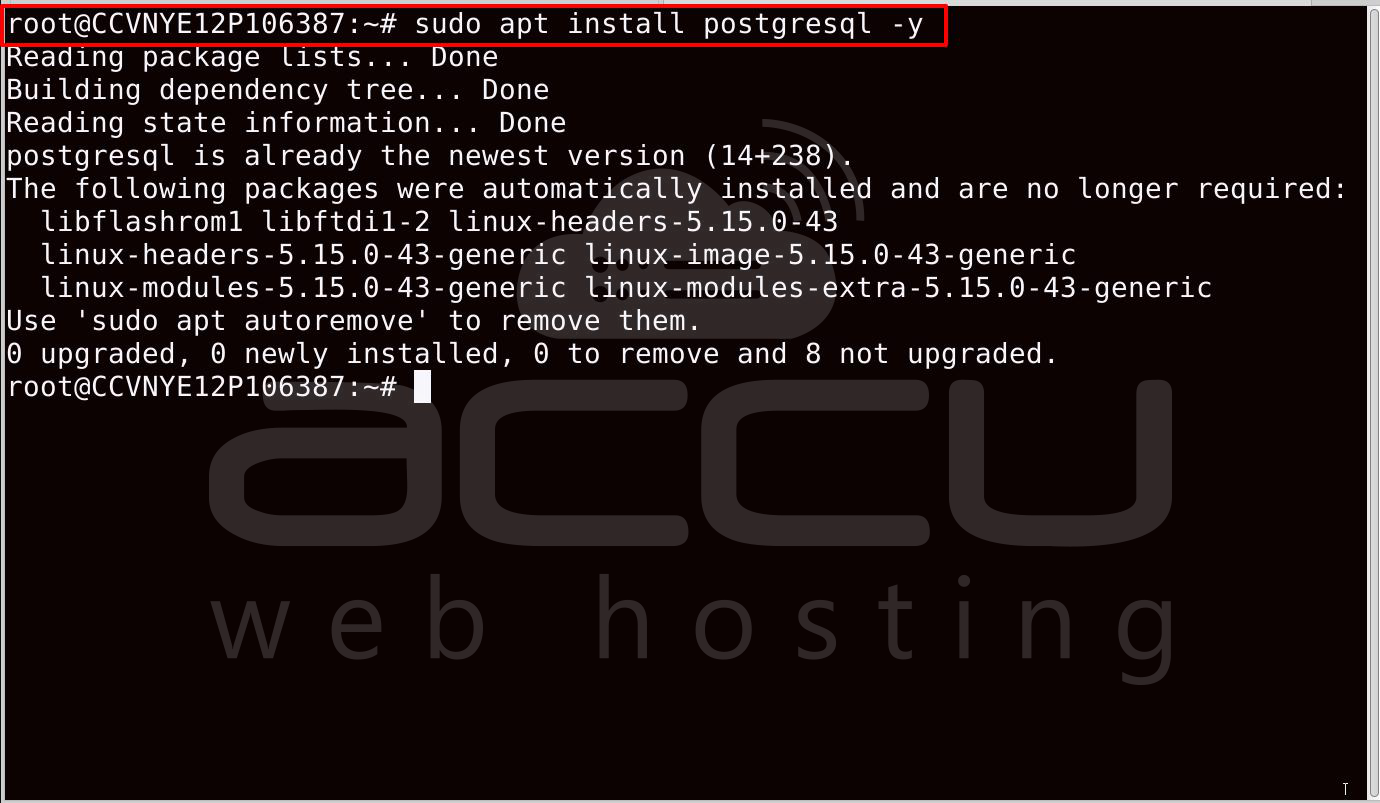
Install PostgreSQL:
sudo apt install postgresql -y
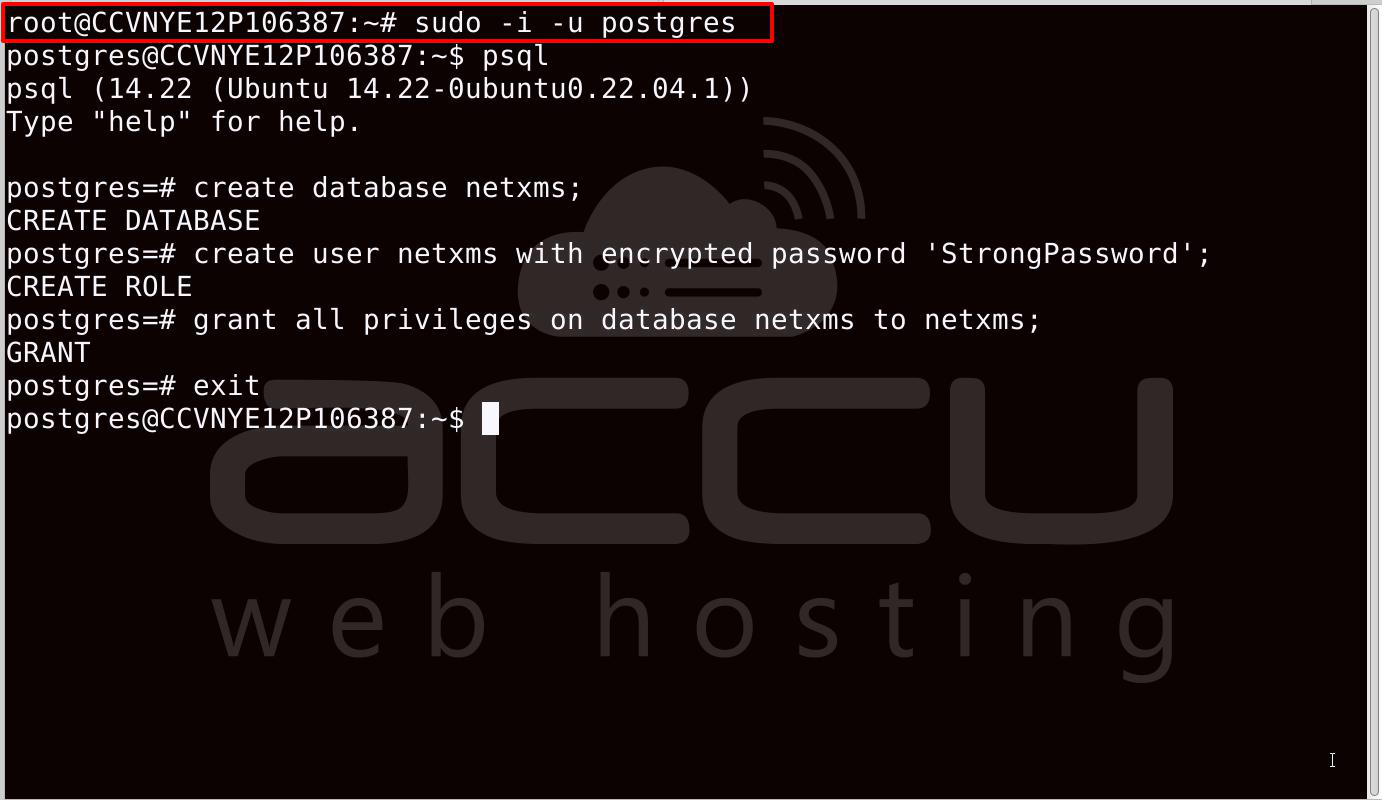
Switch to PostgreSQL user:
sudo -i -u postgres
Create database:
create database netxms;
create user netxms with encrypted password 'StrongPassword';
grant all privileges on database netxms to netxms;
Exit postgres:
Exit
Configure NetXMS Server
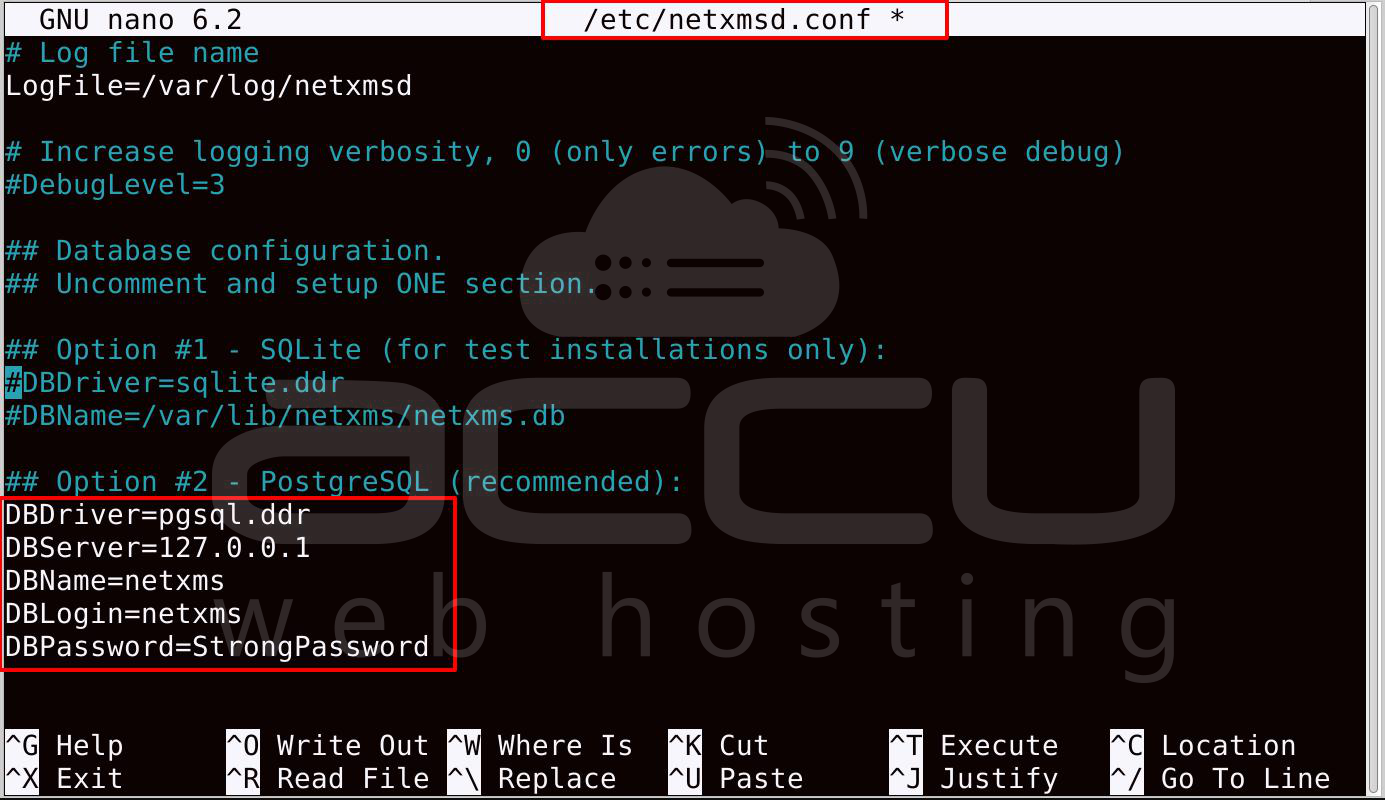
Edit the NetXMS configuration file.
sudo nano /etc/netxmsd.conf
Modify database configuration:
DBDriver=pgsql.ddr
DBServer=127.0.0.1
DBName=netxms
DBLogin=netxms
DBPassword=StrongPassword
Save and exit.
Initialize NetXMS Database
Now, initialize the NetXMS database schema.
sudo nxdbmgr init
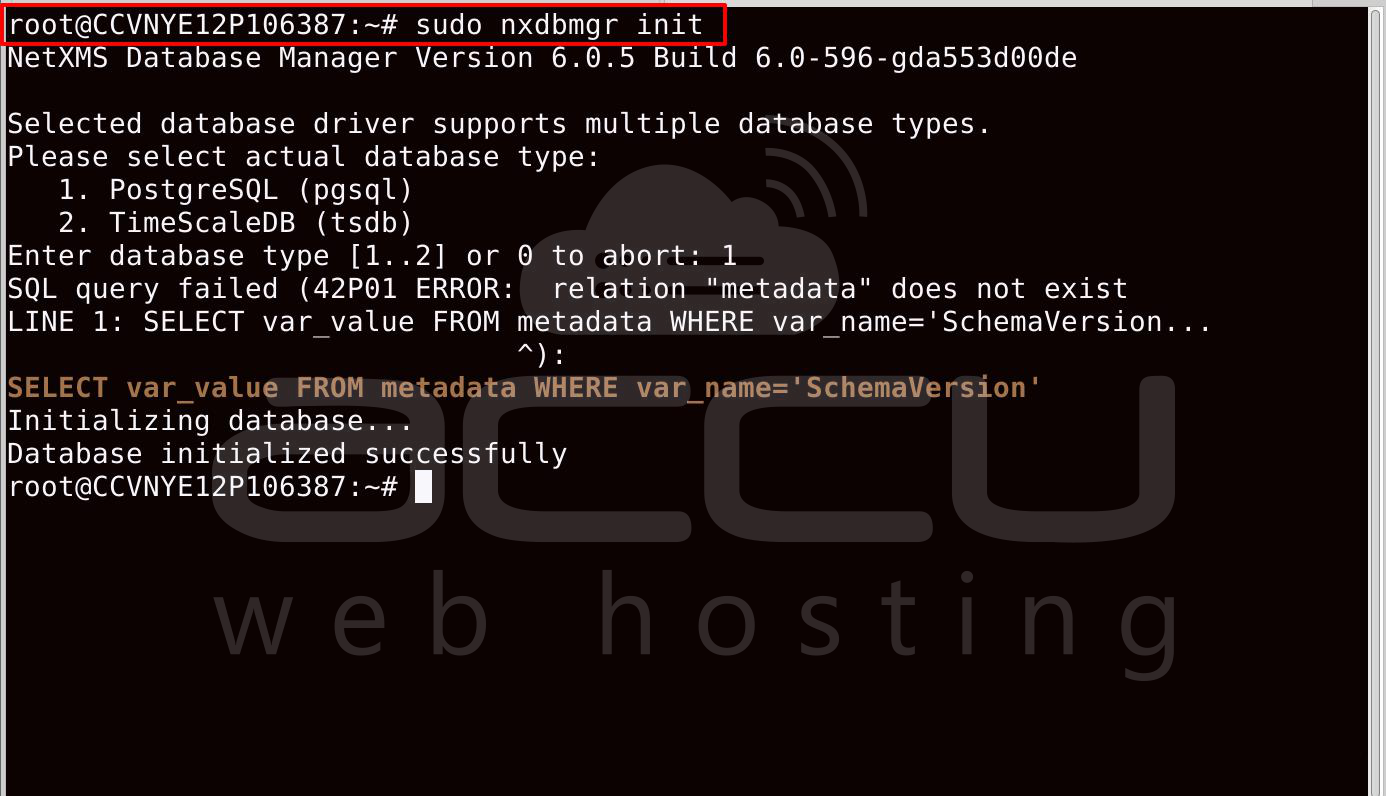
This command creates the required tables and loads the default configuration.
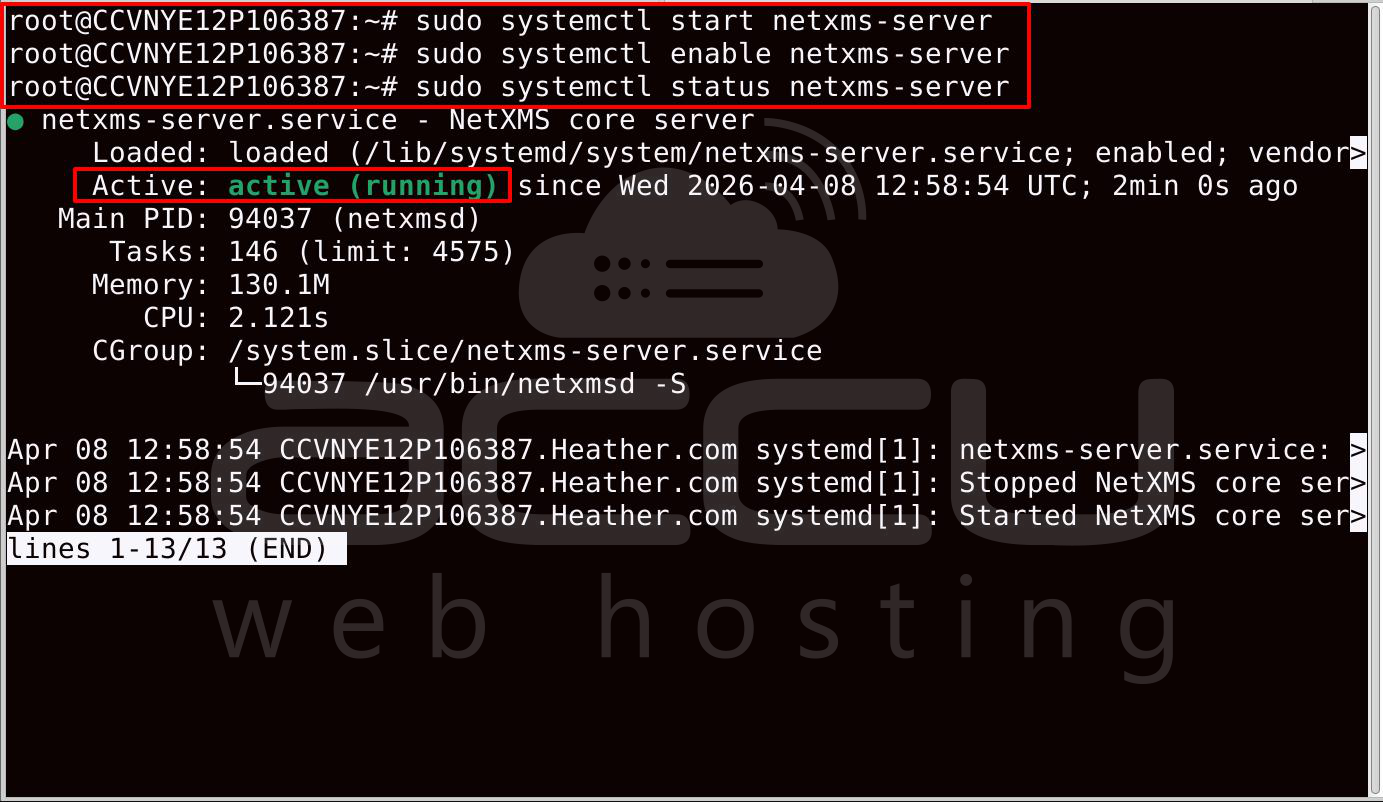
Start NetXMS Server
Start the service:
sudo systemctl start netxms-server
Enable auto start:
sudo systemctl enable netxms-server
Check status:
sudo systemctl status netxms-server
Access NetXMS Web Console
Open browser:
http://SERVER_IP:4788
Login credentials:
Username: admin
Password: your_password
Conclusion
NetXMS is a powerful and scalable infrastructure monitoring platform suitable for both small and large environments. By deploying NetXMS on an Ubuntu VPS, administrators can centrally monitor servers, networks, and services.
Agentless monitoring allows quick deployment without installing software on each server, making it ideal for monitoring large infrastructures or third-party systems.
With proper configuration of discovery, SNMP, alerts, and dashboards, NetXMS can provide a complete monitoring solution for enterprise infrastructure.


