
Introduction:
Alltube is a lightweight, open-source web interface that allows users to download videos and audio from platforms like YouTube, Vimeo, and many others. It acts as a frontend for powerful tools like youtube-dl or yt-dlp, making downloads simple through a browser.
If you have an Ubuntu 24 VPS, deploying Alltube with Docker is the easiest and most reliable way. Docker ensures a clean environment, avoids dependency conflicts, and makes updates simple.
In this guide, you’ll learn how to install Docker, deploy Alltube, configure it, and access it from your browser.
Step 1: Update System & Install Docker
First, update your server packages:
sudo apt update && sudo apt upgrade -y
Install Docker & Compose:
sudo apt install -y docker.io docker-compose
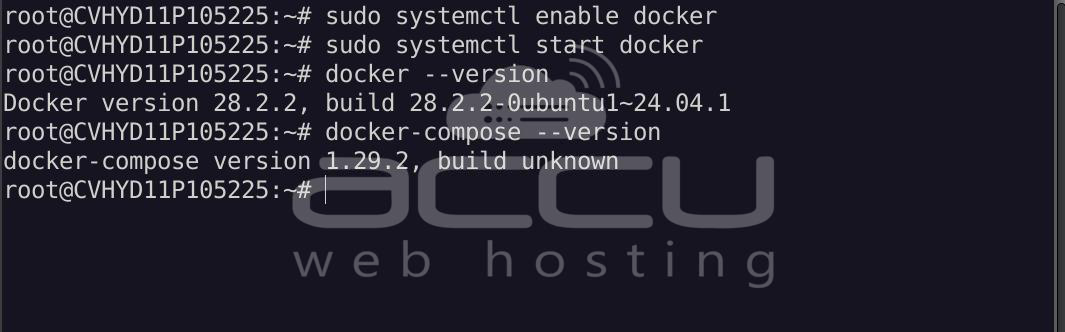
Enable and start Docker:
sudo systemctl enable docker
sudo systemctl start docker
Verify installation:
docker --version
docker-compose --version
Step 2: Open Necessary Port
Before deploying, ensure your server allows traffic on the required port.
To allow traffic via iptables:
# Allow the 8080 portsudo iptables -I INPUT -p tcp --dport 8080 -j ACCEPT
# Save the rules (requires iptables-persistent)sudo apt install iptables-persistent -y
sudo netfilter-persistent save
Step 3: Create Project Directory
mkdir alltube && cd alltube
Step 4: Create Docker Compose File
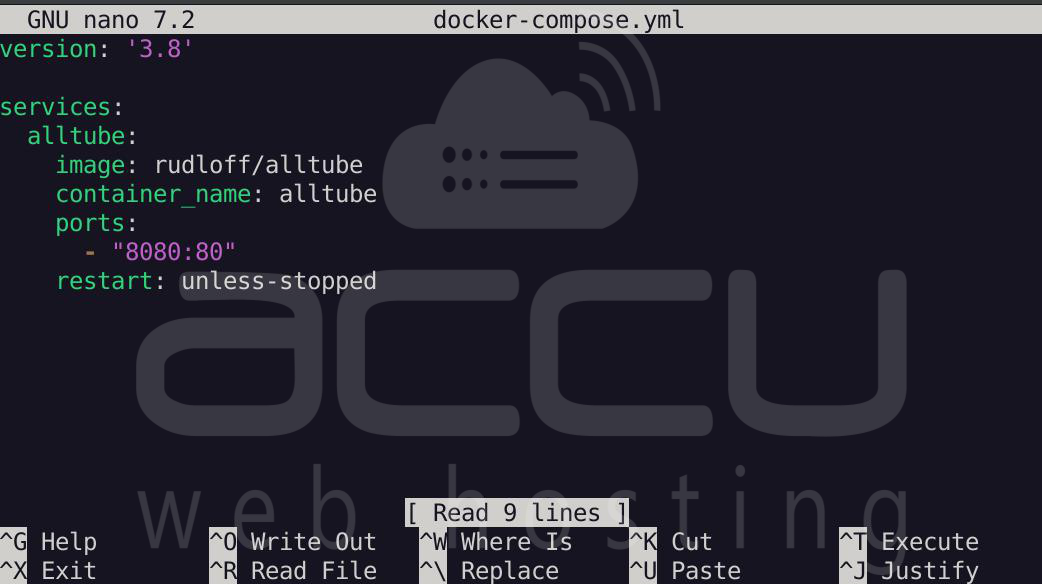
nano docker-compose.yml
Paste the following code:
version: '3.8'

services:
alltube:
image: rudloff/alltube
container_name: alltube
ports:
- "8080:80"
restart: unless-stopped
Save and exit (CTRL + X, then Y, then Enter).
Step 5: Start the Application
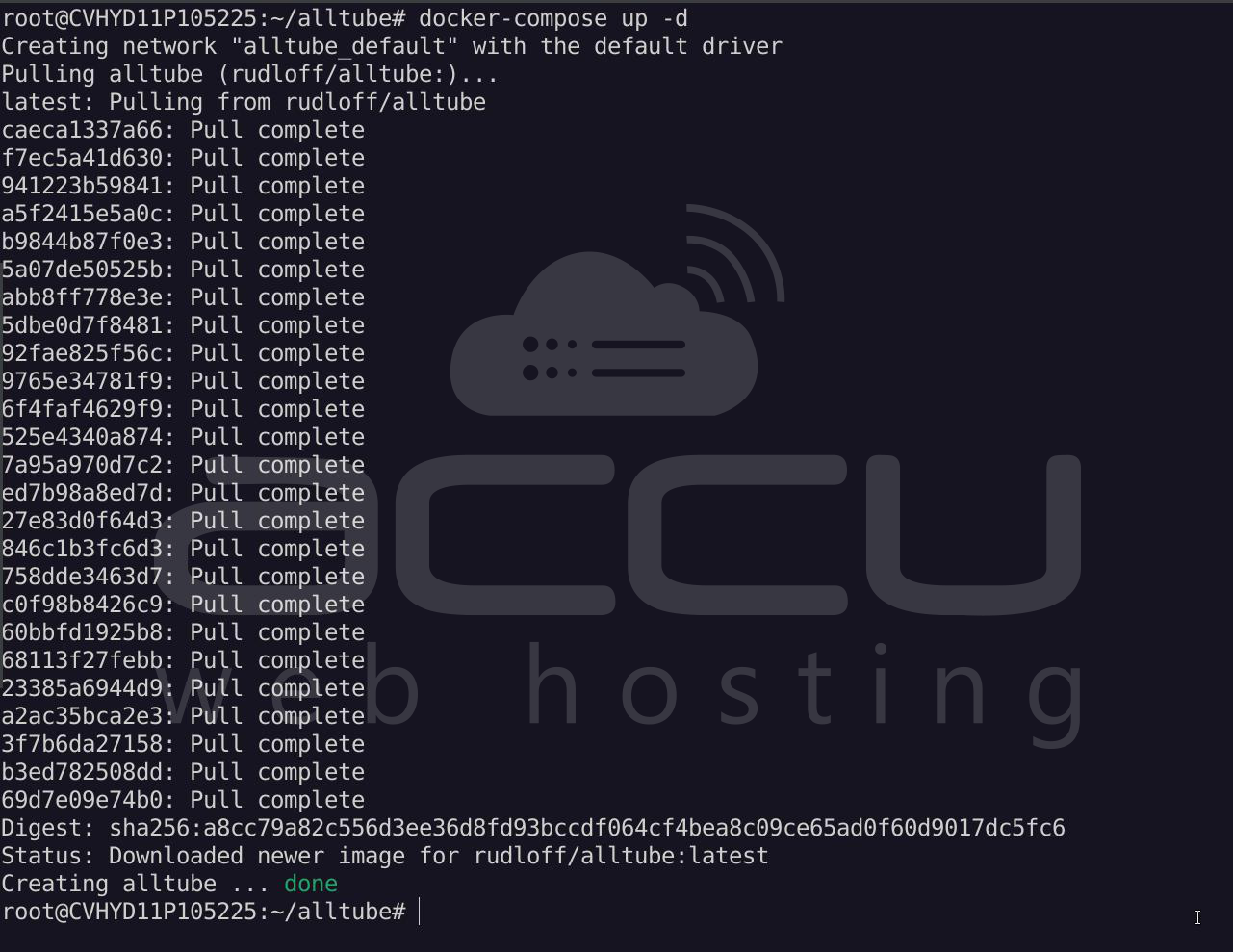
Run:
docker-compose up -d
This will download the image and start your container.
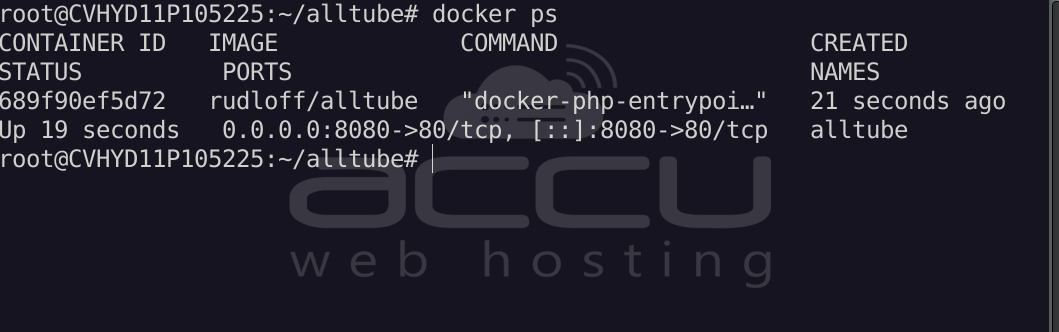
Check status:
docker ps
You should see: alltube
Step 6: Access Alltube
Open your browser:
http://YOUR_SERVER_IP:8080
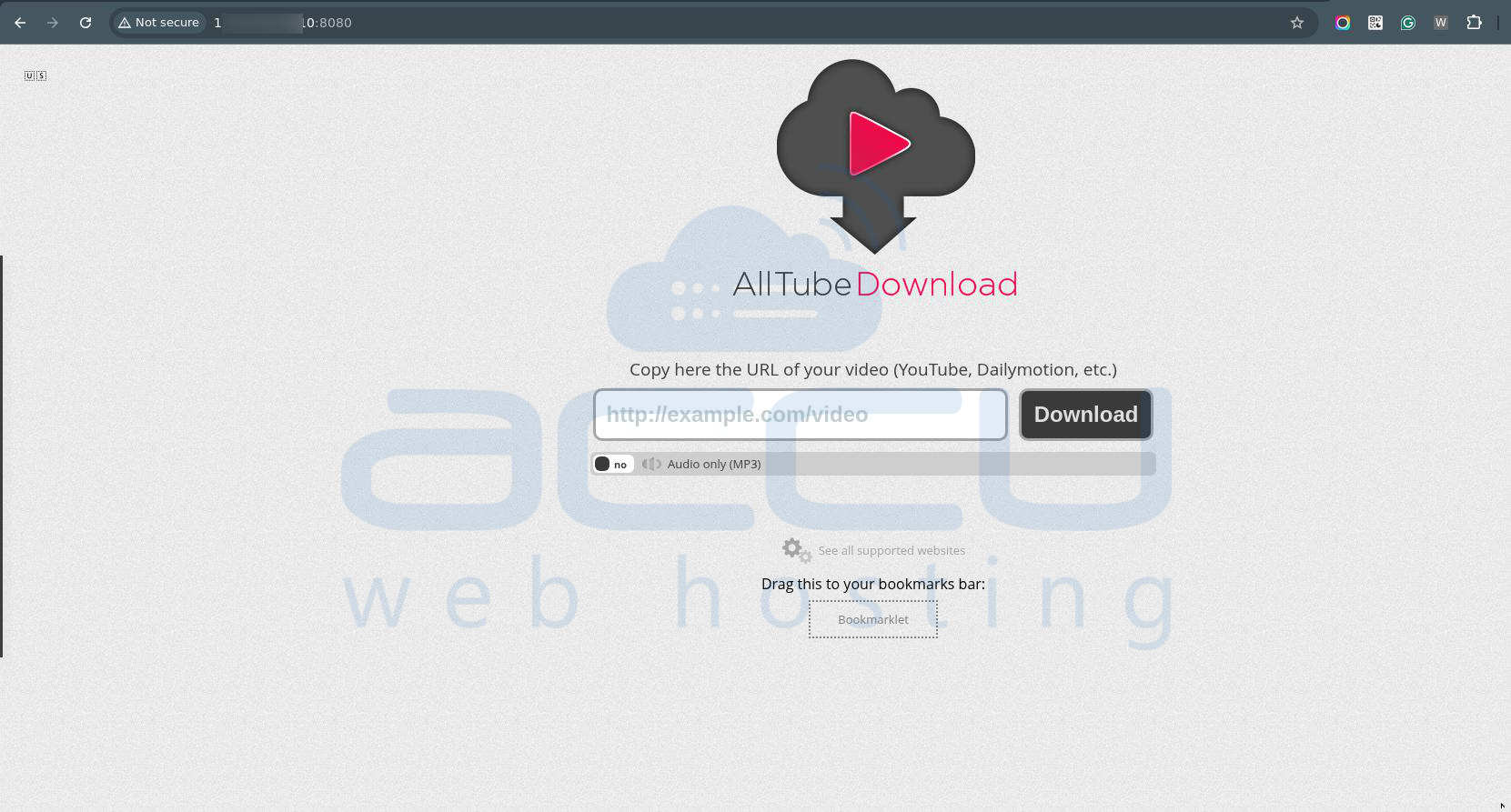
You should now see the Alltube interface.
Conclusion:
Deploying AllTube on an Ubuntu 24.04 VPS via Docker provides a seamless, professional-grade solution for managing online video content. By moving the heavy lifting of video processing and downloading to a remote server, you save local bandwidth and gain a centralized hub accessible from any device. Whether you are a researcher archiving clips, a creator backing up your own work, or simply someone who wants to enjoy media offline, AllTube serves as a reliable, ad-free gateway to the web’s vast video library.


