
Introduction:
Managing databases efficiently is essential in modern web development and server administration. Tools like Adminer provide a lightweight, powerful web-based interface for managing databases without complex setup.
Adminer is a single-file PHP application that supports multiple database systems such as MySQL, PostgreSQL, SQLite, and more, all from one interface. It is often preferred over heavier tools like phpMyAdmin due to its simplicity, speed, and minimal resource usage.
In this guide, you will learn how to host Adminer on an Ubuntu 24 VPS using Docker, making deployment fast, scalable, and easy to manage.
Step 1: Update System & Install Docker
First, update your server packages:
sudo apt update && sudo apt upgrade -y
Install Docker & Compose:
sudo apt install -y docker.io docker-compose
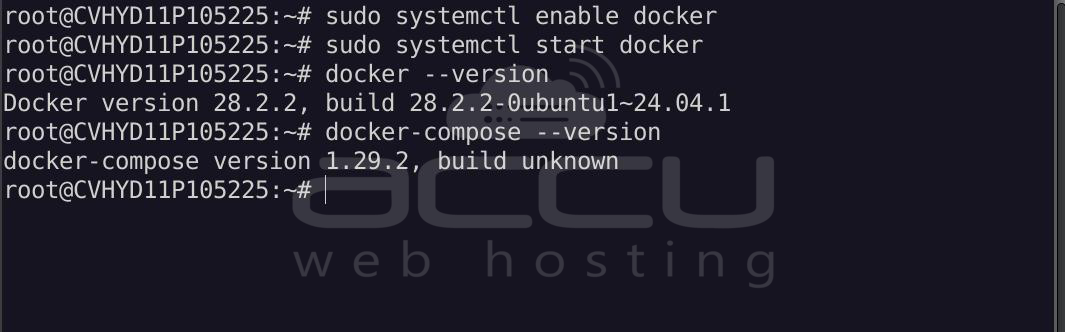
Enable and start Docker:
sudo systemctl enable docker
sudo systemctl start docker
Verify installation:
docker --version
docker-compose --version
Step 2: Create Project Directory
mkdir adminer && cd adminer
Step 3: Create Docker Compose File
nano docker-compose.yml
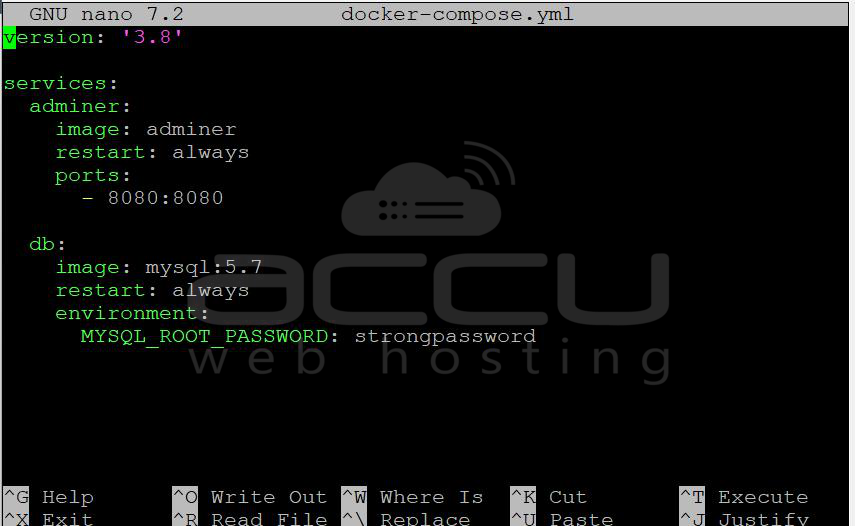
Paste the following code:
version: '3.8'

services:
  adminer:
    image: adminer
    restart: always
    ports:
      - 8080:8080

  db:
    image: mysql:5.7
    restart: always
    environment:
      MYSQL_ROOT_PASSWORD: strongpassword
Note: Replace the <MYSQL_ROOT_PASSWORD> password.
Save and exit (CTRL + X, then Y, then Enter).
Step 4: Start the Application
Run:
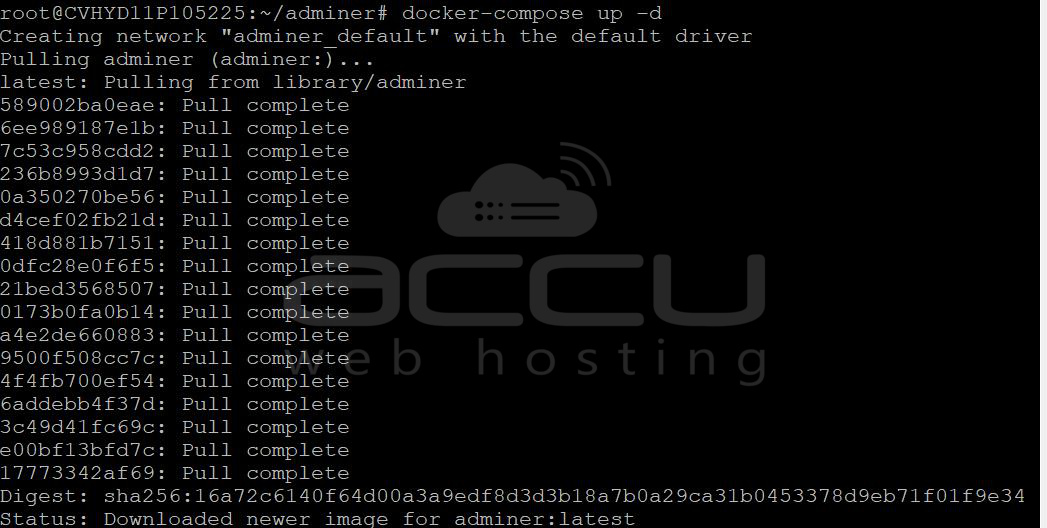
docker-compose up -d
This will download the image and start your container.
Check status:
docker ps
You should see:
adminer_db_1
adminer_adminer_1

Step 5: Access Adminer Dashboard
Open your browser and browse the following URL:
http://your-server-ip:8080
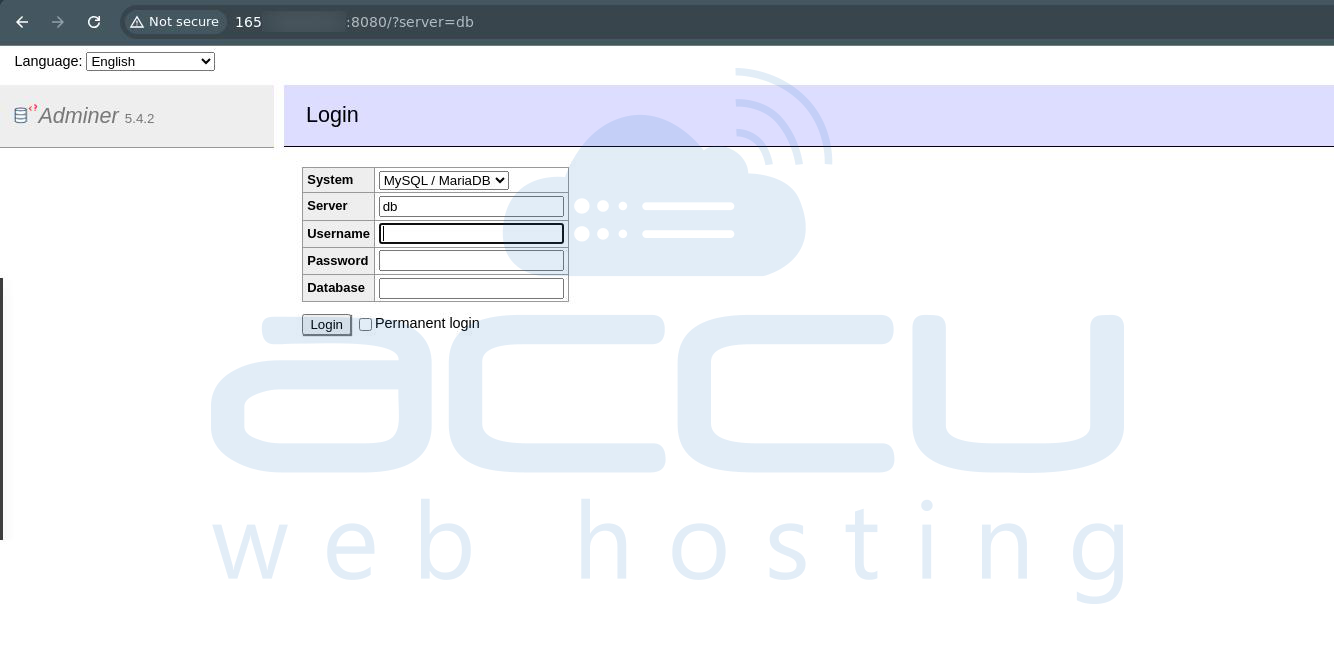
You’ll see the Adminer Login screen.
Step 6: Log in to Adminer
Use the following details:
- System: MySQL (or your DB type)
- Server: db (container name)
- Username: root
- Password: Your password
- Database: Leave blank
Important: When using Docker, use the container name (db) instead of localhost.
Once you log in, you can see the Adminer dashboard screen.
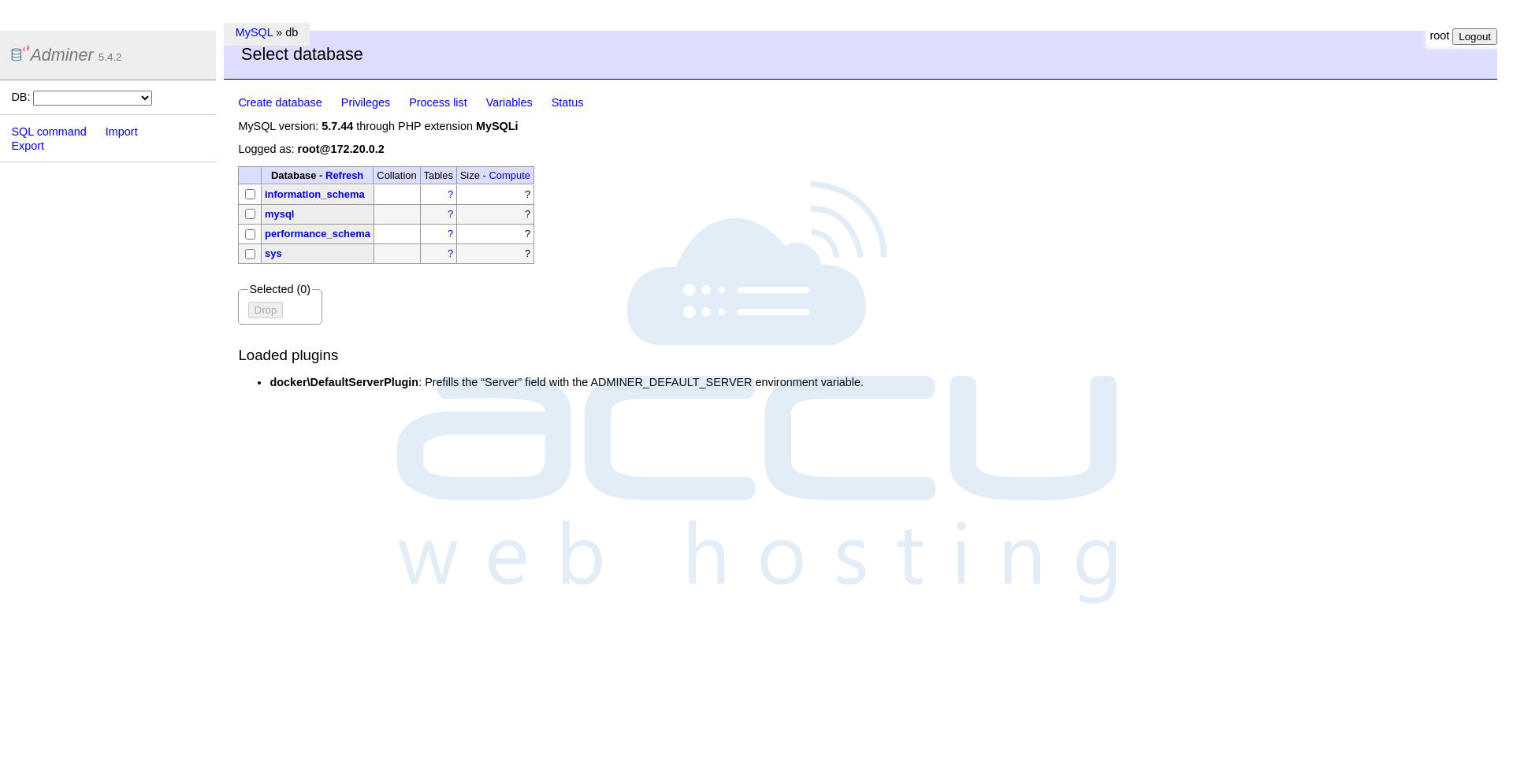
Now, you can manage your database realted operations from here.
Conclusion:
Hosting Adminer on an Ubuntu 24 VPS using Docker is one of the simplest and most efficient ways to manage databases. With just a few commands, you can deploy a fully functional database management interface that is lightweight, fast, and highly versatile.
Using Docker not only simplifies installation but also ensures better scalability, isolation, and maintainability. Whether you're a developer, system administrator, or DevOps engineer, Adminer provides a reliable solution for handling databases without the complexity of traditional tools.


