
Introduction:
Rust is a popular multiplayer survival game developed by Facepunch Studios. Hosting your own Rust server gives you full control over gameplay, mods, player limits, and server rules.
With an Ubuntu 24.04 VPS, using Docker simplifies deployment, improves isolation, and makes server management much easier compared to manual installation.
This guide walks you through setting up a Rust server using Docker step by step.
Step 1: Install Docker
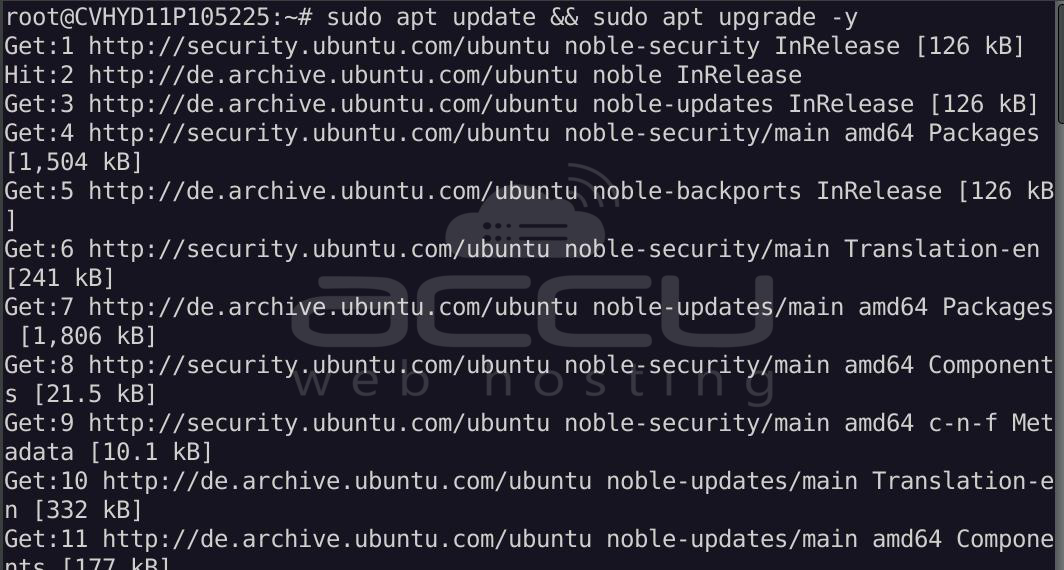
Update your system:
sudo apt update && sudo apt upgrade -y
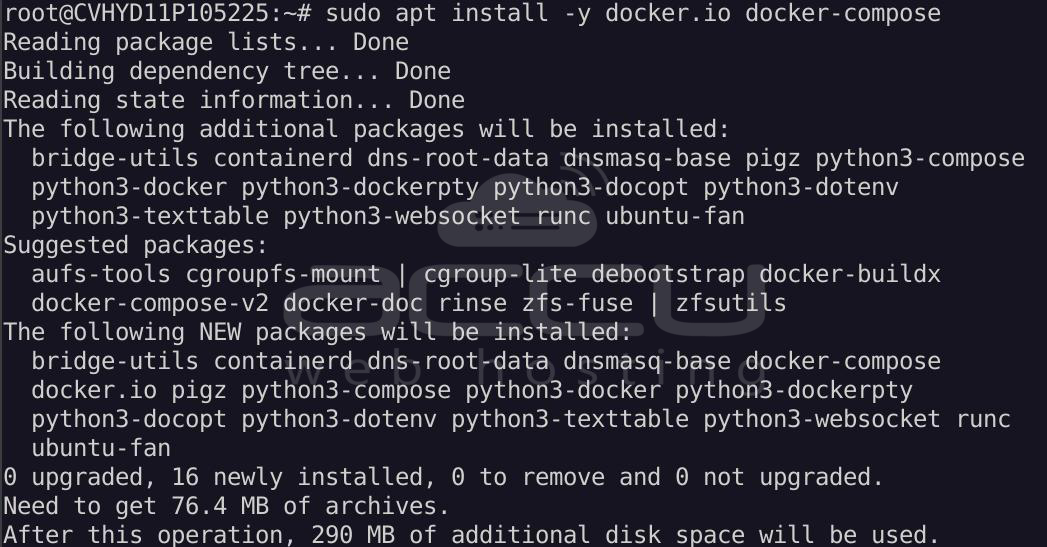
Install Docker & Compose:
sudo apt install -y docker.io docker-compose
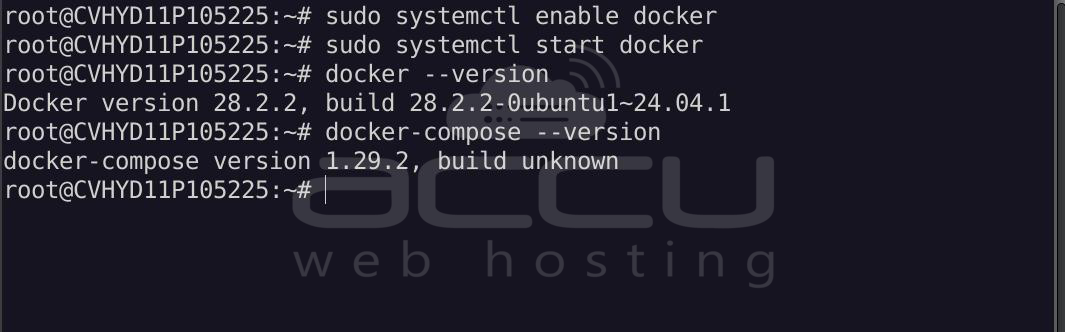
Enable and start Docker:
sudo systemctl enable docker
sudo systemctl start docker
Verify installation:
docker --version
docker-compose --version
Step 2: Create Project Directory
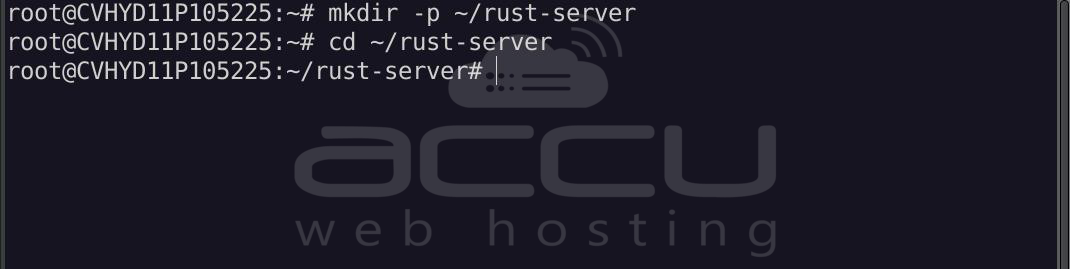
mkdir -p ~/rust-server
cd ~/rust-server
Create a persistent data folder:
mkdir rustdata
Step 3: Create Docker Compose File
Create the file:
nano docker-compose.yml
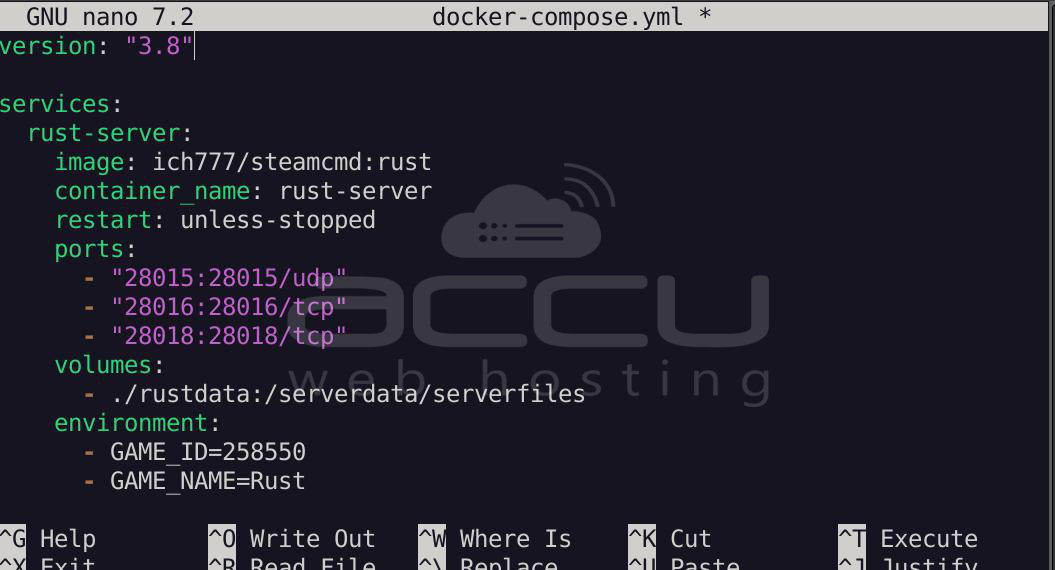
Add the following configuration:
version: "3.8"
services:
  rust-server:
    image: ich777/steamcmd:rust
    container_name: rust-server
    restart: unless-stopped
ports:
    - "28015:28015/udp"
    - "28016:28016/tcp"
    - "28018:28018/tcp"
volumes:
    - ./rustdata:/serverdata/serverfiles
environment:
    - GAME_ID=258550
    - GAME_NAME=Rust
    - SERVER_NAME=My Rust Server
    - WORLD_SIZE=3000
    - SERVER_SEED=12345
    - MAX_PLAYERS=50
    - SERVER_IDENTITY=myserver1
Step 4: Start the Rust Server
Run:
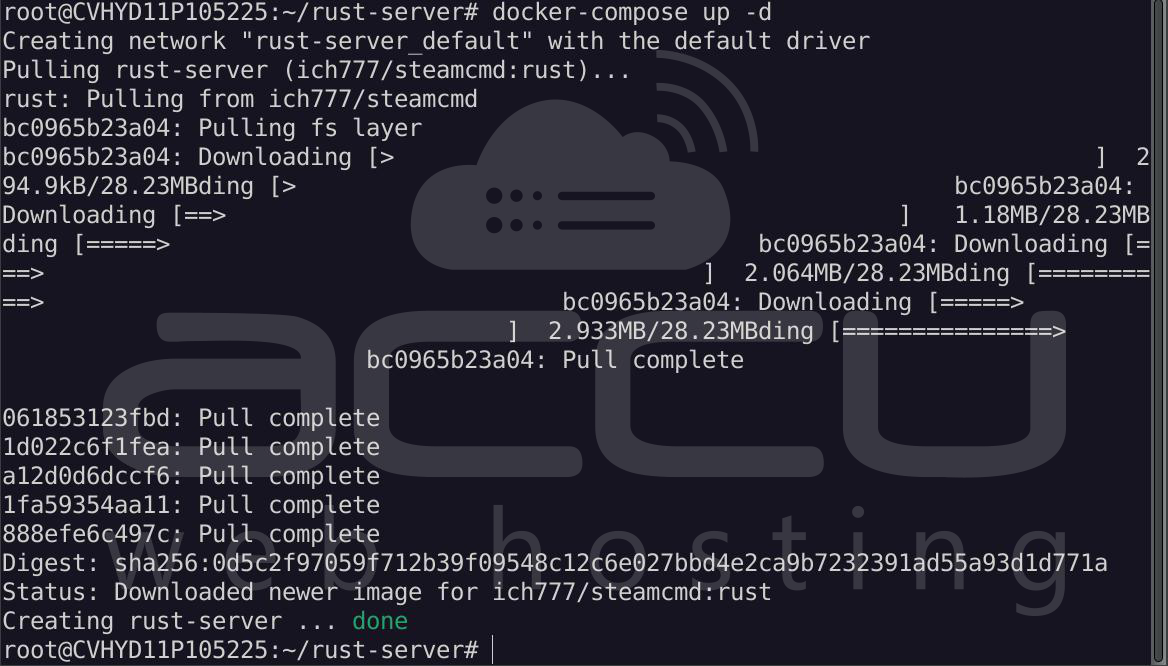
docker-compose up -d
This will:
- Pull the Rust server image
- Install SteamCMD
- Download Rust server files
- Start your server
Step 5: Monitor Installation
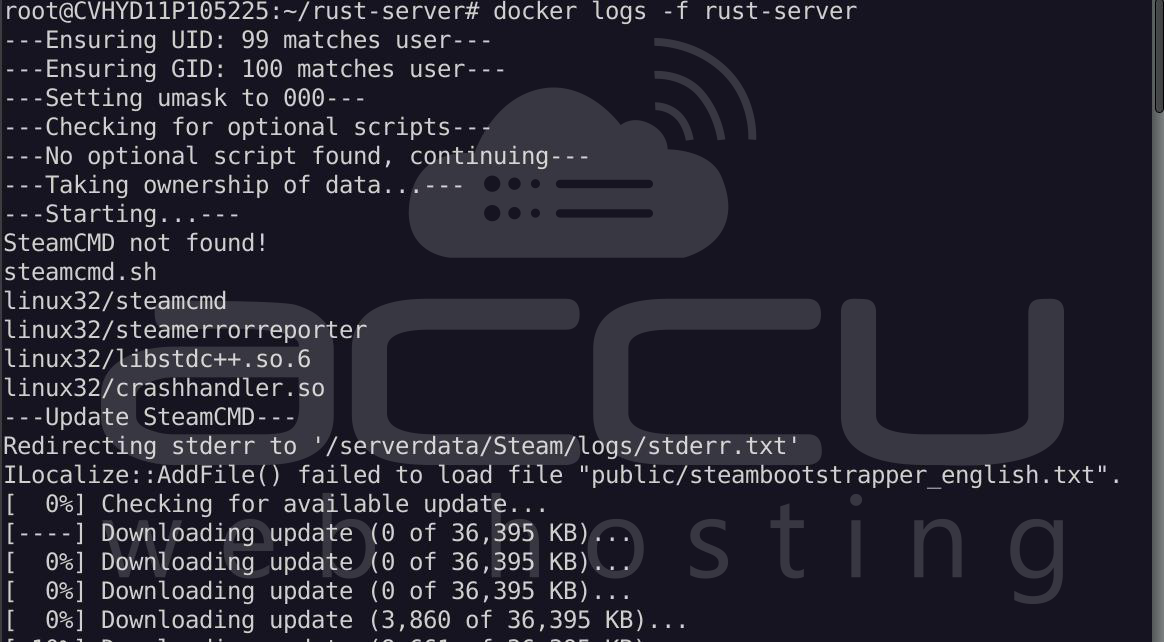
docker logs -f rust-server
Wait until you see the server fully initialized.
First startup includes:
- Downloading Rust via SteamCMD
- World generation
- NavMesh (AI) building
Time required: 10–30 minutes (depending on VPS)
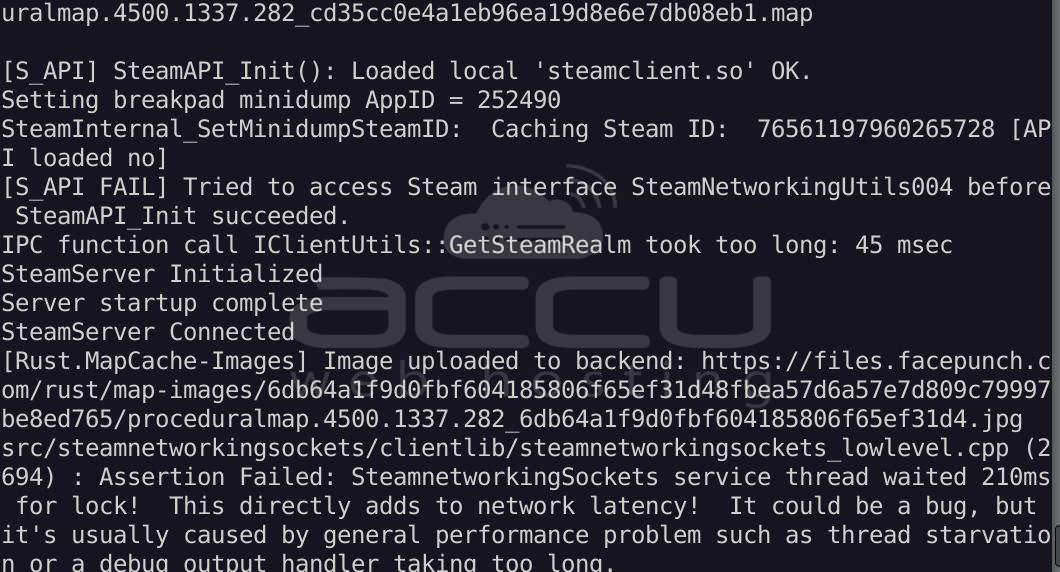
Look for:
Server startup complete
SteamServer Connected
This means your server is live.
Step 6: Connect to Server
In Rust (press F1 console):
client.connect YOUR_SERVER_IP:28015
Step 7: Open Firewall Ports (Optional)
sudo ufw allow 28015/udp
sudo ufw allow 28016/tcp
sudo ufw allow 28018/tcp
sudo ufw reload
Server Management Commands
Restart server: docker-compose restart
Stop server: docker-compose down
Update server:
docker-compose pull
docker-compose up -d
View logs: docker logs -f rust-server
Conclusion:
Hosting a Rust server on Ubuntu 24 using Docker is a reliable and scalable solution. With the correct configuration and sufficient system resources, you can run a stable and fully functional Rust server.
With your server now live, you can expand further by adding mods, customizing gameplay, and building your own Rust community.


