
What is Strapi?
Strapi is a headless CMS, meaning that it provides a back-end service for managing content while leaving the front-end (the user interface) completely up to you. Unlike traditional CMS platforms, where the back-end and front-end are tightly integrated, a headless CMS like Strapi allows you to separate the content management from how and where it is displayed. This flexibility makes it perfect for multi-platform content distribution.
Key Features of Strapi:
1. Content Management Made Easy: Strapi provides a user-friendly admin panel that allows content managers to add, edit, and organize their content easily. You can define content types (like blogs, product listings, etc.) and customize the fields for each one, creating a tailored experience for your team.
2. Flexible Content Delivery: Since Strapi is a headless CMS, it allows you to deliver content to any platform using APIs (Application Programming Interfaces). Whether you are working with websites, mobile apps, or even IoT devices, Strapi makes it simple to push content wherever it’s needed.
3. Customizable: Developers can create custom APIs, add plugins, and even design the admin panel to suit the specific needs of their project. If you need advanced customization, Strapi allows you to modify the source code, giving you full control over your content management system.
4. Built on Node.js: Strapi is built using Node.js, which makes it fast, scalable, and efficient. This ensures that your application can handle a high volume of requests and data, making it an excellent choice for large-scale projects.
5. Open Source: One of the best things about Strapi is that it is open-source. This means you can use it for free, and you can modify the code to suit your needs. Being open-source also means that there’s a strong community of developers constantly working on improving and adding new features to the platform.
6. Support for Multiple Databases: Strapi supports multiple databases, including PostgreSQL, MongoDB, MySQL, and SQLite. This makes it adaptable to a variety of project requirements, whether you prefer SQL or NoSQL databases.
How to Install Strapi on Ubuntu 24 VPS (Step-by-Step Guide)?
In this article, we will explain to you how to install and run Strapi on an Ubuntu 24 VPS.
Prerequisites:
Before starting, make sure you have:
-
An Ubuntu 24 VPS
-
Root or sudo access
Step 1: Update Your System
It is always recommended to update your system packages before installing new software.
sudo apt update && sudo apt upgrade -y
Step 2: Install Node.js (LTS Version)
Strapi requires Node.js (version 18 or 20 recommended).
curl -fsSL https://deb.nodesource.com/setup_20.x | sudo -E bash -
sudo apt install -y nodejs
Verify Installation
node -v
npm -v
Step 3: Install Required Build Tools
These tools are necessary for compiling and installing dependencies.
sudo apt install -y build-essential curl git
Step 4: Install Yarn (Optional but Recommended)
Yarn can help manage dependencies more efficiently.
npm install -g yarn
Step 5: Create a Strapi Project
Navigate to your desired directory (for example, /var/www):
cd /var/www
Create a new Strapi application:
npx create-strapi-app@latest my-strapi-app
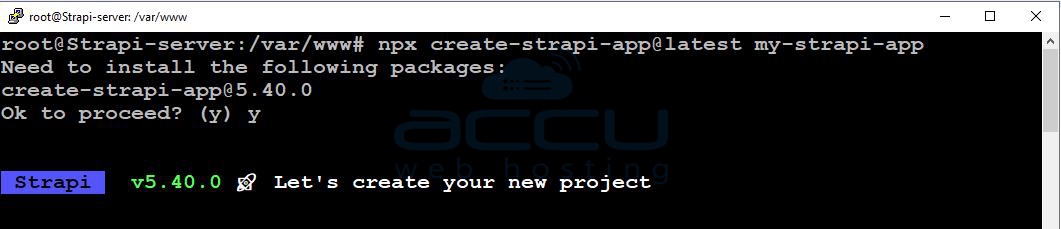
During installation, you will be asked a few questions. Set up Strapi according to your requirements.
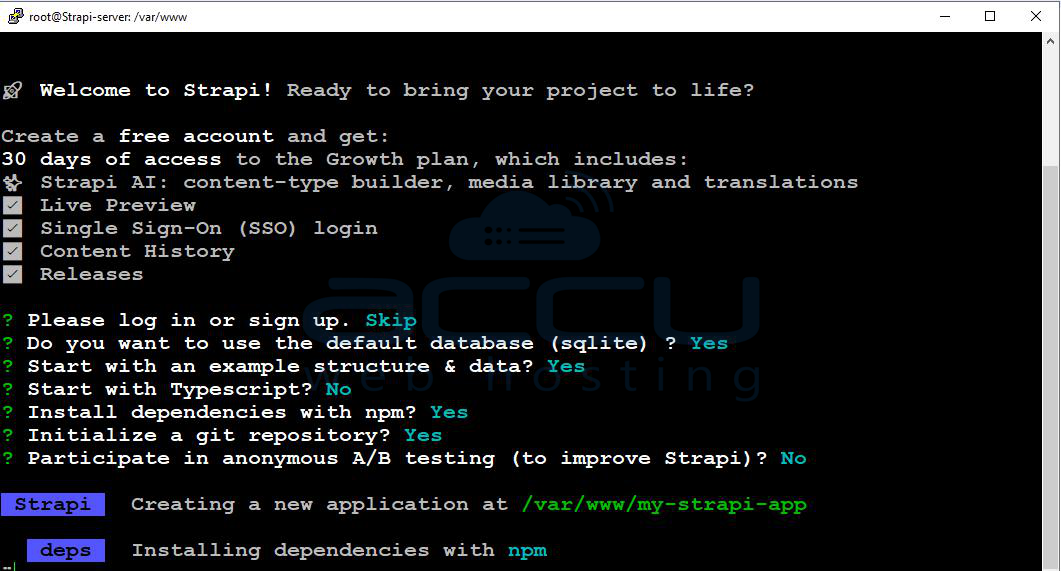
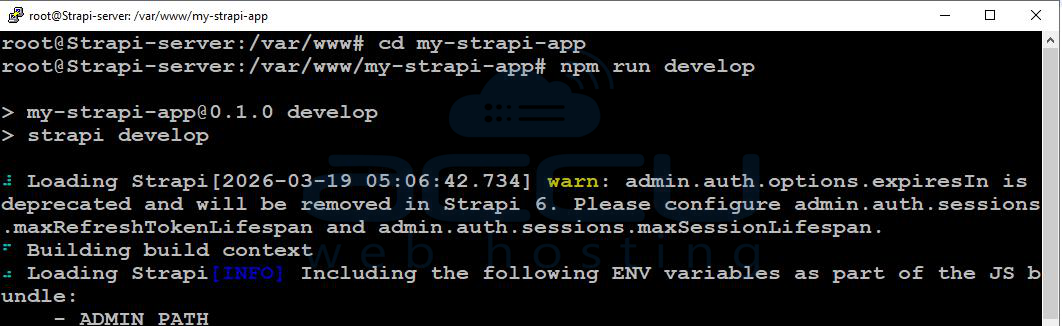
Step 6: Run Strapi (Development Mode)
cd my-strapi-app
npm run develop
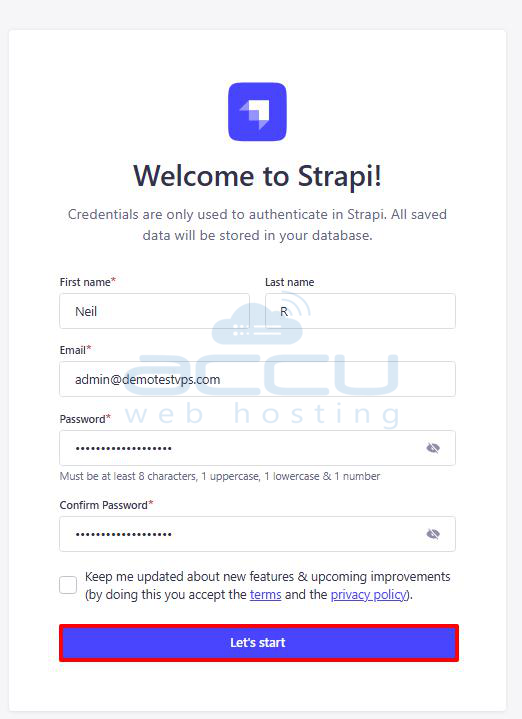
Access the Strapi Admin Panel:
Open your browser and visit:
http://your-server-ip:1337/admin
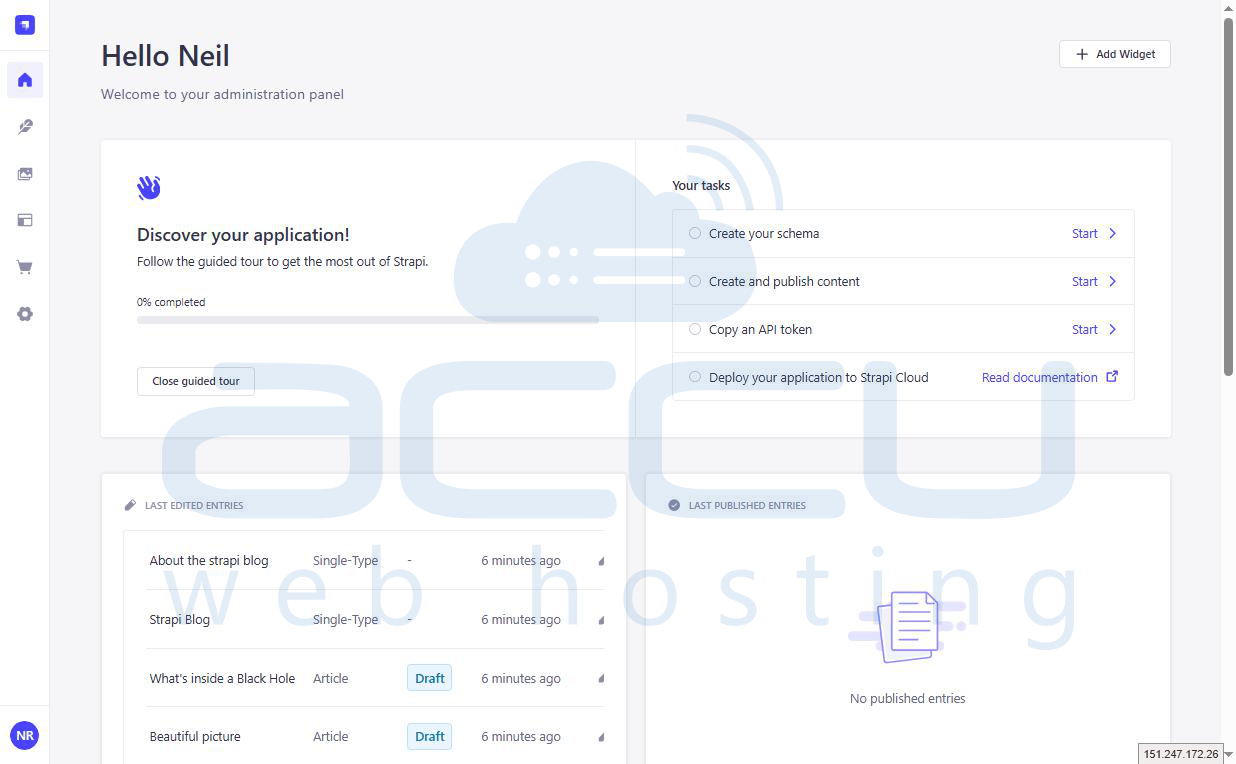
On your first visit, you will be prompted to create an admin account. Enter your details and click on the Let's start button.
Step 7: Run Strapi in Production Mode
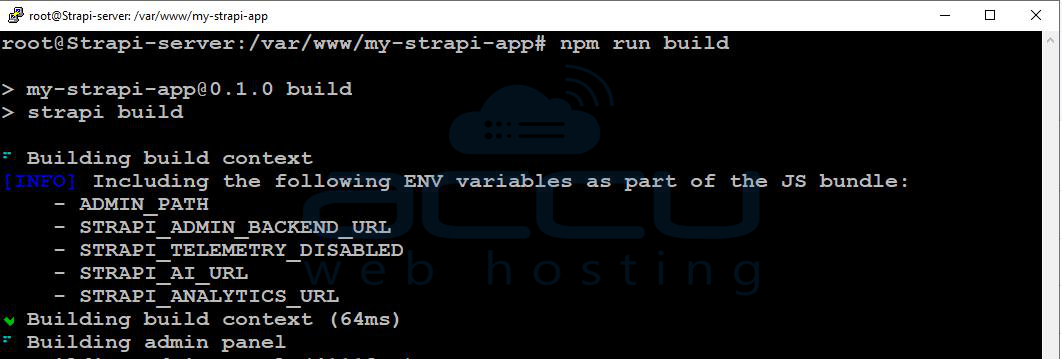
Build and start your application:
npm run build
npm start
Step 8: Keep Strapi Running Using PM2
PM2 ensures your application stays running in the background.
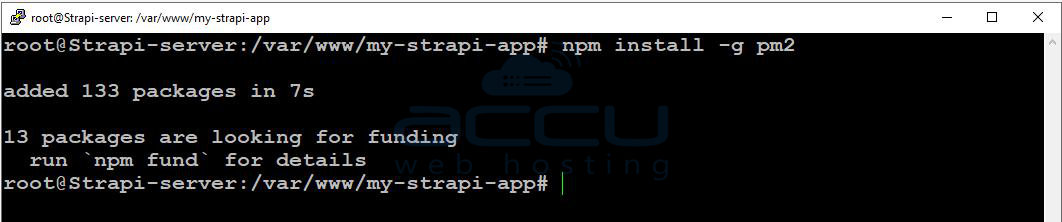
Install PM2
npm install -g pm2
Start Strapi with PM2
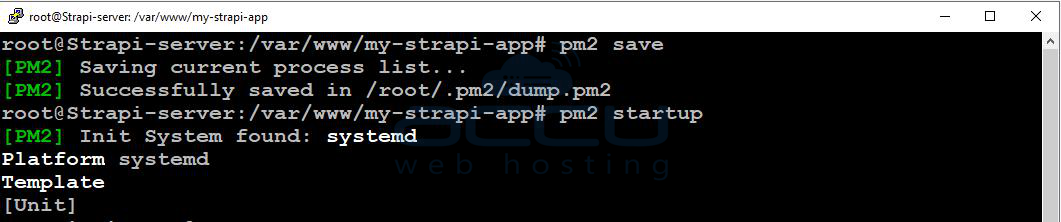
pm2 start npm --name "strapi" -- start
pm2 save
pm2 startup

Step 9: (Optional) Configure Nginx Reverse Proxy
Install Nginx:
sudo apt install nginx -y

Create a configuration file:
sudo vi /etc/nginx/sites-available/strapi
Add the Following Configuration:
server {
    listen 80;
    server_name yourdomain.com;

    location / {
        proxy_pass http://localhost:1337;
        proxy_http_version 1.1;
        proxy_set_header Upgrade $http_upgrade;
        proxy_set_header Connection 'upgrade';
        proxy_set_header Host $host;
        proxy_cache_bypass $http_upgrade;
    }
}
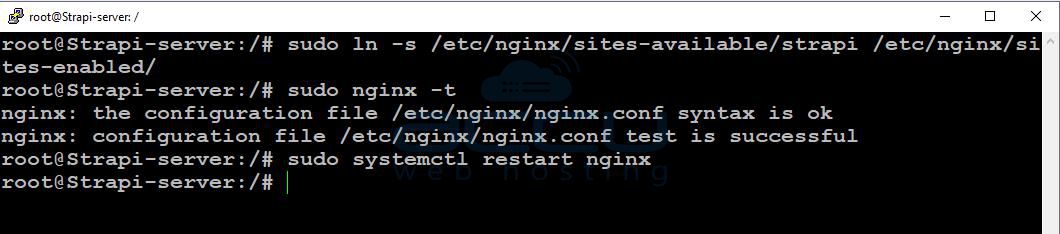
Enable the Configuration:
sudo ln -s /etc/nginx/sites-available/strapi /etc/nginx/sites-enabled/
sudo nginx -t
sudo systemctl restart nginx
You have successfully installed and configured Strapi on your Ubuntu 24 VPS. You can now start building APIs and managing content through the Strapi admin panel.


