
What is Ruby on Rails?
Ruby on Rails, often referred to simply as Rails, is an open-source web application framework designed to facilitate the creation of web applications. Built using the Ruby programming language, Rails was introduced in 2004 by David Heinemeier Hansson. The framework aims to make web development faster, simpler, and more efficient by providing a structured environment that enables developers to focus on writing code rather than configuring systems.
Rails Architecture: The Model-View-Controller (MVC) Pattern
Rails follows the Model-View-Controller (MVC) architecture pattern, which divides a web application into three interconnected components. This structure helps developers organize their code and makes applications easier to maintain and scale.
Model: The model is responsible for managing the data and the logic related to the database. It represents the application’s core functionality and the data the application works with.
View: The view handles the user interface and presentation of the application. It defines what users see and interact with on the web page.
Controller: The controller processes user requests, interacts with the model, and renders the appropriate view. It acts as the intermediary between the model and the view.
This separation of concerns allows developers to focus on different aspects of the application independently and ensures that changes in one part of the system don’t interfere with other parts.
Key Features of Ruby on Rails:
Rails offers several features that make it a powerful and efficient tool for web development. Some of the most notable features include:
1. Convention over Configuration
Rails operates under the principle of "convention over configuration," meaning that it provides sensible defaults, which reduces the need for extensive configuration files. This approach simplifies the development process, enabling developers to focus on building features rather than dealing with complex settings.
2. Don’t Repeat Yourself (DRY)
Rails promotes the DRY (Don’t Repeat Yourself) principle, which encourages developers to write reusable code. Instead of repeating logic across different parts of an application, developers can write it once and reuse it throughout the codebase, improving maintainability and reducing redundancy.
3. Built-in Tools and Libraries
Rails comes with several built-in tools and libraries that speed up development. These include database migration systems, testing frameworks, and form handling features. These tools help developers quickly implement complex features without having to write everything from scratch.
4. Scaffolding
Rails includes a scaffolding feature that allows developers to generate the basic structure of an application automatically. With a single command, Rails can generate models, controllers, and views, providing a jumpstart to the development process.
5. Active Record ORM
Rails uses Active Record, an Object-Relational Mapping (ORM) system, to interact with databases. Active Record simplifies database operations by allowing developers to manipulate database records using Ruby code rather than SQL queries.
6. RESTful Routing
Rails supports RESTful routing, making it easy to create clean and user-friendly URL structures. This feature is particularly beneficial when building APIs and web applications that adhere to REST principles, a widely-used approach in modern web development.
Benefits of Using Rails:
Ruby on Rails provides several benefits that make it a preferred choice for many developers and organizations. Some of the key advantages include:
1. Faster Development
2. Large Community Support
3. Cost-Effective Development
4. High Developer Productivity
5. Strong Security Features
Rails is used to build a wide variety of web applications, including dynamic websites, web APIs, and e-commerce platforms. Many high-profile companies use Rails for their web development needs. Notable examples include:
Shopify
GitHub
Airbnb
Basecamp
Install Rails on Ubuntu 24 Step by Step:
Step 1: Update Your System
Start by updating your package list and upgrading installed packages:
sudo apt update && sudo apt upgrade -y

Step 2: Install Required Dependencies
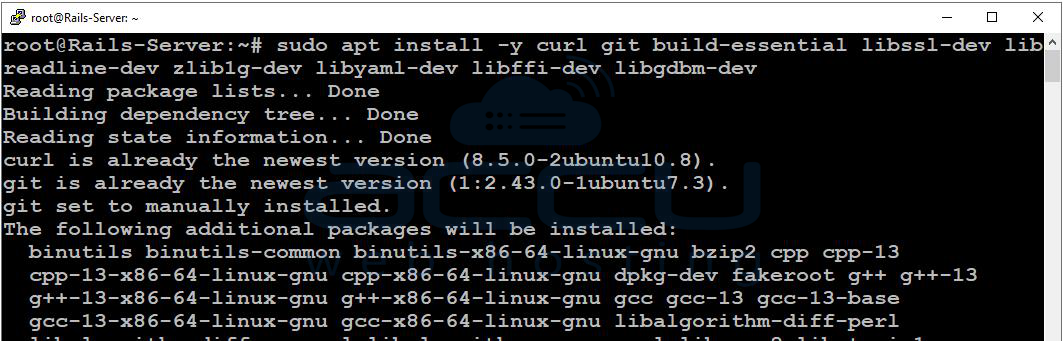
Rails requires several development tools and libraries. Install them using:
sudo apt install -y curl git build-essential libssl-dev libreadline-dev zlib1g-dev libyaml-dev libffi-dev libgdbm-dev
Step 3: Install Node.js
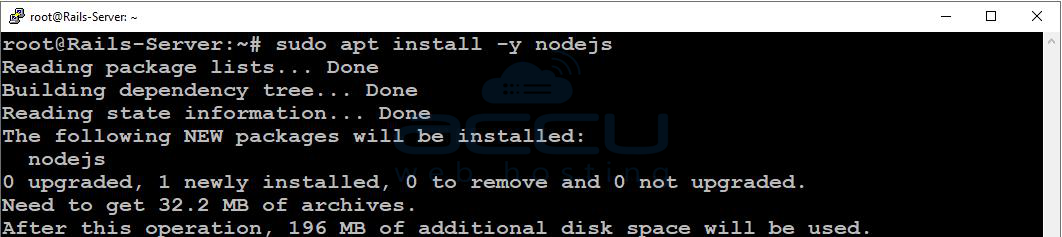
Rails uses Node.js to handle JavaScript assets.
Optional (Recommended – Latest Version via NodeSource)
curl -fsSL https://deb.nodesource.com/setup_20.x | sudo -E bash -
sudo apt install -y nodejs
Step 4: Install Yarn
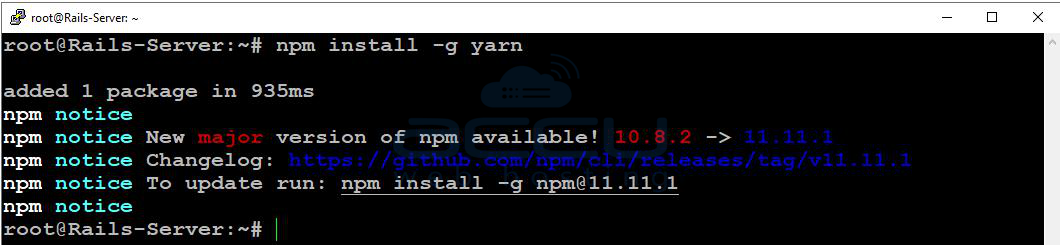
Yarn is used for managing JavaScript dependencies:
npm install -g yarn
Step 5: Install Ruby Using rbenv (Recommended)
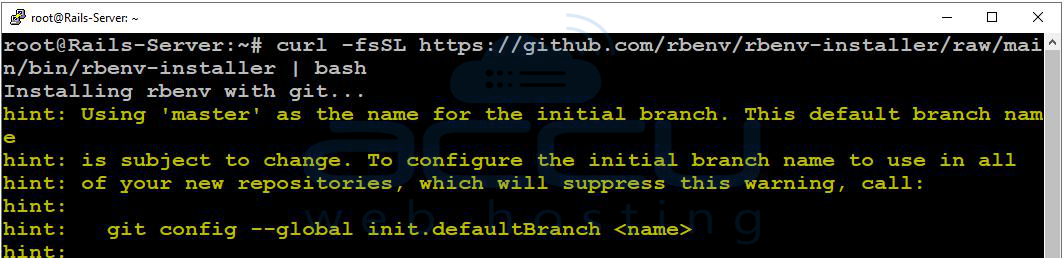
Install rbenv
curl -fsSL https://github.com/rbenv/rbenv-installer/raw/main/bin/rbenv-installer | bash
Configure rbenv
Add rbenv to your shell configuration:
echo 'export PATH="$HOME/.rbenv/bin:$PATH"' >> ~/.bashrc
echo 'eval "$(rbenv init -)"' >> ~/.bashrc
source ~/.bashrc

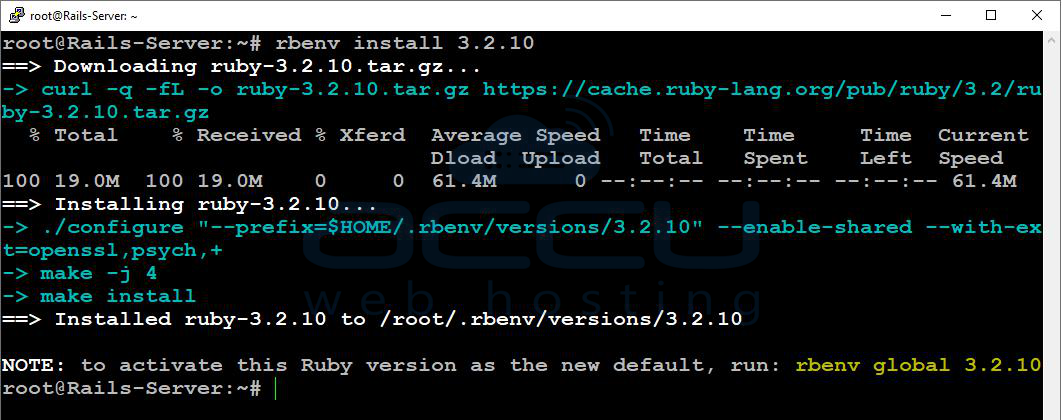
Step 6: Install Ruby
Install a Stable Version
rbenv install 3.2.10
rbenv global 3.2.10
Verify Installation
ruby -v

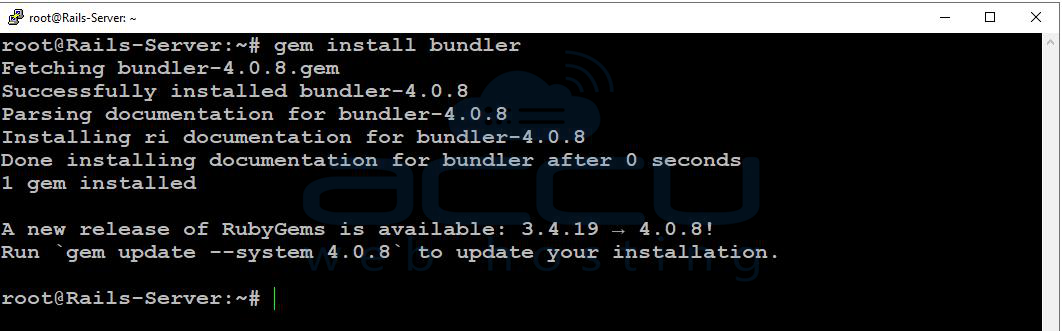
Step 7: Install Bundler
Bundler manages Ruby project dependencies:
gem install bundler
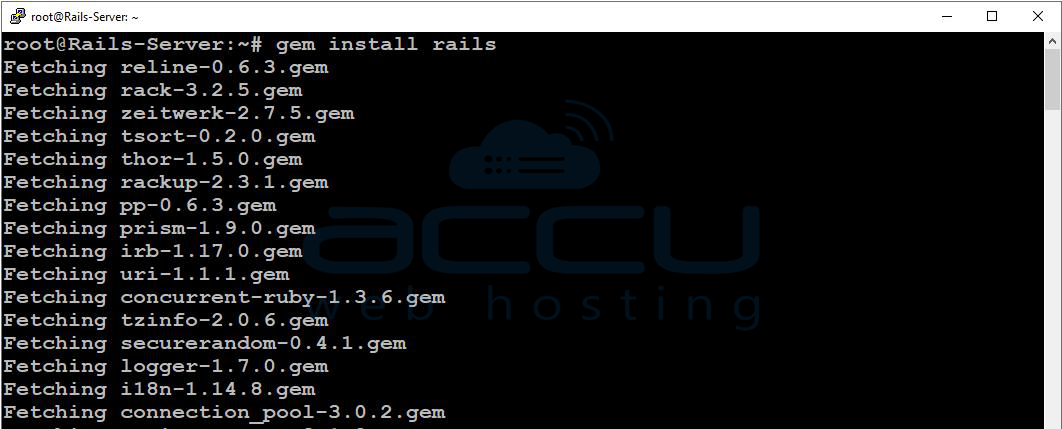
Step 8: Install Rails
Install the Rails framework:
gem install rails
Verify Installation
rails -v

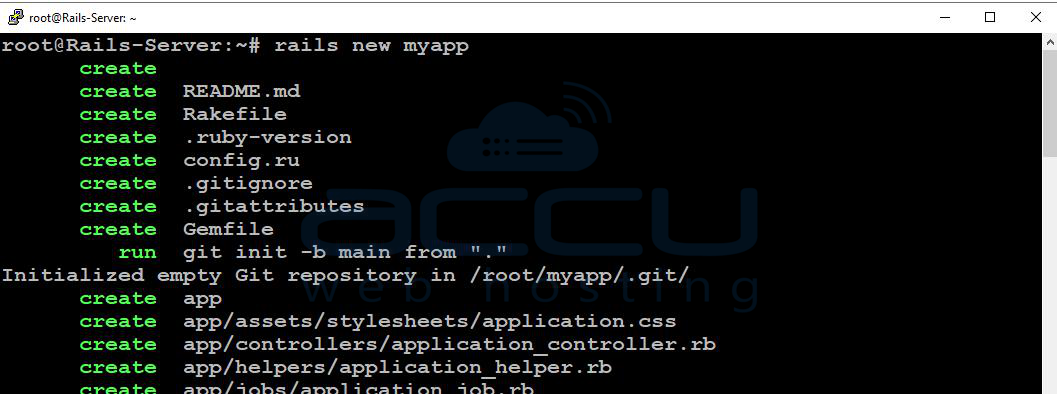
Step 9: Create Your First Rails Application
Create a New App
rails new myapp
cd myapp
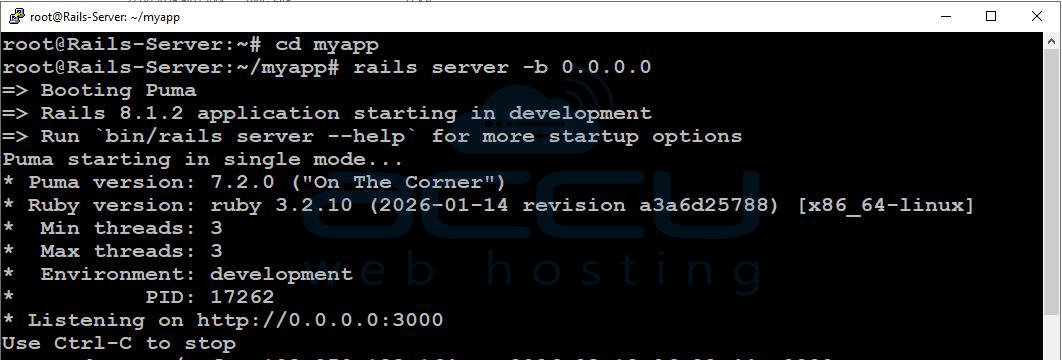
Start the Rails Server
rails server -b 0.0.0.0
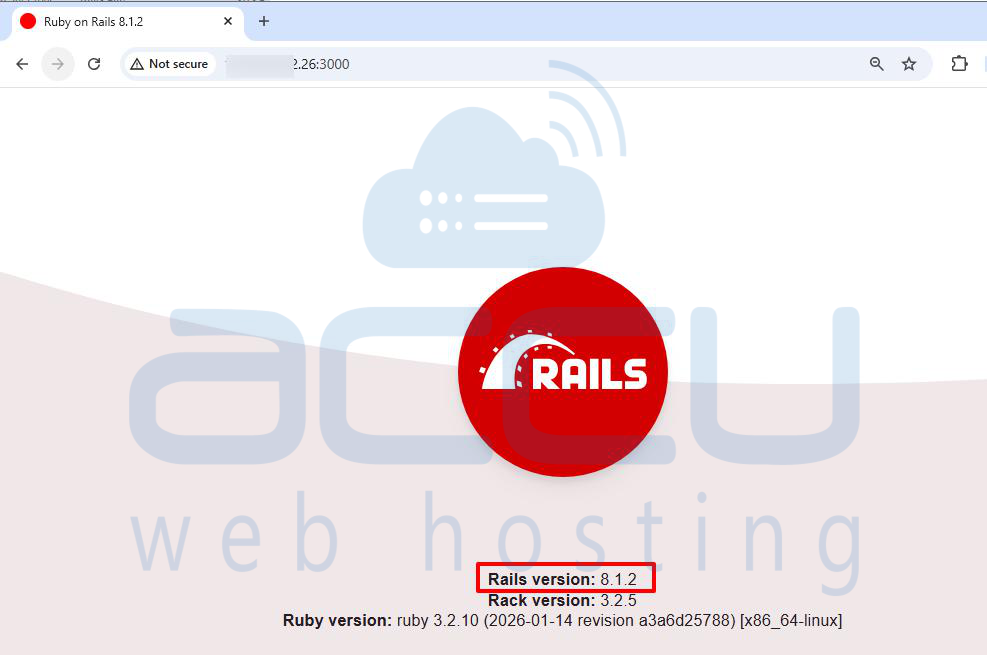
Access Your Application
Open your browser and navigate to:
http://your-server-ip:3000
Conclusion:
Rails is a powerful and developer-friendly web framework that makes building modern web applications simpler and more efficient. Its well-structured architecture, built-in development tools, and strong community support help developers create secure and scalable applications quickly. Because of its productivity and flexibility, Ruby on Rails continues to be one of the most popular frameworks for web development.


