
Introduction:
Running a forum website requires a stable and scalable hosting environment. One of the most efficient ways to deploy forum software today is by using containerization. phpBB is a popular open-source forum platform used to build online communities, discussion boards, and support forums.
Using Docker allows administrators to deploy phpBB quickly without manually configuring web servers, PHP, or databases. Containers package all dependencies together, making installation simple, portable, and easy to maintain. This guide explains how to deploy a phpBB forum using Docker on Ubuntu 24.04 through the command line.
Step 1: Update the Ubuntu System
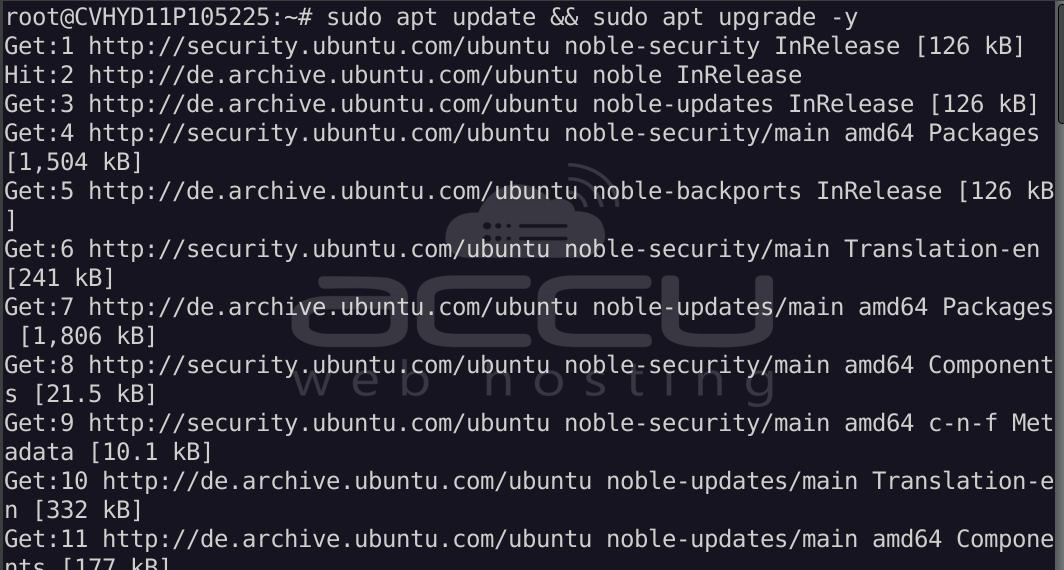
Before installing any packages, update the system's package repositories.
sudo apt update && sudo apt upgrade -y
Step 2: Install Docker
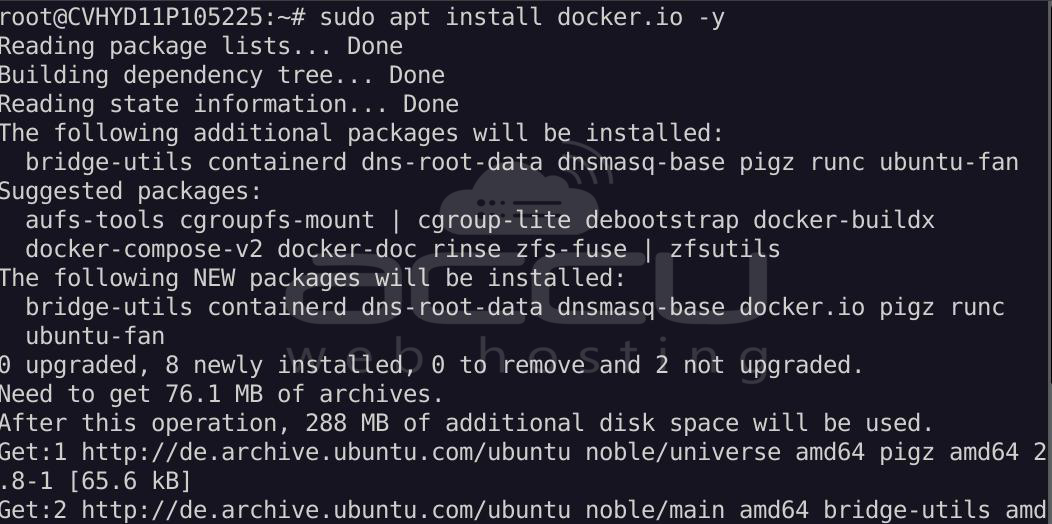
Install Docker from the Ubuntu repository:
sudo apt install docker.io -y
Enable and start the Docker service:
sudo systemctl enable docker
sudo systemctl start docker
Verify the installation:
docker --version

Step 3: Install Docker Compose
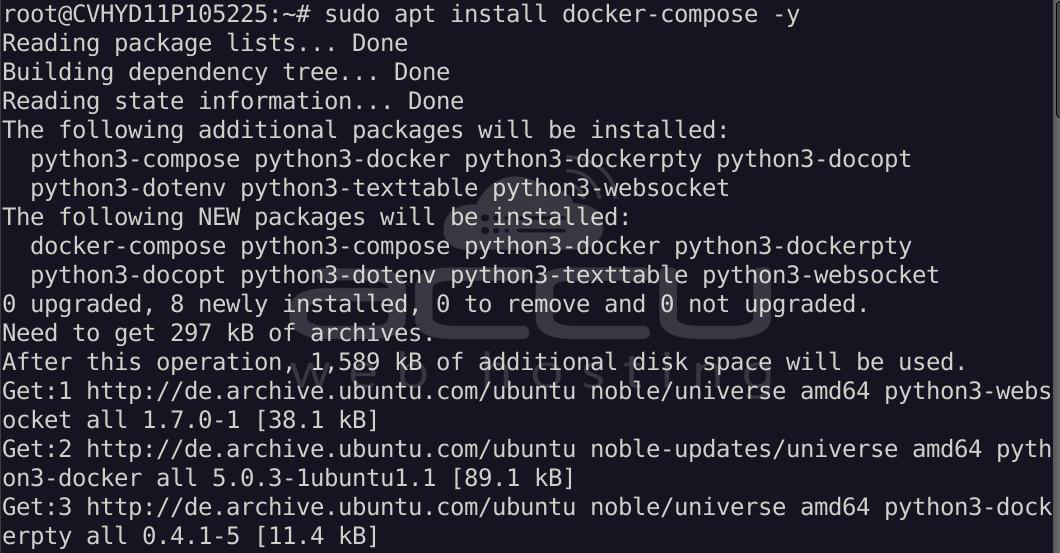
Docker Compose helps manage multi-container applications.
sudo apt install docker-compose -y
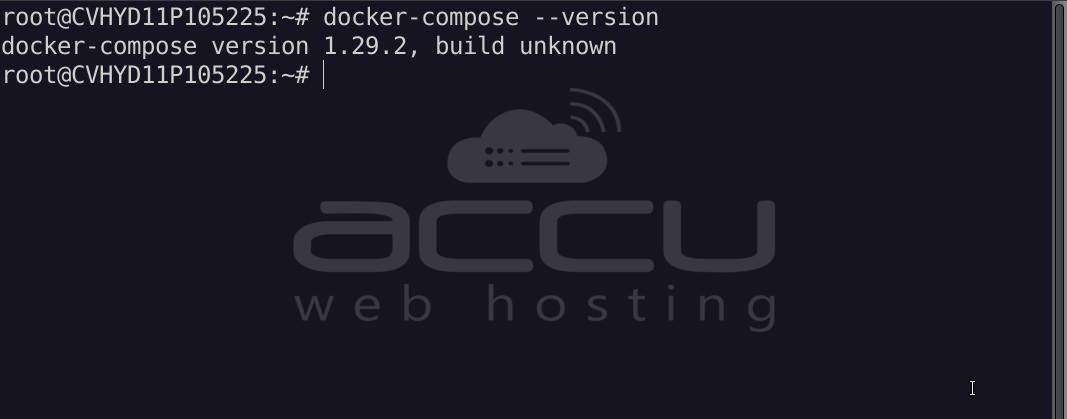
Verify installation:
docker-compose --version
Step 4: Create a Directory for phpBB
Create a project directory to store configuration files.
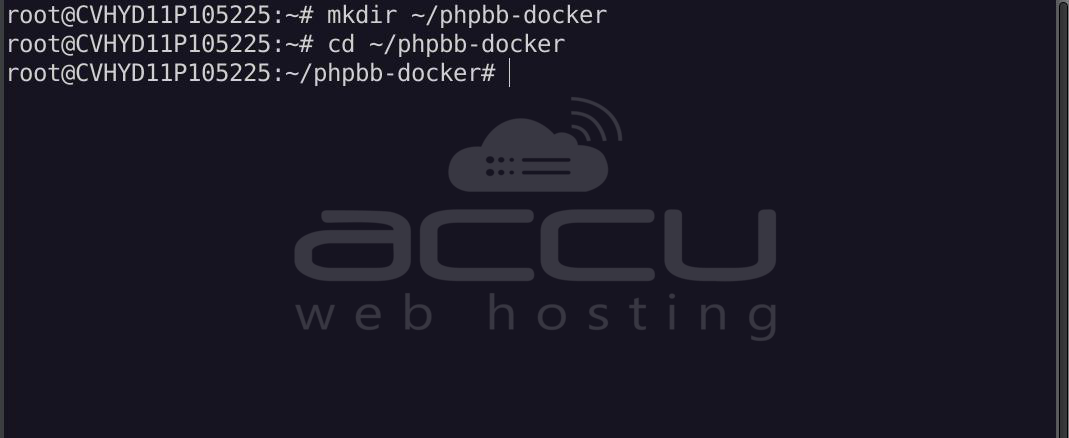
mkdir ~/phpbb-docker
cd ~/phpbb-docker
Step 5: Create the Docker Compose File
Create the compose file:
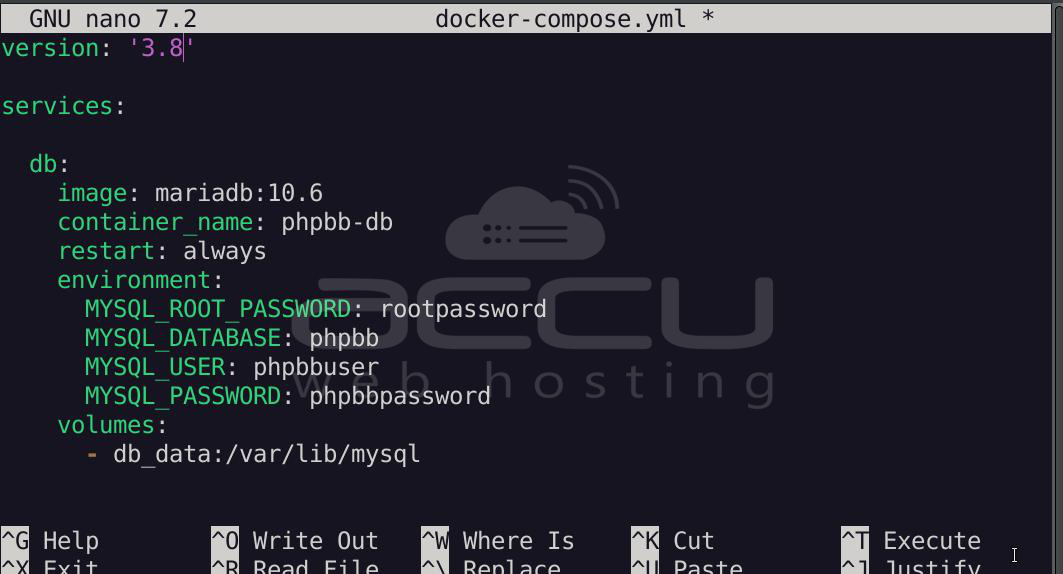
nano docker-compose.yml
Add the following configuration:
version: '3.8'
services:
  db:
    image: mariadb:10.6
    container_name: phpbb-db
    restart: always
    environment:
      MYSQL_ROOT_PASSWORD: rootpassword
      MYSQL_DATABASE: phpbb
      MYSQL_USER: phpbbuser
      MYSQL_PASSWORD: phpbbpassword
    volumes:
      - db_data:/var/lib/mysql
  phpbb:
    image: selim13/phpbb:3.3
    container_name: phpbb-forum
    restart: always
    ports:
      - "8080:80"
    environment:
      PHPBB_DB_DRIVER: mysqli
      PHPBB_DB_HOST: db
      PHPBB_DB_PORT: 3306
      PHPBB_DB_NAME: phpbb
      PHPBB_DB_USER: phpbbuser
      PHPBB_DB_PASSWD: phpbbpassword
      PHPBB_INSTALL: "true"
    depends_on:
      - db
    volumes:
      - phpbb_data:/var/www/html
volumes:
  db_data:
  phpbb_data:
Save the file and exit.
Step 6: Pull Docker Images
Download the required container images.
docker-compose pull
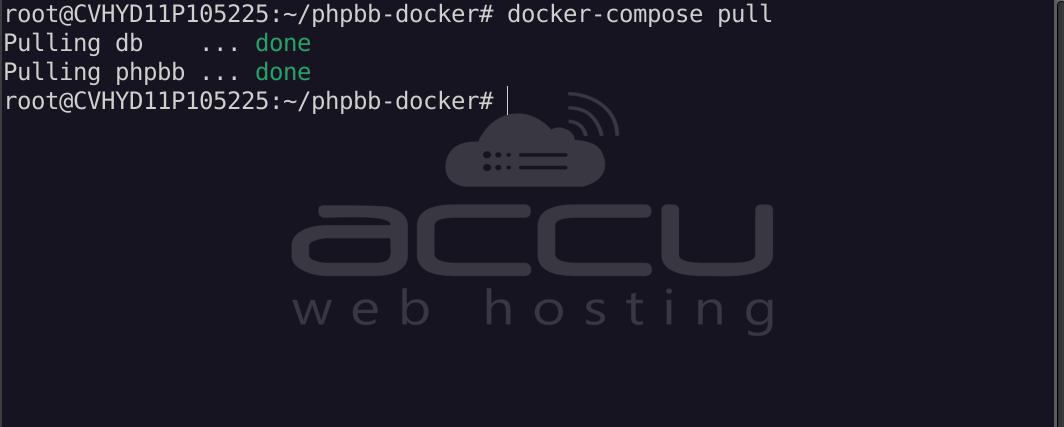
This will download the required images for:
- MariaDB database
- phpBB forum server
Step 7: Start the phpBB Containers
Start the containers in detached mode:
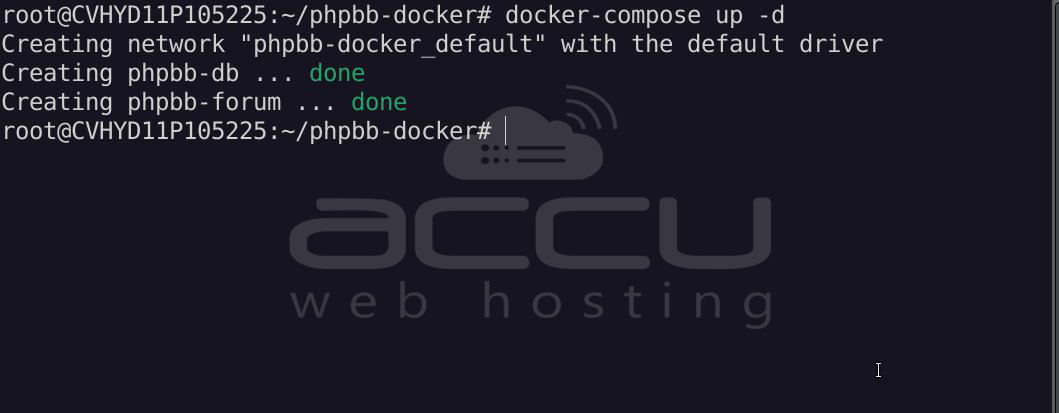
docker-compose up -d
Docker will automatically create and start both containers.
Step 8: Verify Running Containers
Check that the containers are running correctly:
docker ps
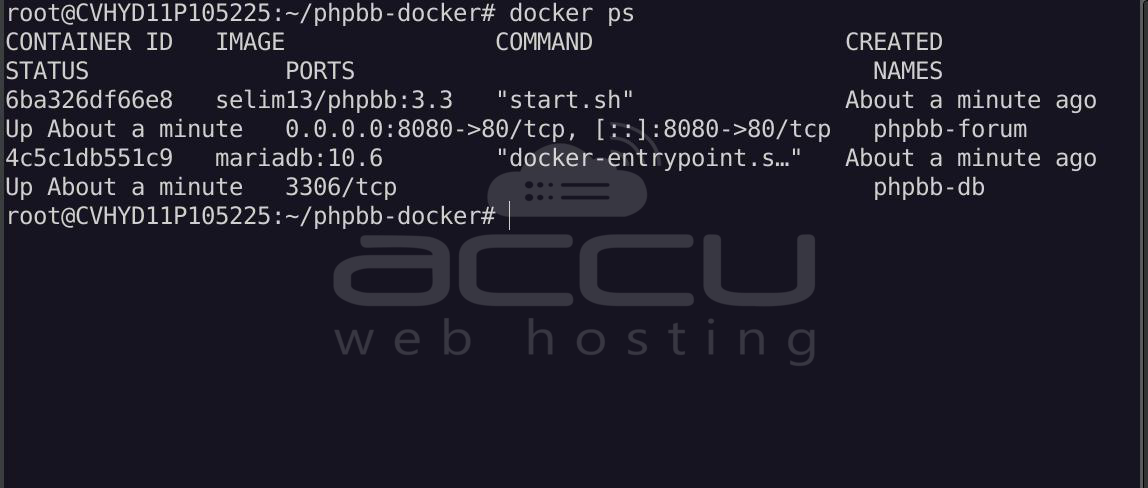
You should see containers similar to:
- phpbb-forum
- phpbb-db
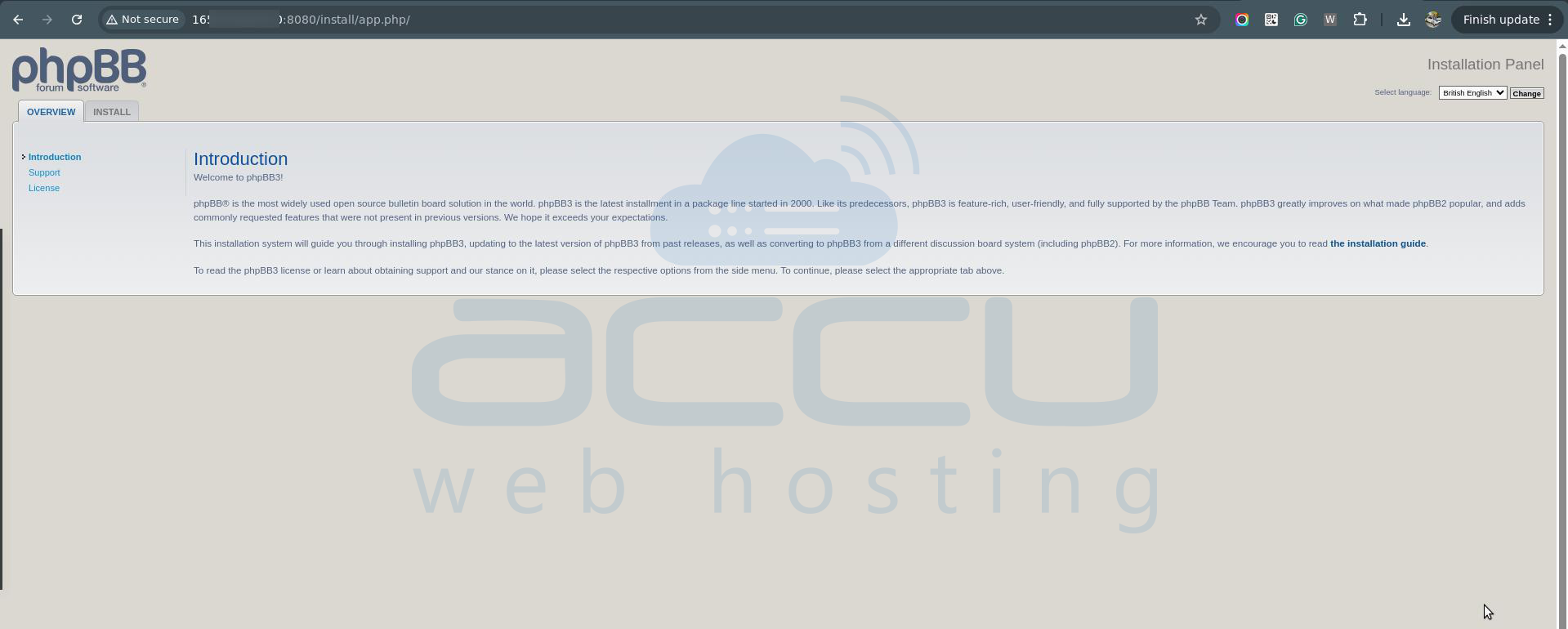
Step 9: Access the phpBB Installation Page
Open your browser and navigate to:
http://YOUR_SERVER_IP:8080
The phpBB installation wizard will appear.
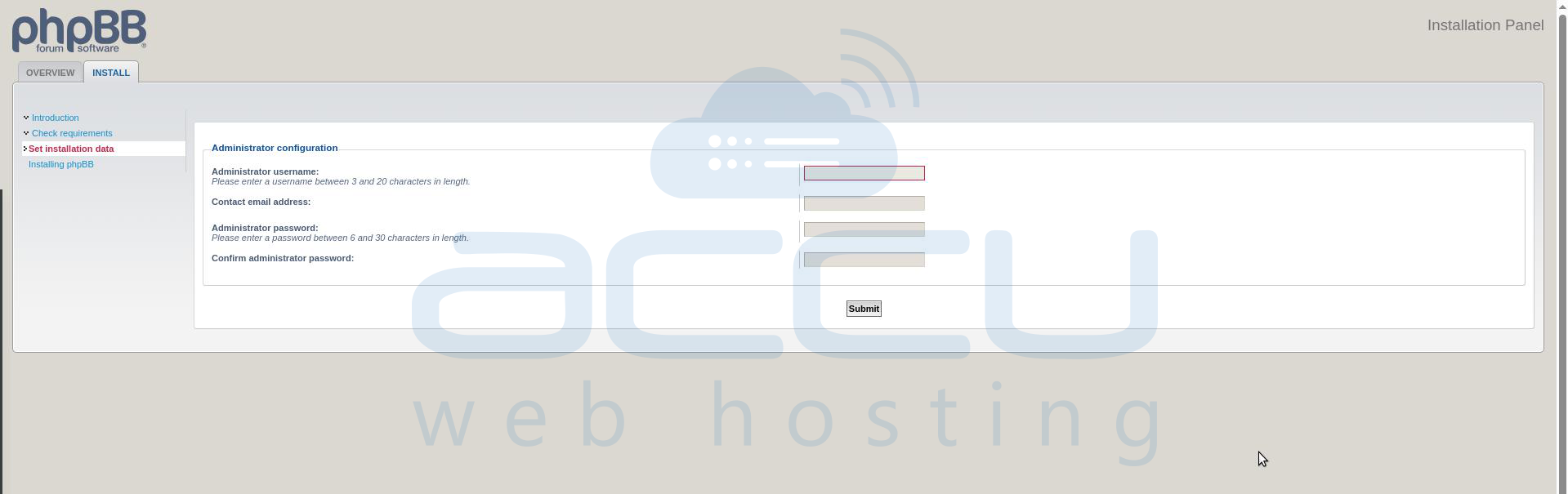
Step 10: Configure Database Settings
During installation, enter the admin credentials as required.
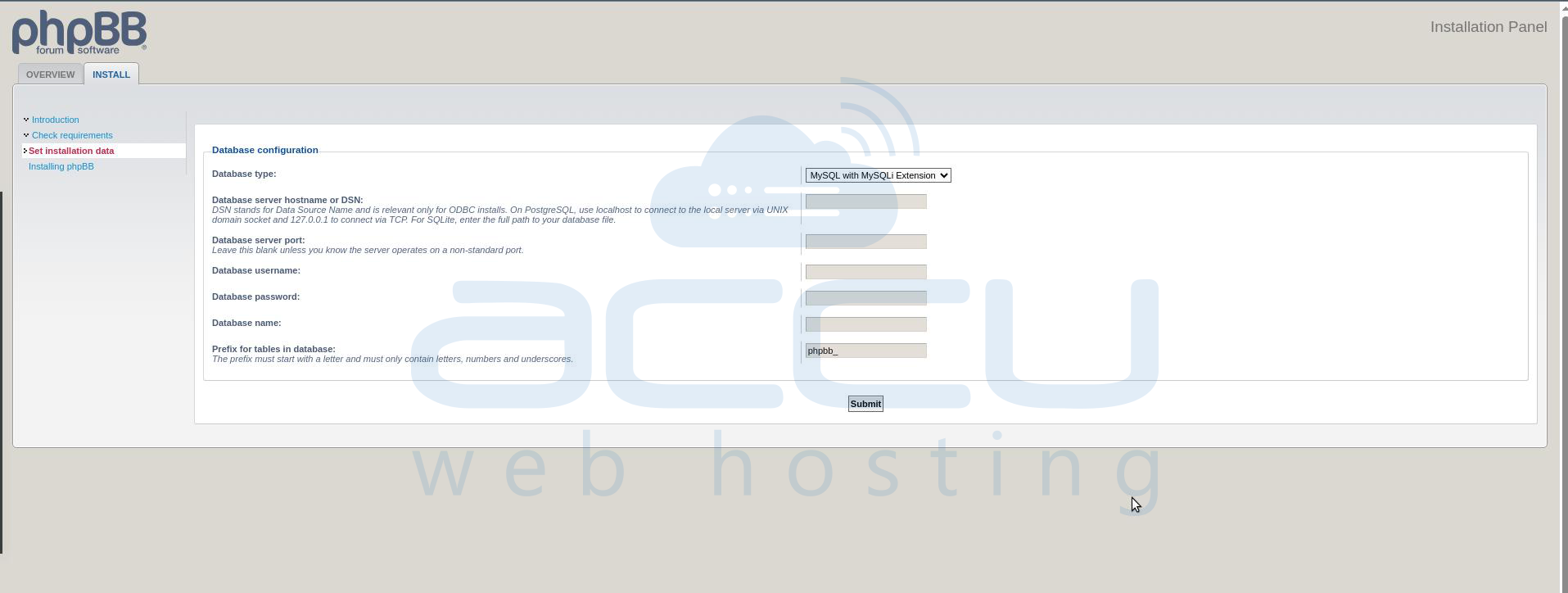
Enter the following database settings:
- Database Type: MySQL with MySQLi
- Database Server: db
- Database server port: 3306
- Database Name: phpbb
- Database Username: phpbbuser
- Database Password: phpbbpassword
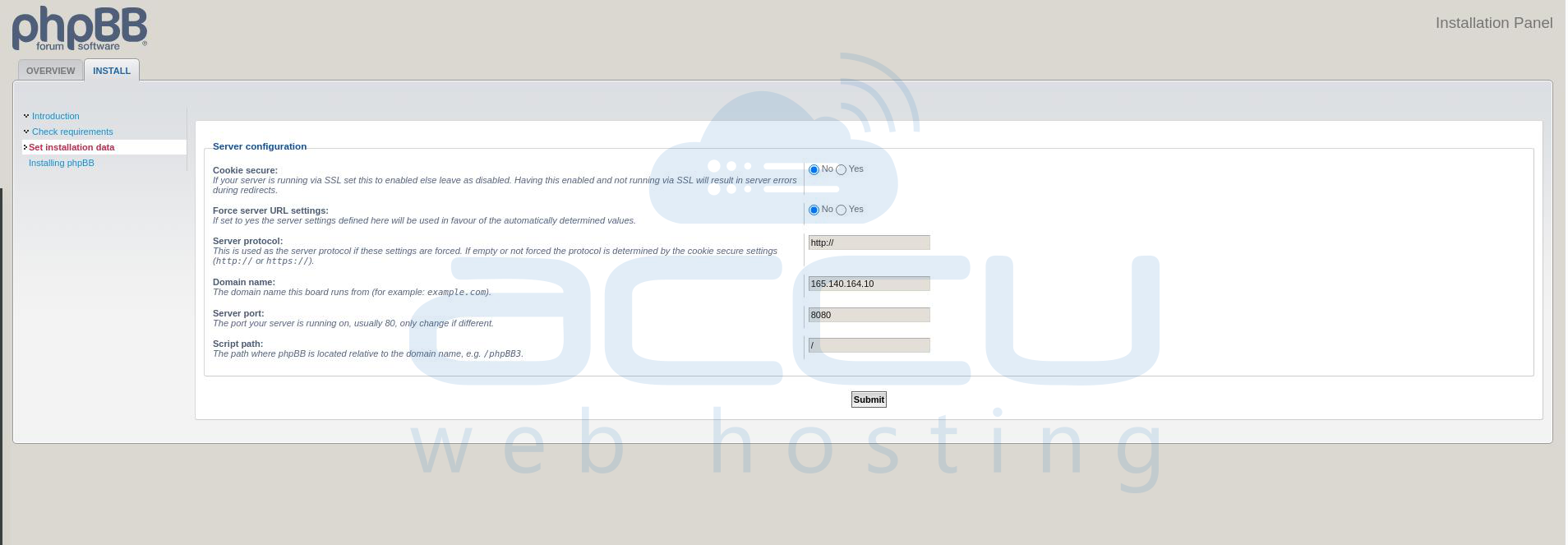
Set the server configuration (Optional):
If you want to change any settings, you can. Otherwise, click the Submit button.
Continue the installation and create your administrator account and forum name.
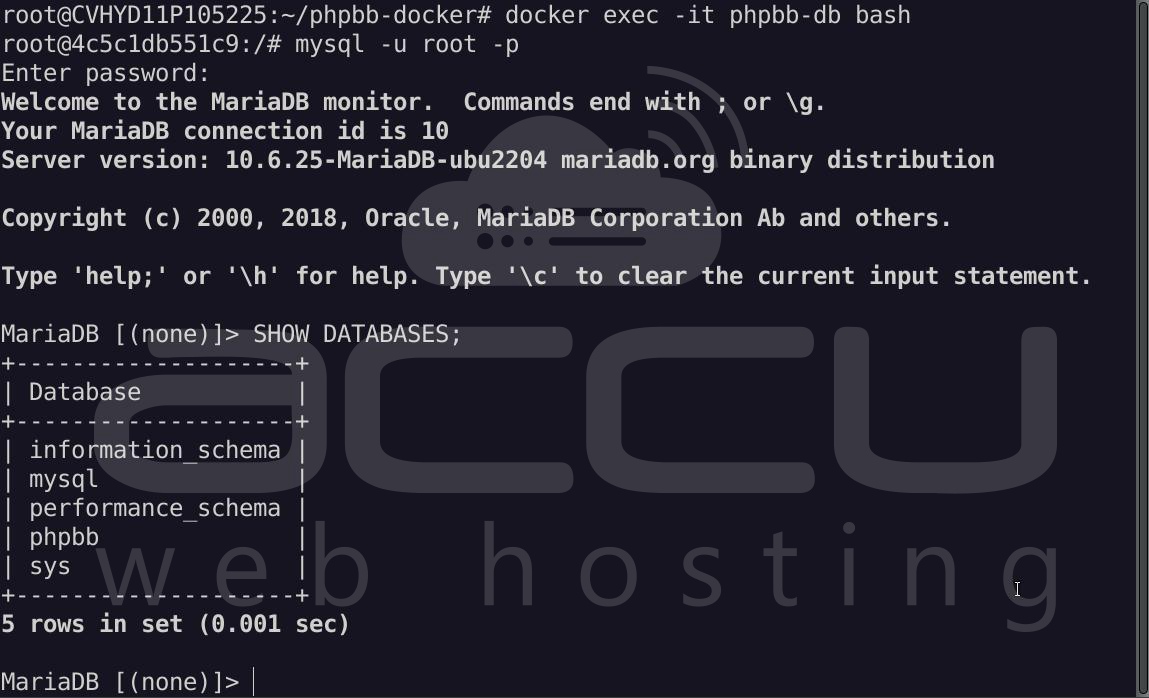
Verify the Database from the MariaDB Container:
First, enter the database container:
docker exec -it phpbb-db bash
Now log in to MariaDB using the root password defined in your compose file:
mysql -u root -p
Enter the password: rootpassword
Once inside the MariaDB console, run:
SHOW DATABASES;
You should see something like:
+--------------------+
| Database |
+--------------------+
| information_schema |
| mysql |
| performance_schema |
| phpbb |
+--------------------+
If phpbb appears in the list, then the database was created successfully.
To exit MariaDB, run:
exit
Then exit the MariaDB container:
exit
Step 11: Remove the Installation Directory
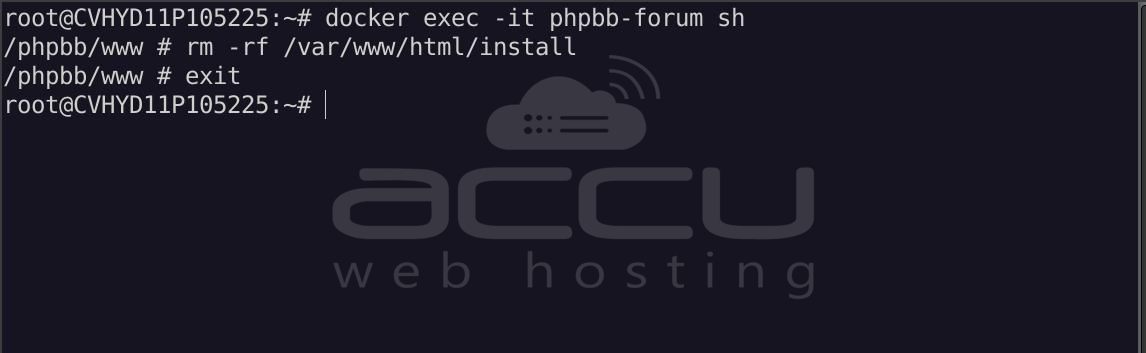
For security reasons, remove the installation directory after installation.
Enter the container:
docker exec -it phpbb-forum sh
Then run:
rm -rf /var/www/html/installexit
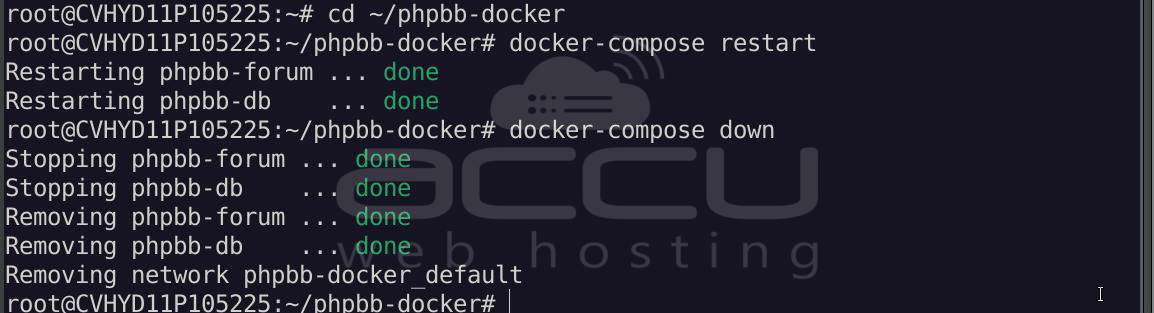
Useful Docker Commands:
View container logs:
docker logs phpbb-forum
Restart containers:
docker-compose restart
Stop containers:
docker-compose down
Summary:
This guide demonstrated how to deploy phpBB using Docker on Ubuntu 24.04. By installing Docker and Docker Compose, creating a Docker Compose configuration, and launching containers for both phpBB and MariaDB, you can quickly deploy a fully functional forum environment. Docker simplifies application deployment by isolating dependencies within containers and enabling easy service management.
Conclusion:
Running phpBB in Docker on Ubuntu 24.04 provides a modern, reliable way to host discussion forums. This containerized approach eliminates complex manual server configuration and ensures consistent deployments across different systems. With Docker managing the application and MariaDB handling the database backend, administrators can focus on community operations while benefiting from a scalable, maintainable hosting environment.


