
Introduction:
PocketBase is an open-source backend-as-a-service (BaaS) platform designed to simplify backend development for both web and mobile applications. By offering a ready-to-use backend, PocketBase allows developers to focus on building their apps without the need to manage servers and databases. With features like user authentication, file storage, and real-time updates, it is an ideal choice for developers who want to streamline their backend management.
Key Features of PocketBase
1. Database Management
PocketBase includes a built-in database that allows for easy data storage and management. It supports basic CRUD (Create, Read, Update, Delete) operations and offers real-time data synchronization, ensuring that your app's data is always up-to-date.
2. User Authentication
PocketBase provides secure user authentication features, including sign-up, login, and role-based access control. This allows developers to easily manage who can access the app’s data, adding an important layer of security.
3. File Storage
The platform makes file management seamless by allowing users to upload and manage files, such as images and documents, directly on the platform. This eliminates the need for separate file hosting solutions.
4. Real-Time Updates
Real-time data synchronization is a crucial feature of PocketBase. This ensures that the information displayed in your app is always current, regardless of the user's device or location.
5. Open Source & Extensible
Being open-source, PocketBase allows developers to modify and extend the platform according to their specific requirements. This flexibility makes it an excellent choice for custom solutions.
6. Self-Hosting Option
For those who need more control over their app’s infrastructure and security, PocketBase offers a self-hosting option. This allows you to run the backend on your own server rather than relying on third-party hosting services.
7. Easy Deployment
PocketBase is designed for easy deployment, whether you are setting it up locally for testing or on a production server. Its straightforward setup process ensures that developers can get started quickly.
Common Uses of PocketBase
1. Mobile & Web Apps
PocketBase is ideal for handling core backend functions such as user authentication, data storage, and file management for both mobile and web applications.
2. Prototyping & MVPs
Developers building prototypes or MVPs (Minimum Viable Products) can use PocketBase to quickly set up a backend without dealing with the complexities of server management.
3. Content Management Systems (CMS)
PocketBase is well-suited for building simple CMS platforms such as blogs, news websites, and other content-driven applications.
4. Social Media Apps
Social media applications that require user accounts, real-time data updates, and file storage (e.g., photos and videos) can benefit from PocketBase’s powerful features.
5. E-commerce
E-commerce platforms can utilize PocketBase to manage product listings, user accounts, and orders, making it a great backend solution for online stores.
Prerequisites:
Before proceeding with the installation, ensure you have the following:
-
A VPS running Ubuntu 24 or later
-
Root or sudo access to the server
-
Basic knowledge of using the terminal (command line)
Step-by-Step Guide to Install PocketBase on Ubuntu VPS
Step 1: Update Your System
To ensure your system is up-to-date, run the following commands:
sudo apt update && sudo apt upgrade -y
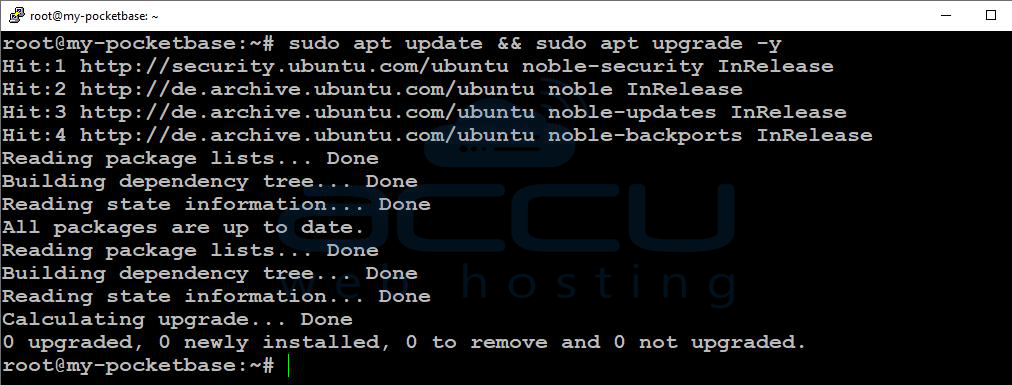
This will update your package list and install any available updates for your system.
Step 2: Install Dependencies
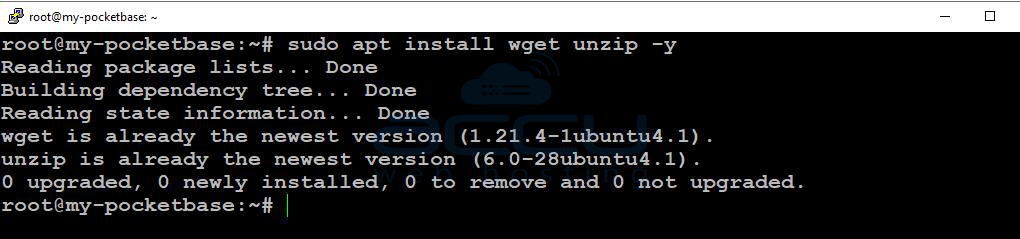
PocketBase requires wget and unzip for downloading and extracting the installation package. Install these utilities by running:
sudo apt install wget unzip -y
Step 3: Download PocketBase
Next, download the latest version of PocketBase for Linux. You can visit the official PocketBase GitHub releases page to get the latest release URL, or use the following command for version 0.36.5:
wget https://github.com/pocketbase/pocketbase/releases/download/v0.36.5/pocketbase_0.36.5_linux_amd64.zip
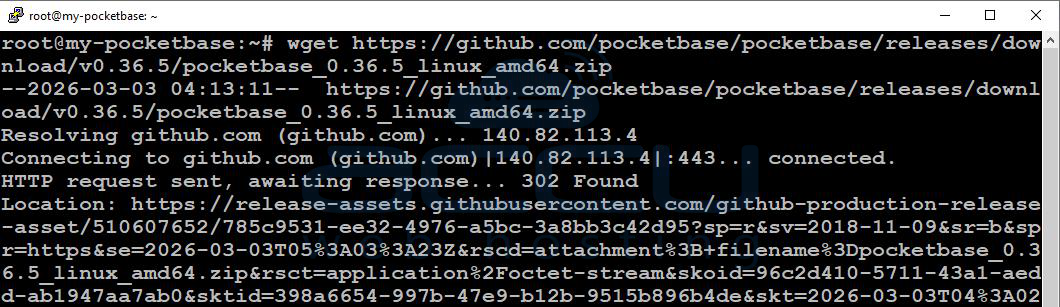
This will download the ZIP archive containing the PocketBase binaries.
Step 4: Extract the PocketBase Files
Once the download is complete, unzip the file to extract the PocketBase binary:
unzip pocketbase_0.36.5_linux_amd64.zip
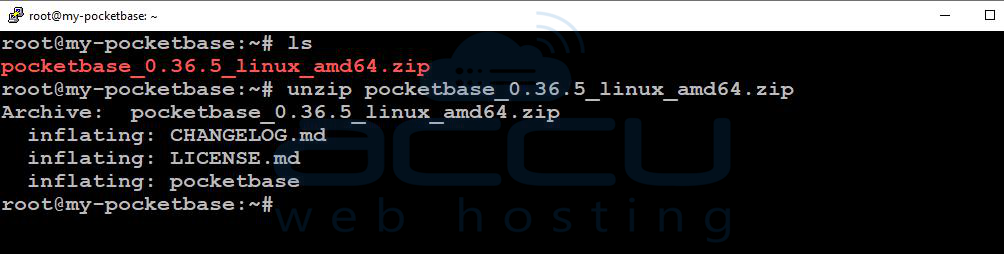
The pocketbase binary should now be in your current directory.
Step 5: Allow PocketBase Port
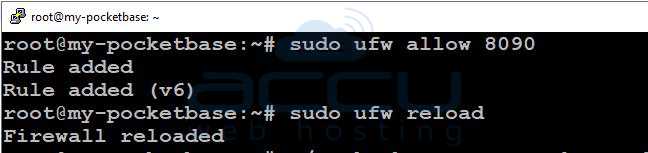
By default, PocketBase runs on port 8090. To access PocketBase remotely, ensure that port 8090 is open in your server’s firewall. If you're using UFW (Uncomplicated Firewall), run the following commands to allow traffic on port 8090:
sudo ufw allow 8090
sudo ufw reload
Step 6: Create a Superuser for PocketBase
After setting up PocketBase, you need to create a superuser to manage your instance. You can create the superuser by running the following command:
./pocketbase superuser upsert <Your-Emailaddress> <Password>

Replace <Your-Emailaddress> with your desired email and <Password> with your chosen password.
Step 7: Run PocketBase
You’re now ready to start PocketBase. Use the following command to launch the server:
./pocketbase serve --http="0.0.0.0:8090"
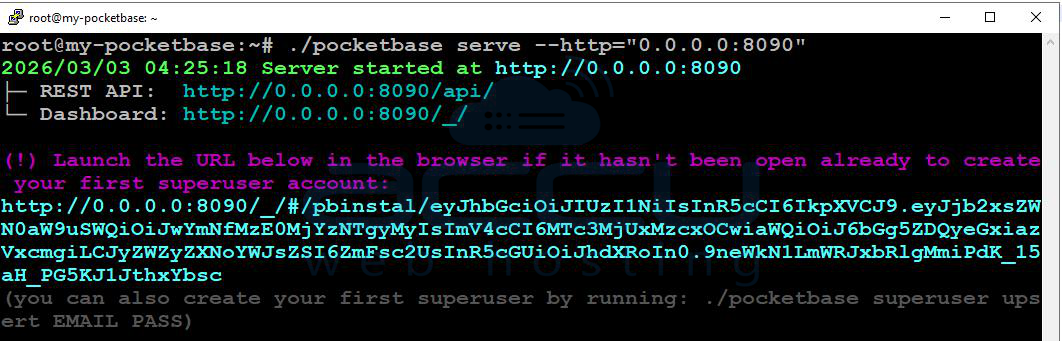
This will start PocketBase on port 8090, binding it to all available interfaces. To verify that it’s running, open your browser and go to:
http://Your-Server-IP:8090/_
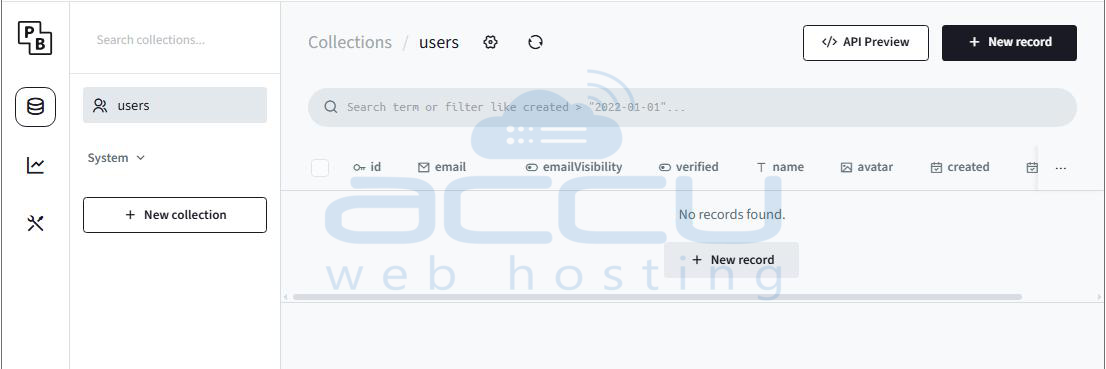
This should take you to the PocketBase admin dashboard. Log in using the superuser credentials you created in the previous step.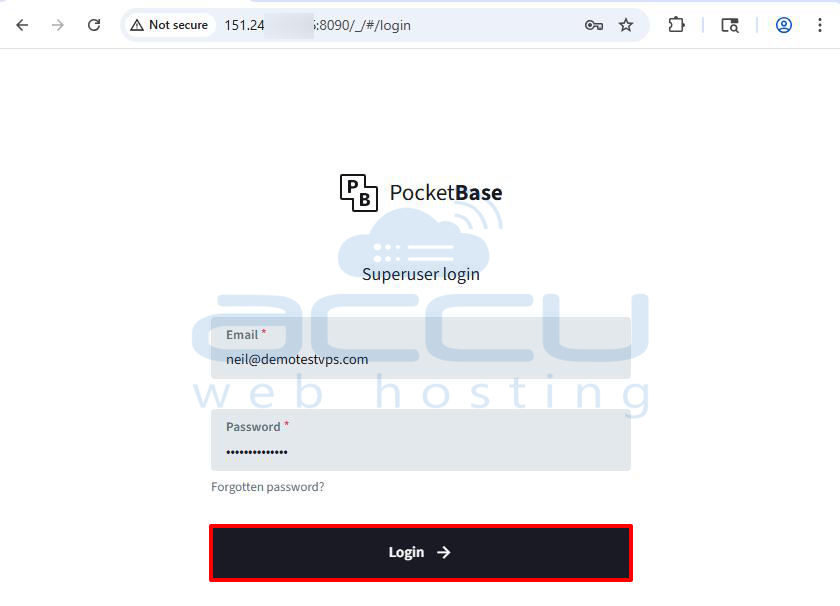
Step 8: Enable PocketBase to Run on Boot (Optional)
If you want PocketBase to run automatically whenever your server starts, follow these steps to create a systemd service:
1. Create a systemd Service File
Create a new systemd service file for PocketBase:
sudo vi /etc/systemd/system/pocketbase.service
2. Add Configuration to the File
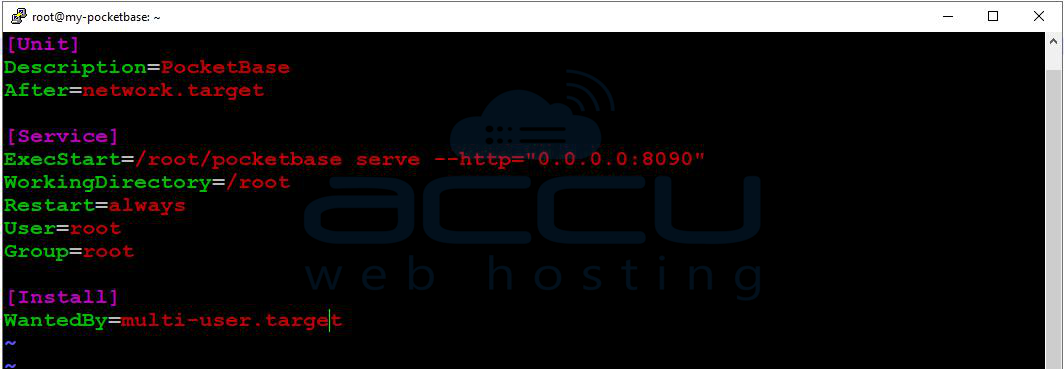
Paste the following configuration into the service file, replacing /root/pocketbase with the correct path where PocketBase is installed on your system:
[Unit]
Description=PocketBase
After=network.target

[Service]
ExecStart=/root/pocketbase serve --http="0.0.0.0:8090"
WorkingDirectory=/root
Restart=always
User=root
Group=root

[Install]
WantedBy=multi-user.target
3. Save and Close the File
If you're using vi, save the file by pressing Esc, then typing :wq and pressing Enter.
4. Reload systemd
Reload the systemd service manager to apply the changes:
sudo systemctl daemon-reload
5. Start and Enable the PocketBase Service
Start the PocketBase service and enable it to start on boot:
sudo systemctl start pocketbase
sudo systemctl enable pocketbase

6. Verify the Service Status
To ensure PocketBase is running as a service, check its status:
sudo systemctl status pocketbase
This will display the status of the PocketBase service.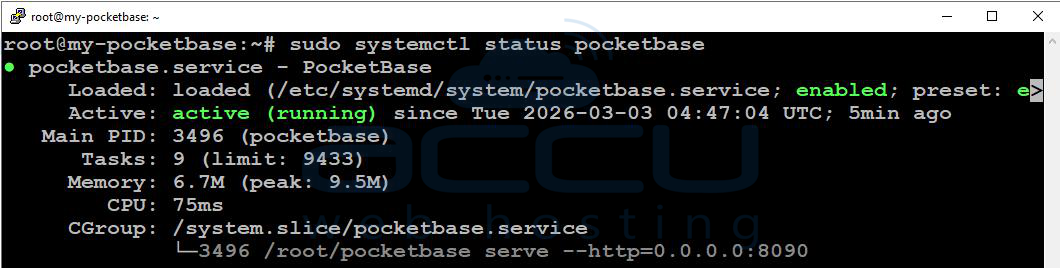
Conclusion:
By following these steps, you’ve successfully installed PocketBase on your Ubuntu VPS, and it’s now running as a background service. You can access it through your browser and start managing databases, users, and files for your applications. Additionally, by configuring PocketBase as a systemd service, you ensure that it will automatically start whenever your server boots up, keeping your backend always available.


