
What is ClusterControl?
ClusterControl, developed by Severalnines, is a powerful and widely used database management and automation platform. It helps you deploy, monitor, manage, and scale database clusters from a single, easy-to-use web interface. ClusterControl is designed to simplify complex database operations, especially in production environments.
With ClusterControl, you can easily deploy, monitor, and scale database clusters such as MySQL, PostgreSQL, MongoDB, and others. On an Ubuntu VPS, the installation process is straightforward and can be completed using a simple installation script. Once installed, you can access the web-based interface to manage your databases efficiently.
ClusterControl works as a centralized management system that automates the entire database cluster lifecycle. This includes tasks such as cluster deployment, monitoring, backups, failover handling, and scaling, reducing the need for manual administration.
Purpose:
A centralized tool for managing and automating database clusters.
Supported Databases:
MySQL, MariaDB, PostgreSQL, MongoDB, Galera Cluster, and more.
Key Features:
Automated Deployment: Quickly deploy high-availability database clusters, such as Galera or PostgreSQL Replication, with just a few clicks.
Comprehensive Monitoring: Get real-time insights into cluster health and performance through detailed and user-friendly dashboards.
Backup & Recovery: Schedule automated and verified backups, and perform point-in-time recovery (PITR) when needed.
Auto-Healing: Automatically detects node failures and performs failover to help maintain high availability and minimize downtime.
Scaling: Easily add or remove database nodes to handle changes in workload and traffic.
System Requirements:
Before starting, ensure you have:
ClusterControl is compatible with the following operating systems:
| Category | Details |
|---|---|
| Operating Systems – Ubuntu | 20.04 LTS, 22.04 LTS, 24.04 LTS |
| Operating Systems – AlmaLinux | 8, 9 |
| Operating Systems – Debian | 11, 12 |
| Operating Systems – Red Hat Enterprise Linux | 8.x, 9.x |
| Operating Systems – Rocky Linux | 8.x, 9.x |
| RAM | 2 GB (4 GB recommended) |
| CPU | 2 CPU cores |
| Disk Space | 20 GB free disk space |
| Access | Root or sudo access |
Installing ClusterControl on an Ubuntu VPS
This guide walks you through installing ClusterControl on an Ubuntu-based VPS using the official installer script. The process is straightforward and requires only SSH access to your server.
Step 1: Access the VPS via SSH
Begin by connecting to your VPS using SSH.
ssh root@YOUR_VPS_IP
Replace YOUR_VPS_IP with your server’s public IP address.
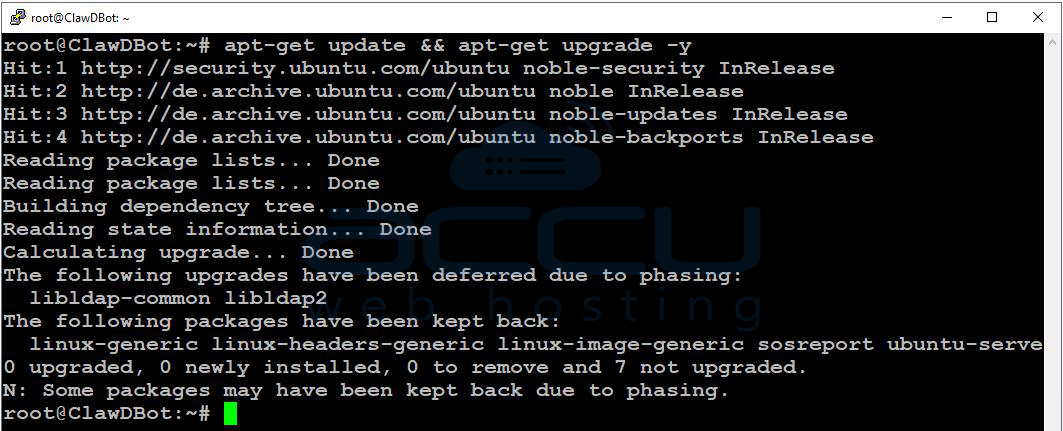
Once logged in, update the system packages to ensure your server is up to date:
apt-get update && apt-get upgrade -y
Step 2: Install ClusterControl
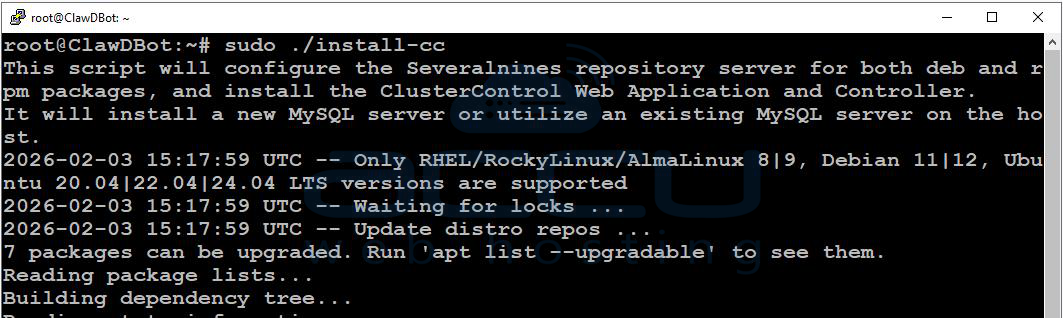
The recommended and simplest way to install ClusterControl is by using the official installer script provided by Severalnines. This script automatically installs all required packages and dependencies.
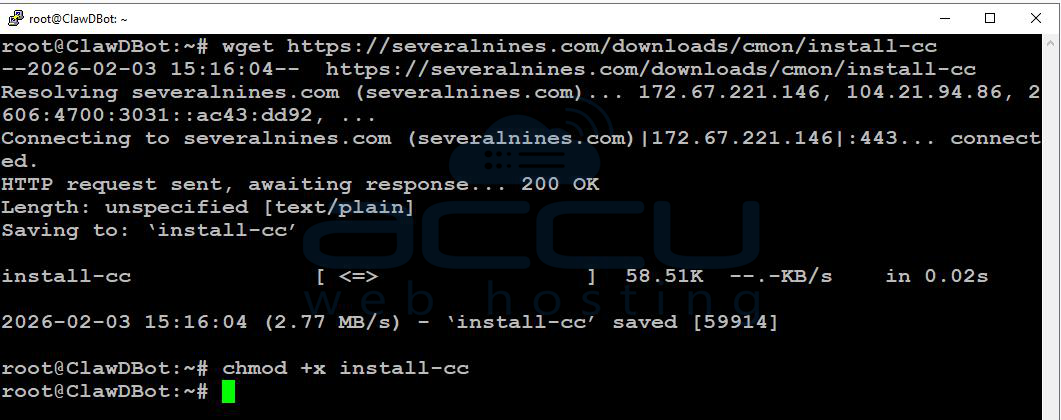
On the server where ClusterControl will run, execute the following commands:
wget https://severalnines.com/downloads/cmon/install-cc
chmod +x install-cc
sudo ./install-cc
During Installation
You will be prompted to set:
- The MySQL root password
- The CMON user password
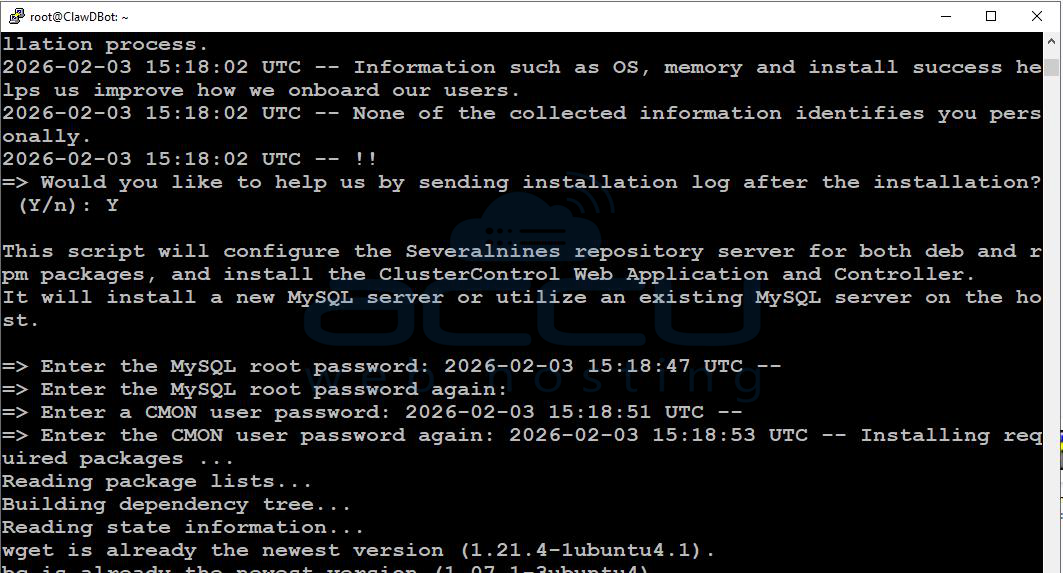
Follow the on-screen instructions and complete the setup.
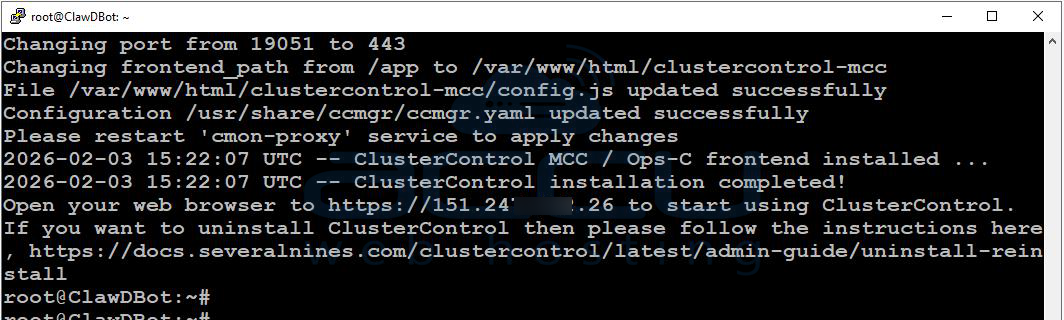
Once the installation is finished, you will see a confirmation message indicating that ClusterControl has been successfully installed.
Step 3: Access the ClusterControl Web Interface
After installation, open your web browser and navigate to:
https://YOUR_VPS_IP
Initial Setup
1. You will be prompted to create an admin user:
Enter the required admin details.
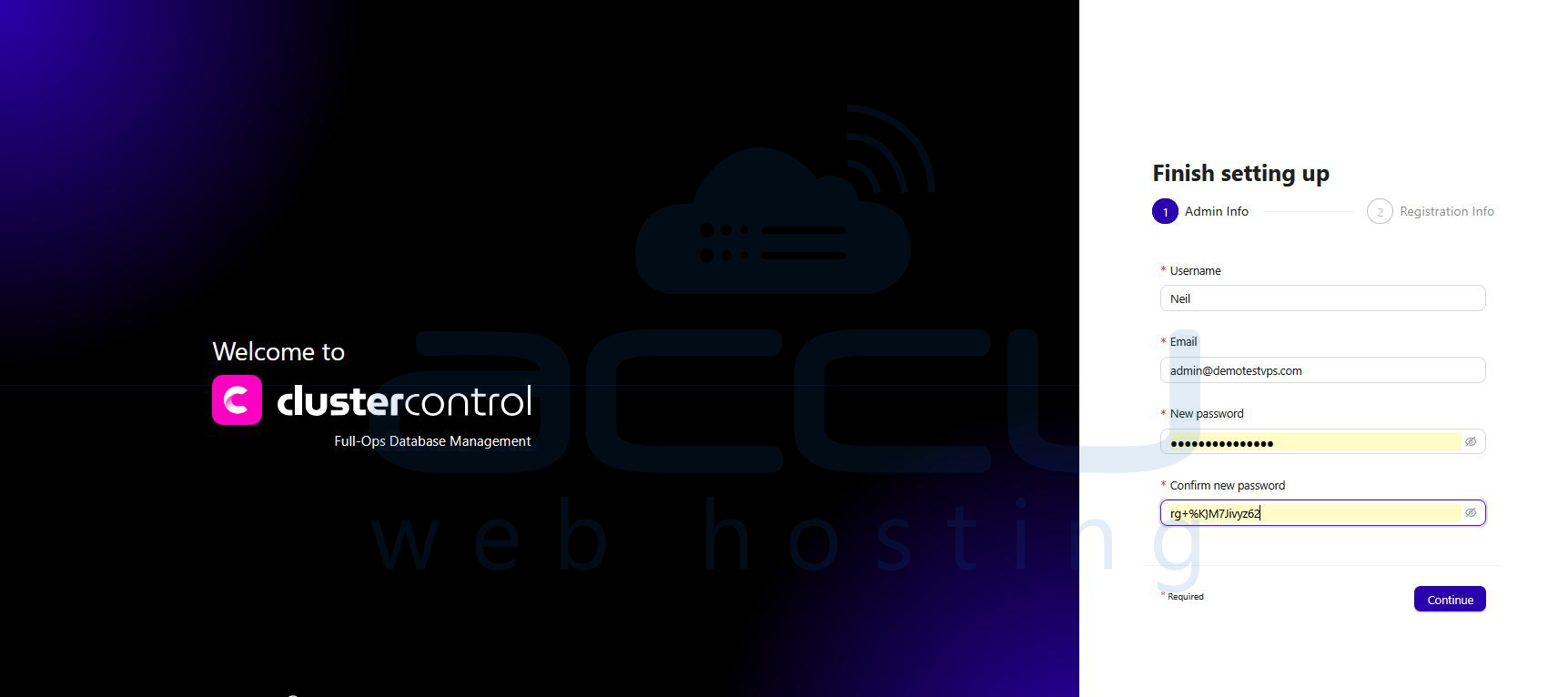
Click Continue.
2. Complete the registration information:
Provide your personal and company details.
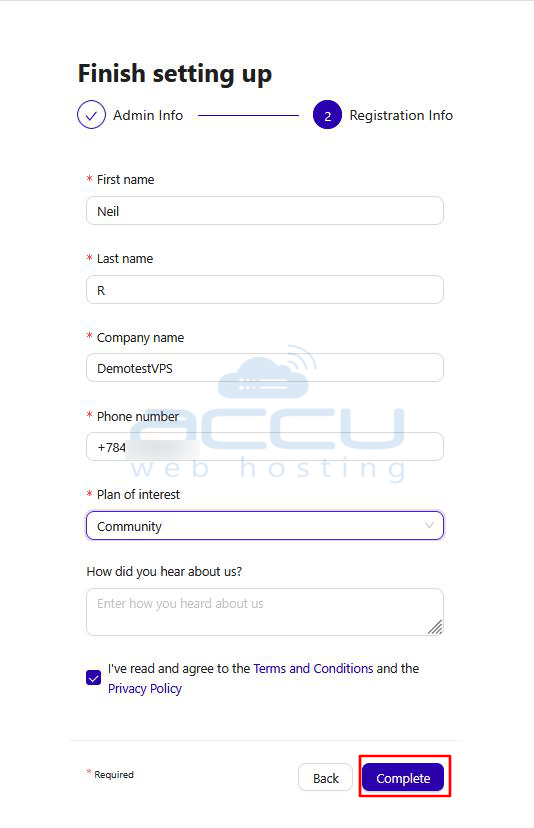
Select the appropriate edition (for example, Community).
3. Accept the Terms and Conditions, then click Complete.
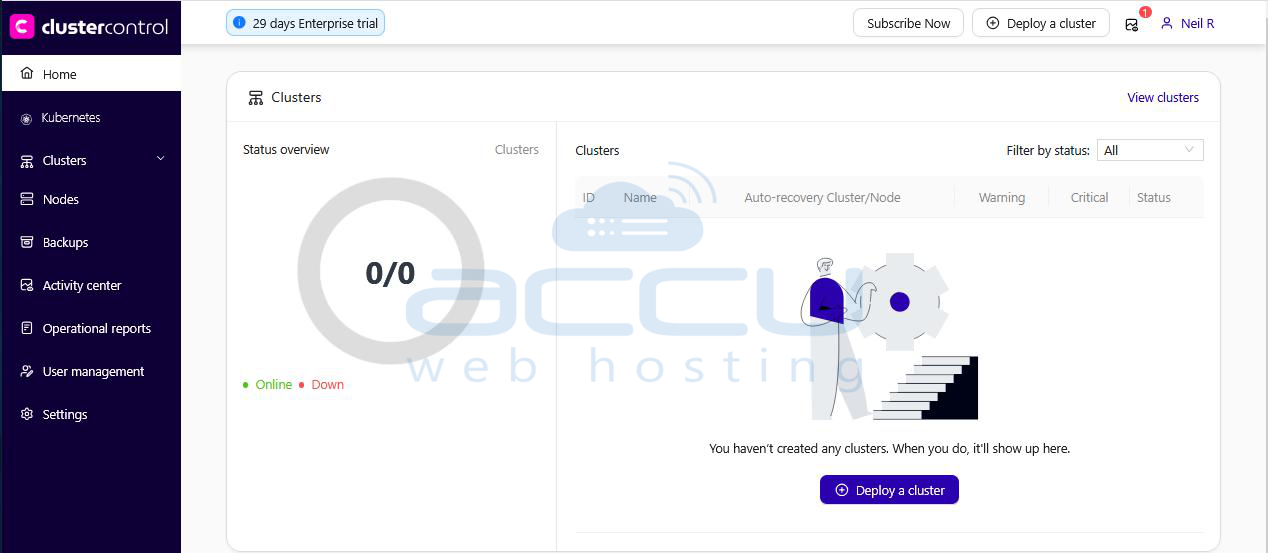
Step 4: Access the Admin Dashboard
After completing the setup wizard, you will be automatically redirected to the ClusterControl Admin Dashboard, where you can begin deploying and managing your database clusters.
Installation Complete
Your ClusterControl instance is now ready to use. You can proceed with:
- Deploying new database clusters
- Importing existing database nodes
- Configuring monitoring, backups, and automation
Conclusion:
ClusterControl is a reliable and secure solution for managing databases, especially in VPS environments. It helps simplify complex database tasks by reducing the need for manual work. With its centralized, web-based control panel, you can easily deploy, monitor, back up, and scale database clusters from one place.
Installing ClusterControl on an Ubuntu VPS is simple and can be completed in just a few steps using the official installer.
If you experience any issues during the installation process, please feel free to contact us via chat or support. Our support team will assist you with installing ClusterControl.


