
Introduction
Running your own email server gives you full control over email addresses, security, and domain communication. aaPanel, a free and powerful hosting control panel, makes it simple to install and configure an email server on your Linux VPS.
This guide provides step-by-step instructions assuming a live domain is available.
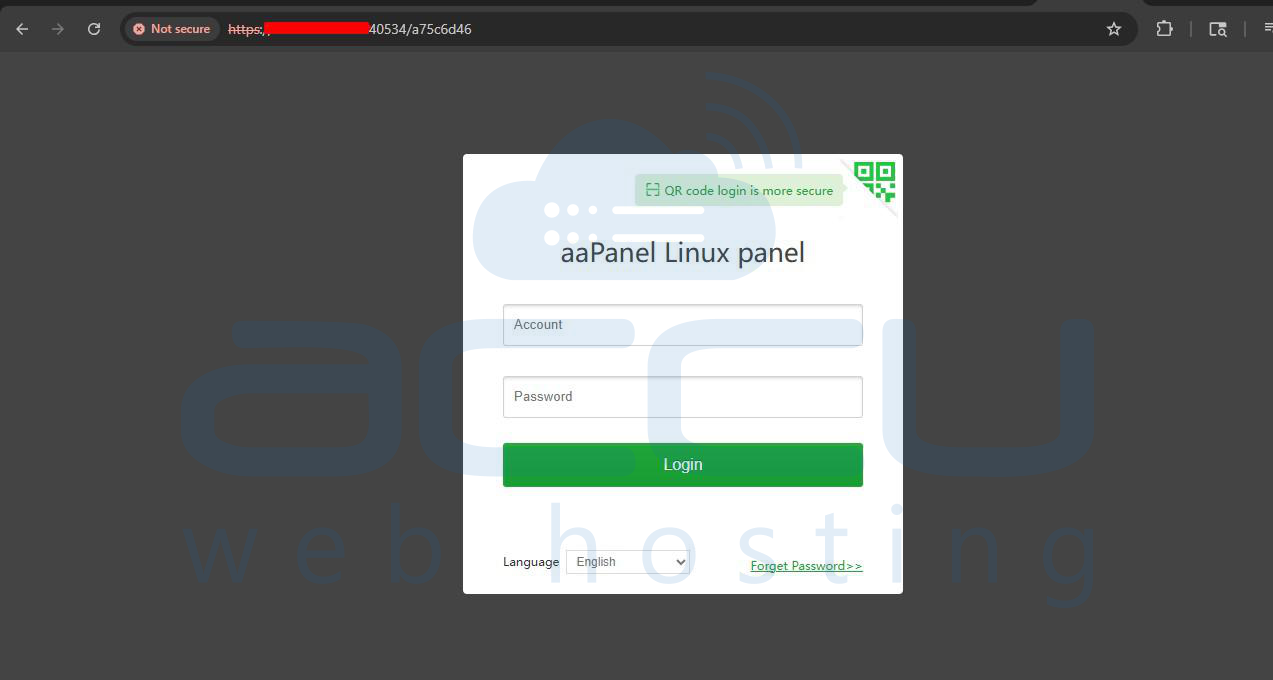
Step 1: Log in to aaPanel
1. Open your browser and log in to your aaPanel account.
2. Navigate to the server dashboard.
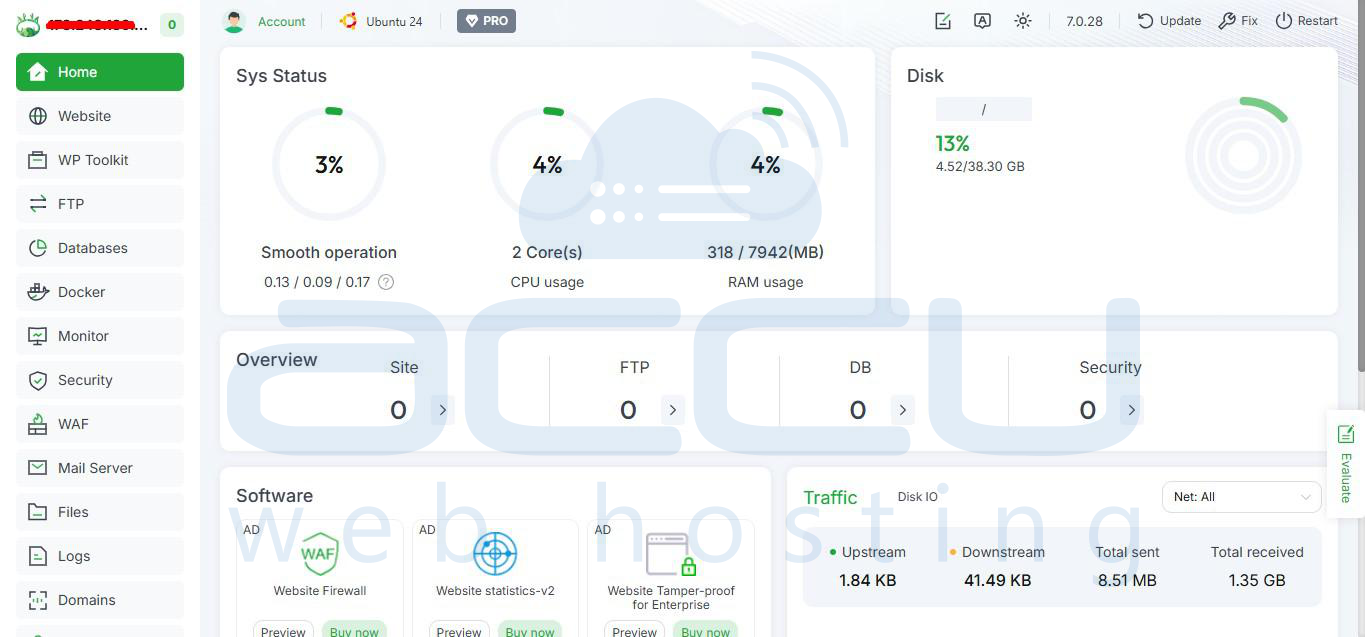
Step 2: Install Mail Server
1. In the left sidebar, go to the App Store.

2. Search for Mail Server (or Postfix/Dovecot).
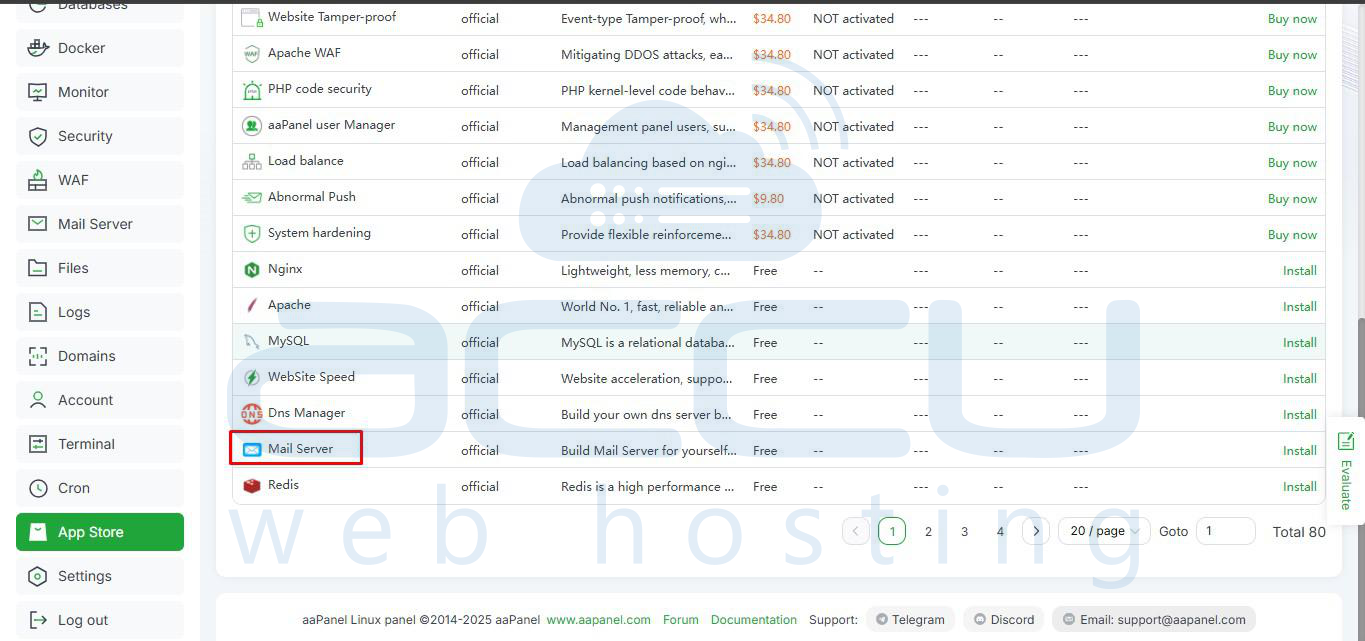
3. Click Install next to your chosen mail server.
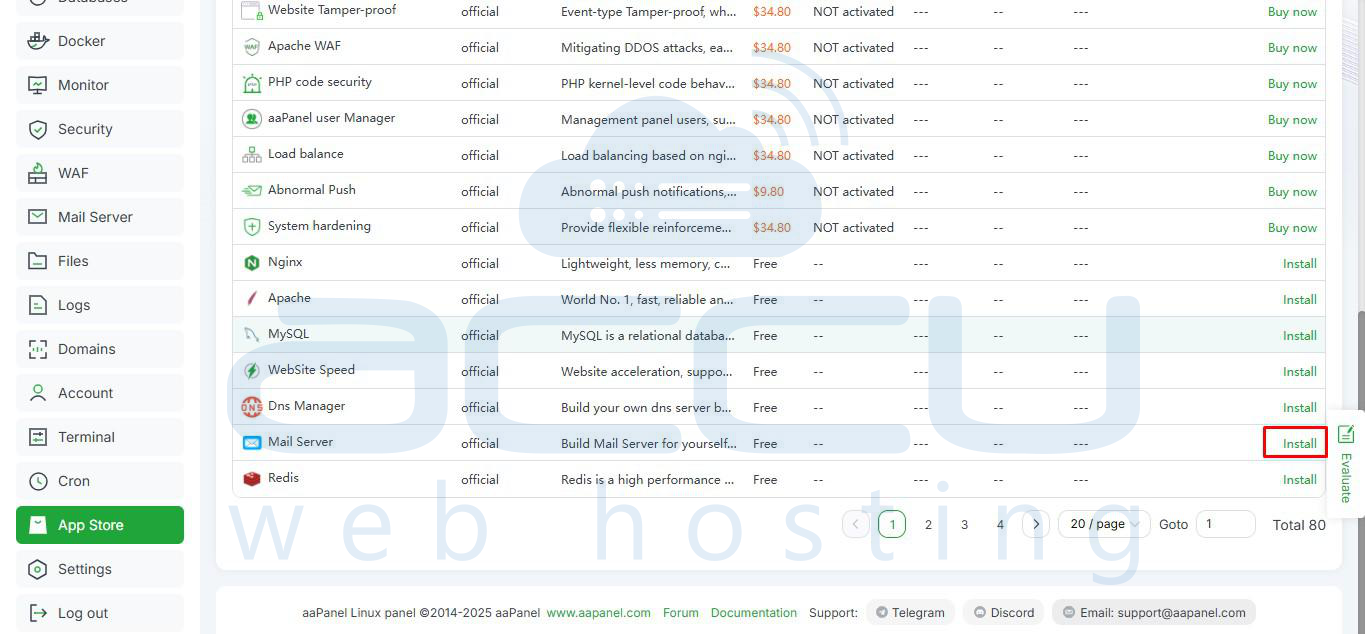
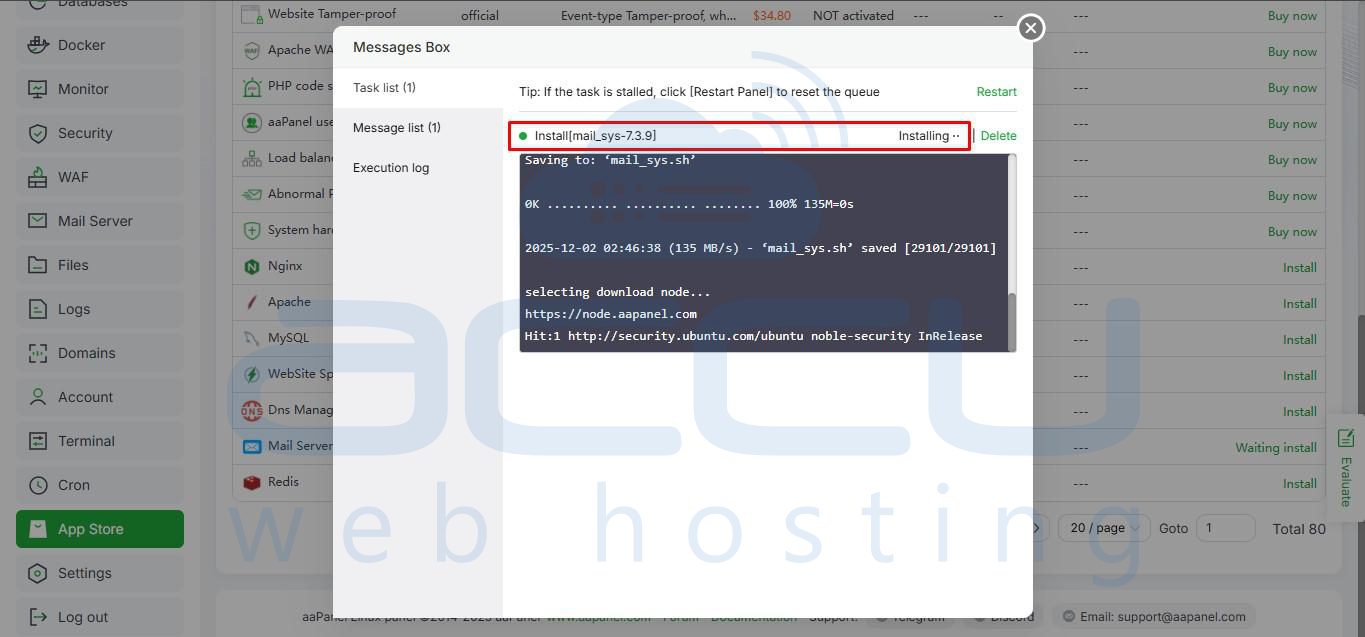
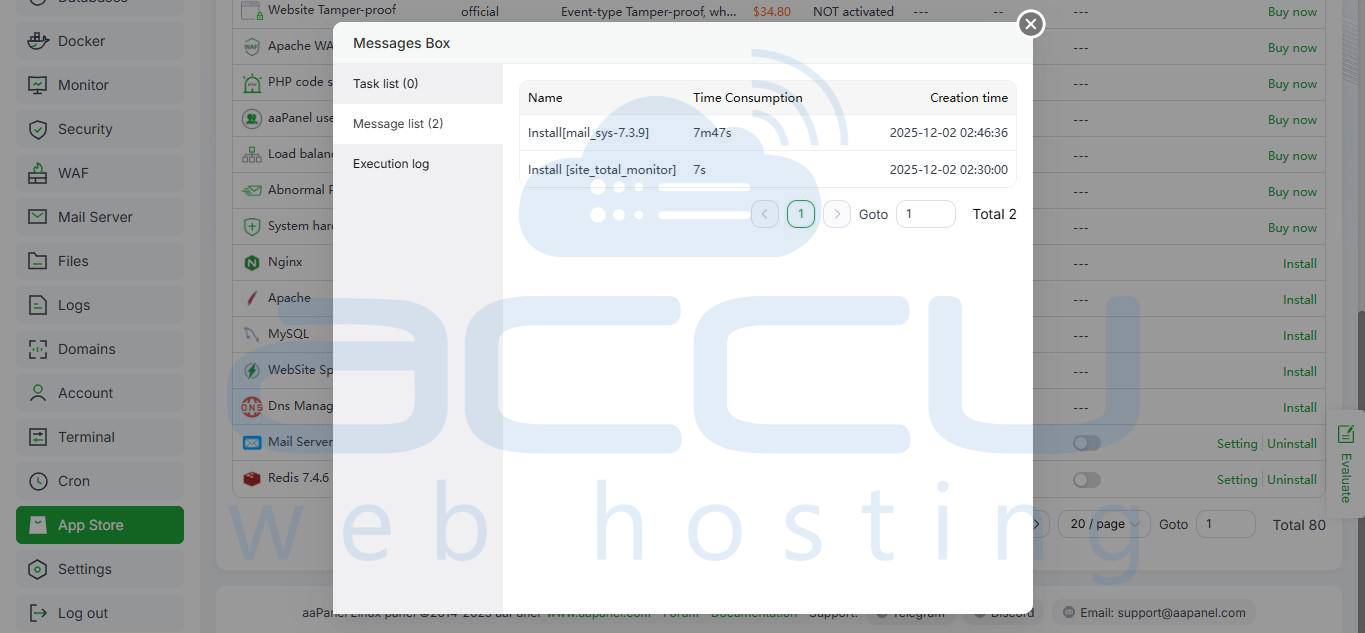
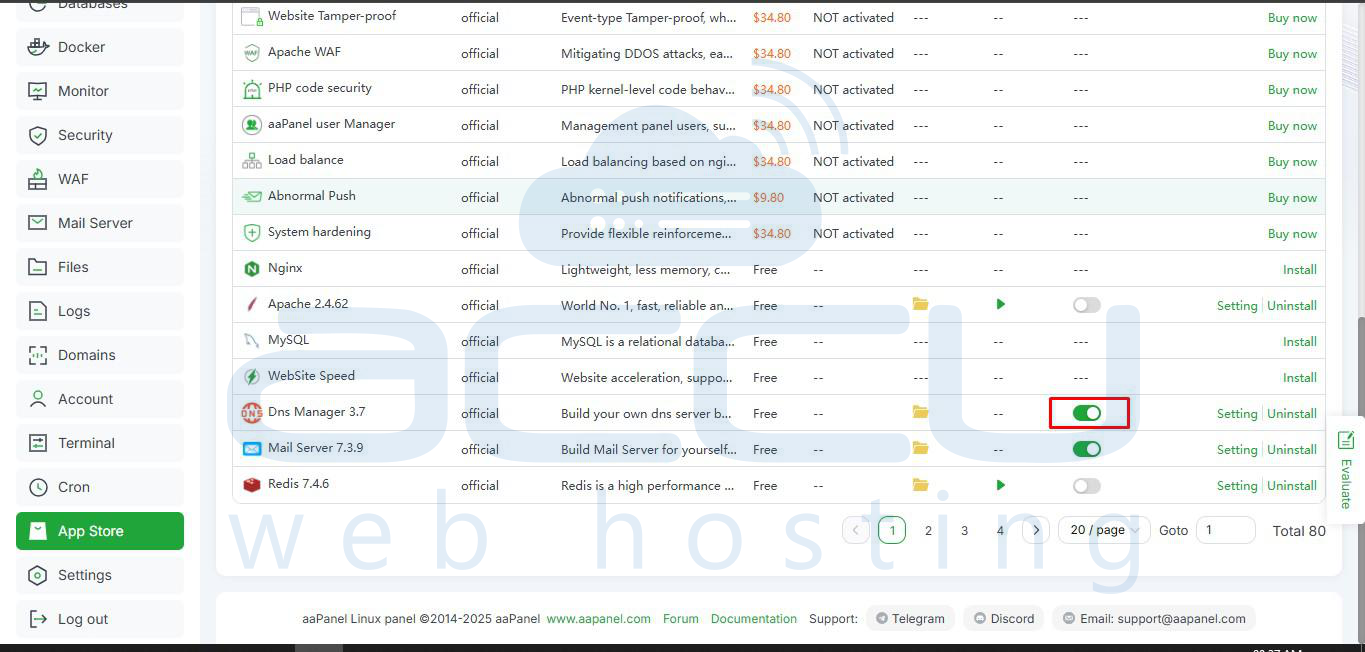
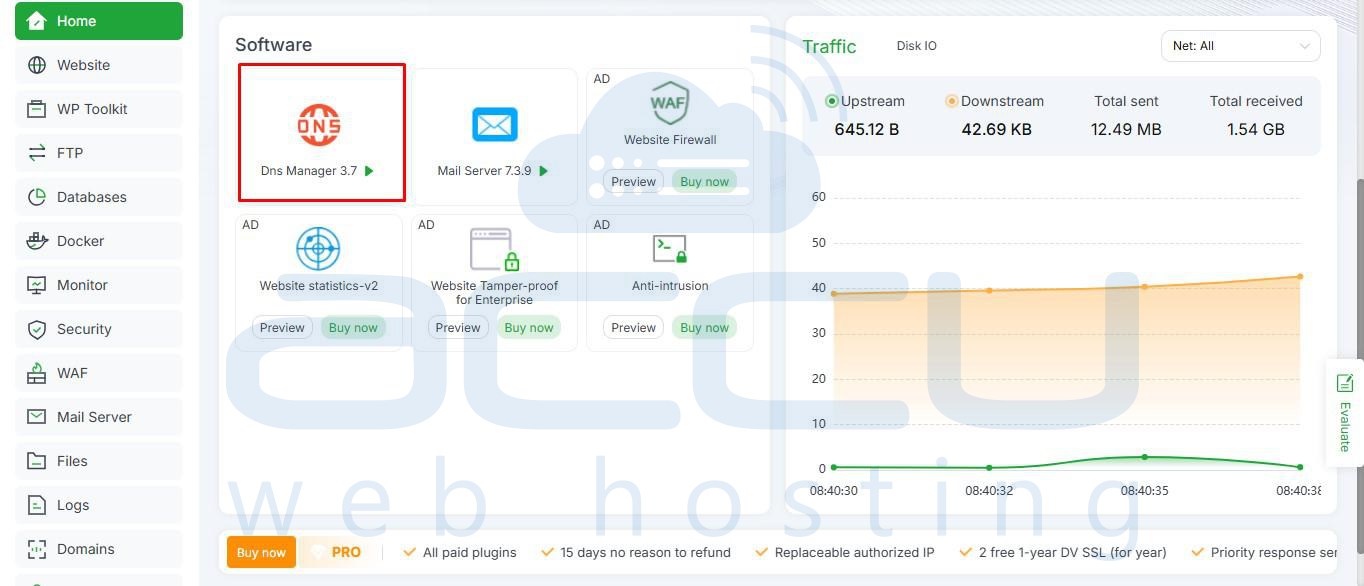
4. Click the Toggle On option next to DNS and Mail Server if it’s not already on to Display this option on the dashboard.
Step 3: Configure DNS Records
For your email server to work properly, you need to configure DNS records for your domain:
- MX Record: Points to your mail server domain.
- SPF Record: Authorizes your server to send emails.
- DKIM Record: Ensures email integrity.
- DMARC Record: Helps prevent spoofing.

Step 4: Configure Mail Server Settings
1. After installation, open the Mail Server panel in aaPanel.
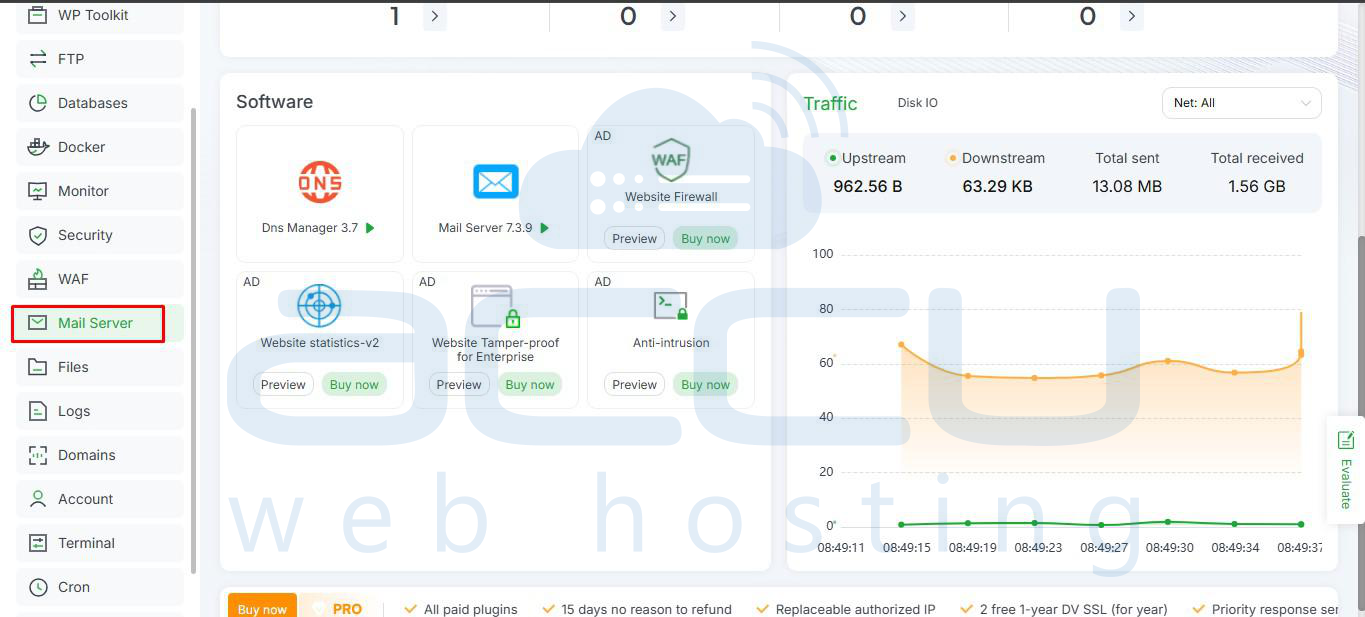
2. Set the domain name you want to use for sending and receiving emails by clicking on Add Domain.
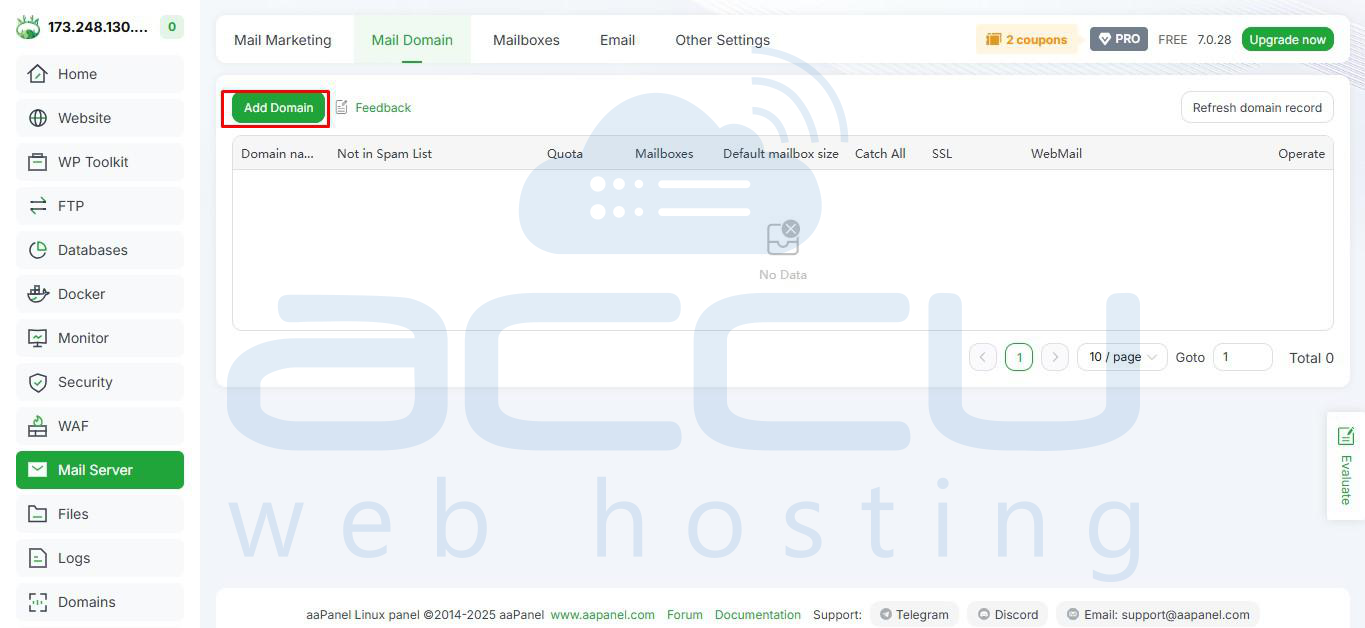
3. Next enter domain name, domain’s email quota and maximum number of email accounts you can add for this domain. Click on Confirm.
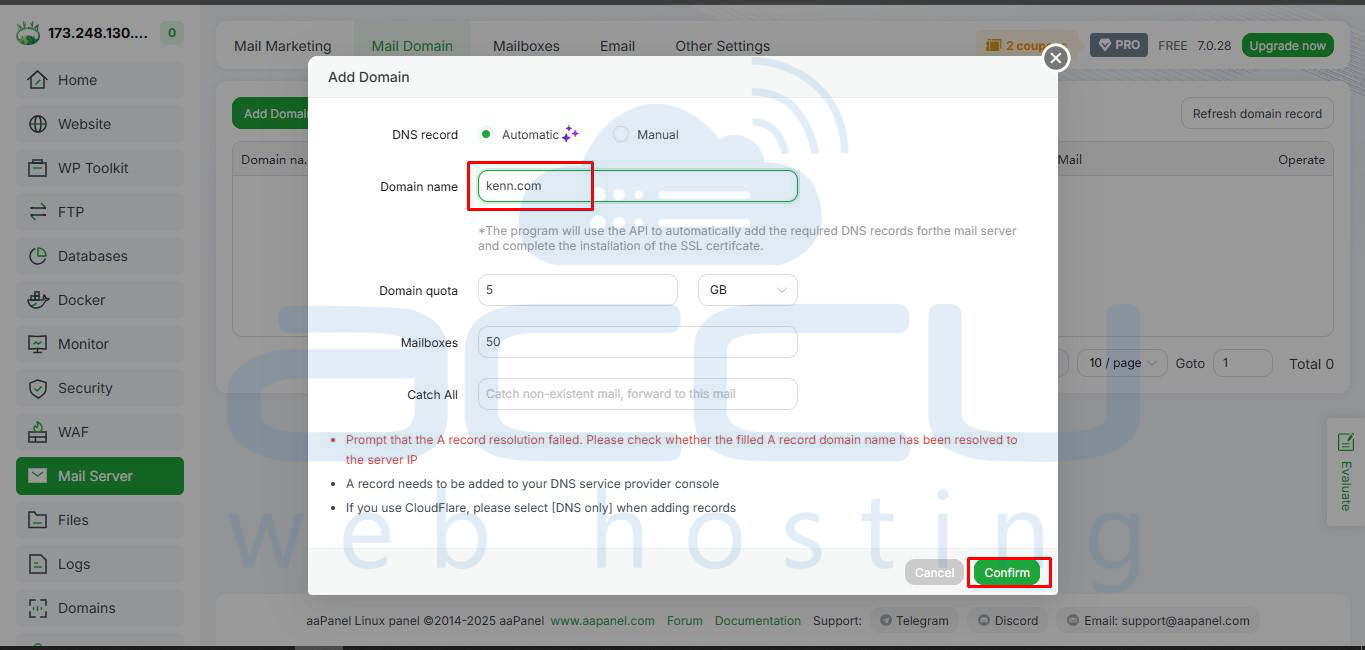
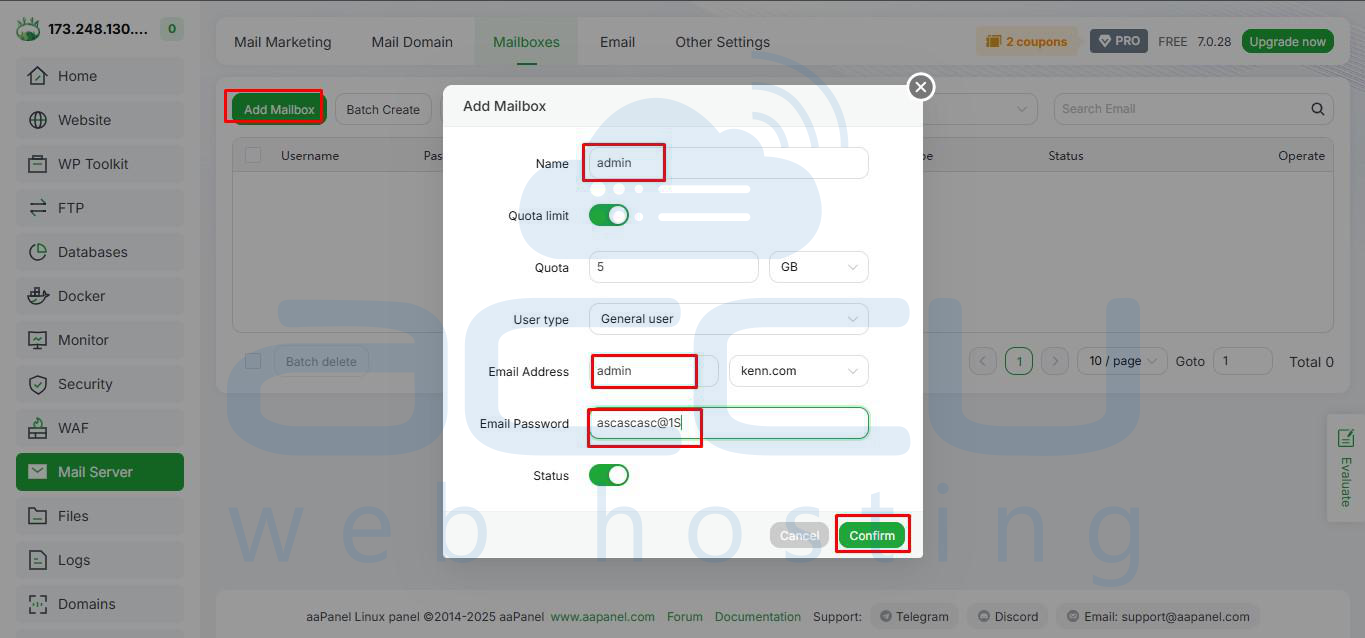
4. Now click on Mailboxes and create your email accounts (e.g., [email protected], [email protected]).
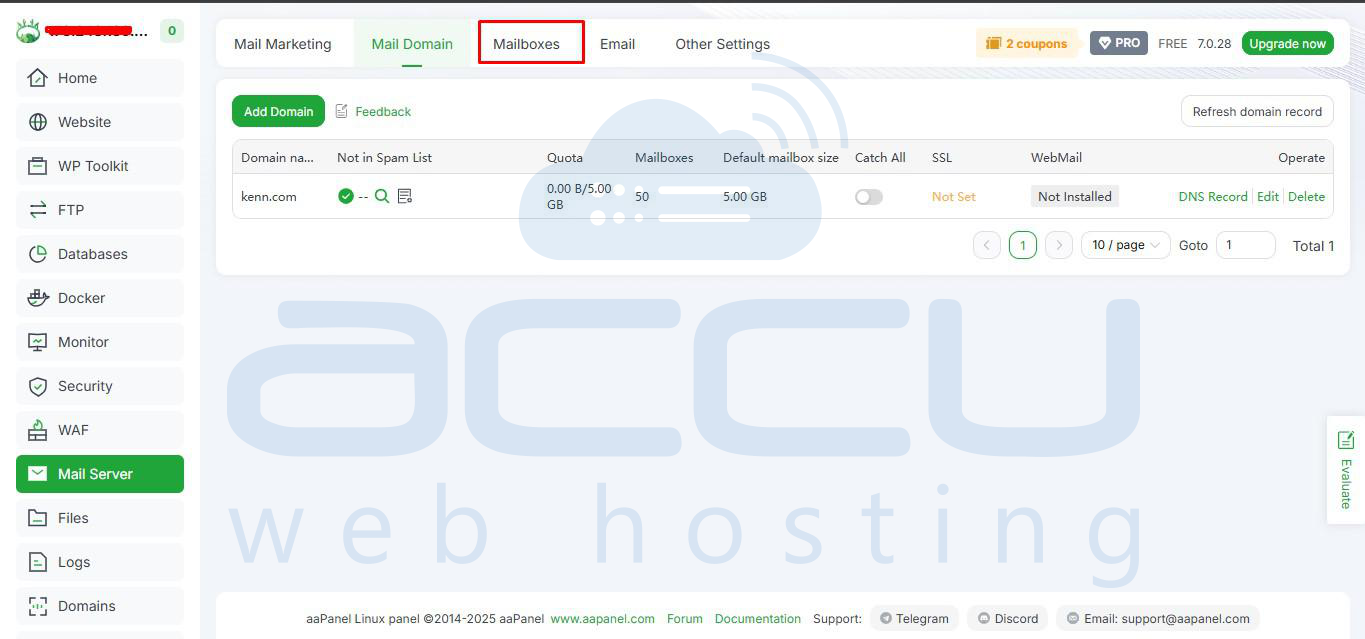
5. Set passwords and storage quotas for each account.
Step 5: Test Your Mail Server
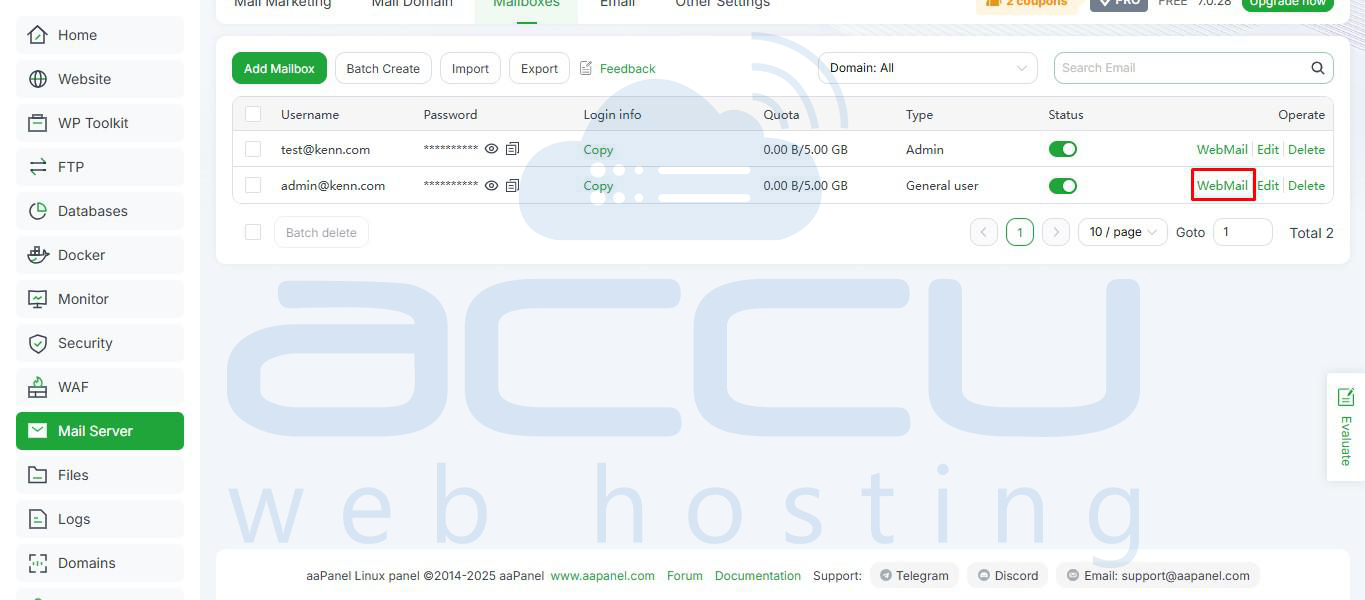
1. Click on Webmail next your email address in order to access the email account from your browser.
2. Send a test email from one of your accounts to another account.
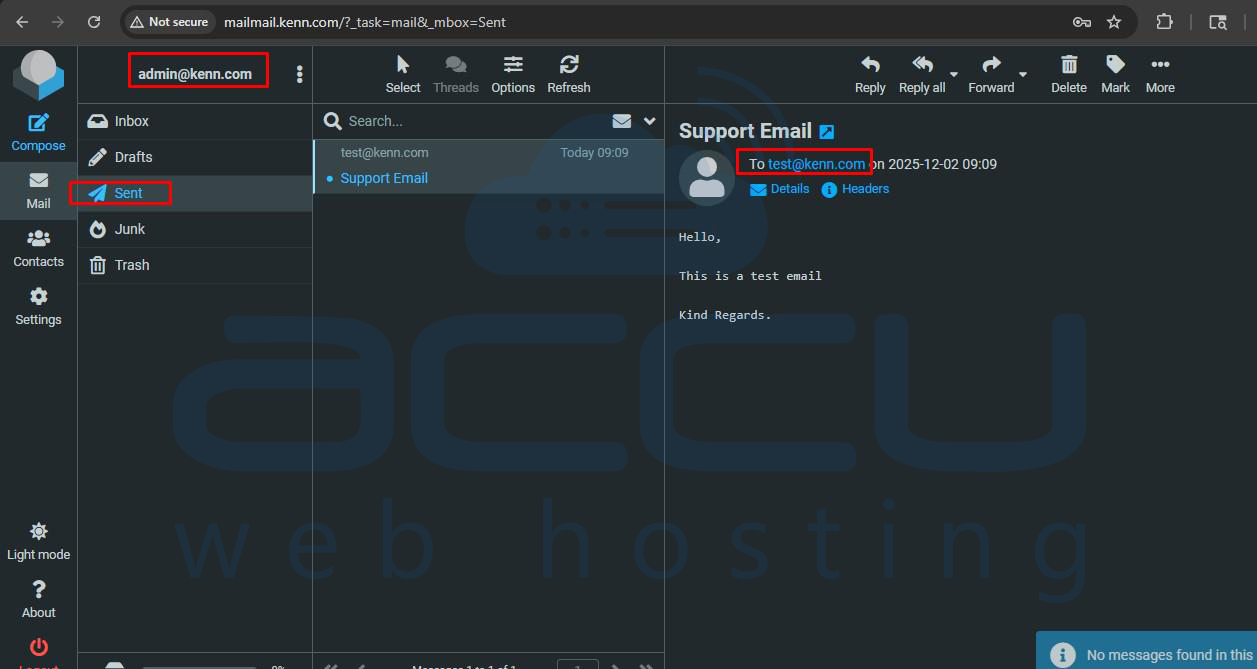
3. Check if the email is delivered successfully.
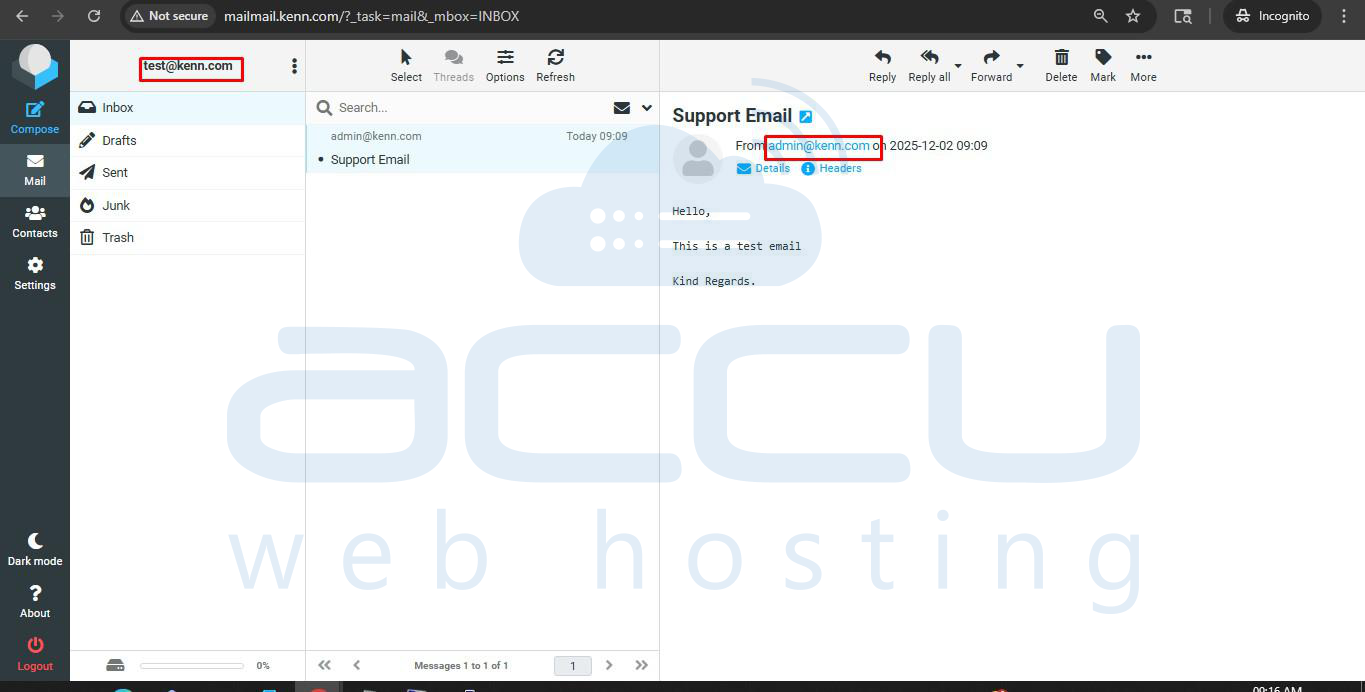
4. Verify incoming emails by sending a message from another email to your original account.

Step 6: Secure Your Mail Server
1. Enable SSL/TLS for secure email transmission.
2. Make sure your firewall allows ports 25, 465, 587 (SMTP), and 993, 995 (IMAP/POP3).
3. Regularly monitor mail logs for errors or spam activity.

Conclusion
Setting up an email server with aaPanel is straightforward and provides full control over your email accounts and domain communication. Even without a live domain, you can complete most configurations and prepare your server for future email operations.


