
Kindly follow the below-mentioned steps to install Python 3.9 on the Debian 11 server.
Step 1: Update and upgrade your server before proceeding with Python installation.
Execute the below commands in your server to update and upgrade the package.
# sudo apt update

# sudo apt upgrade
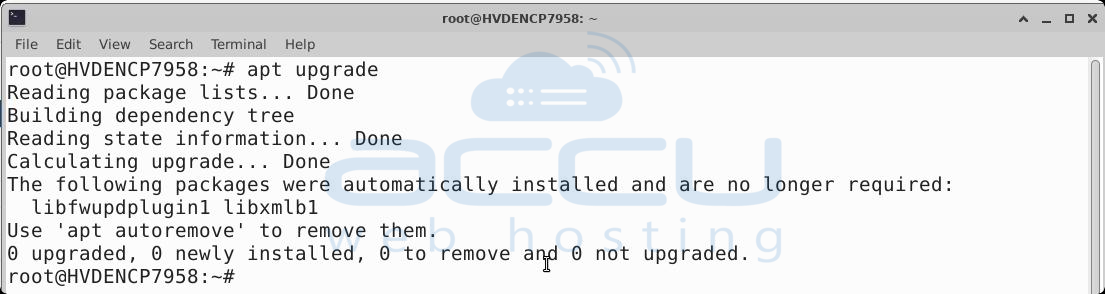
Kindly reboot your server after updating the server.
Step 2: Install dependencies required for Python by executing below command.
# sudo apt install build-essential zlib1g-dev libncurses5-dev libgdbm-dev libnss3-dev libssl-dev libsqlite3-dev libreadline-dev libffi-dev wget libbz2-dev

Step 3: Download the Python 3.9 source code on your server with the help of the wget command.
# wget https://www.python.org/ftp/python/3.9.6/Python-3.9.6.tgz

Step 4: Extract the downloaded Python-3.9.6.tgz file.
# tar -xf Python-3.9.6.tgz

Step 5: After execute the below command one by one to configure and build Python.
# ./configure --enable-optimizations

# make -j$(nproc)
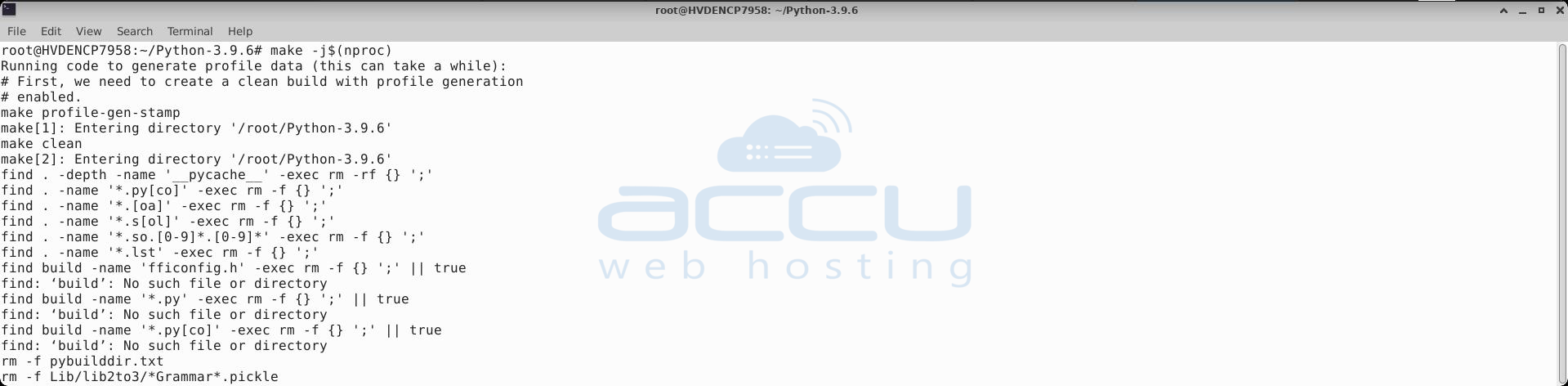
Step 6: Now, Install Python using the below command.
# make altinstall
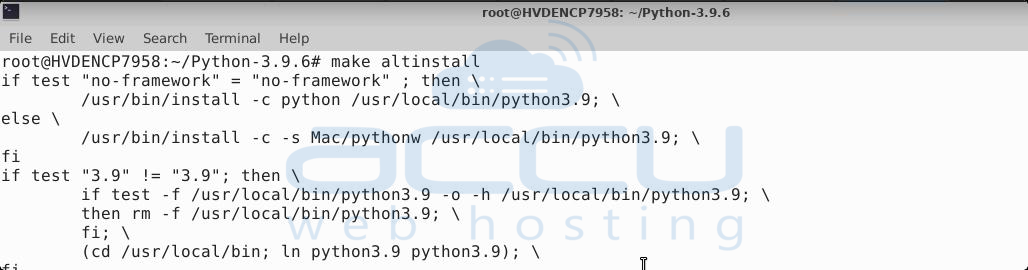
Step 7: Verify whether Python 3.9 is installed or not using the below command.
# python3.9 --version

The following output will appear if it has been installed successfully.
Output: Python 3.9.6
Let's verify whether Python is working properly or not.
Create a file with the .py extension. We are creating a file paython-test.py and adding the below code to it.
print("Python is working!")

After, run this Python program using the following command:
python3.9 paython-test.py
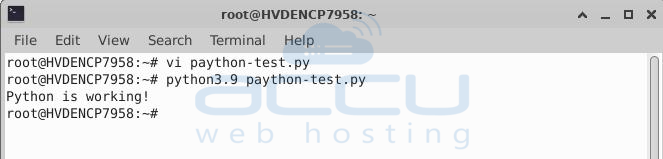
Python is working! should be printed in the terminal if it is working correctly.
That's all. You can follow this article to install Python.


