
This article will guide you on how to reboot your Windows VPS from the VPS Management Portal.
Step 1: Log in to your VPS Management portal.
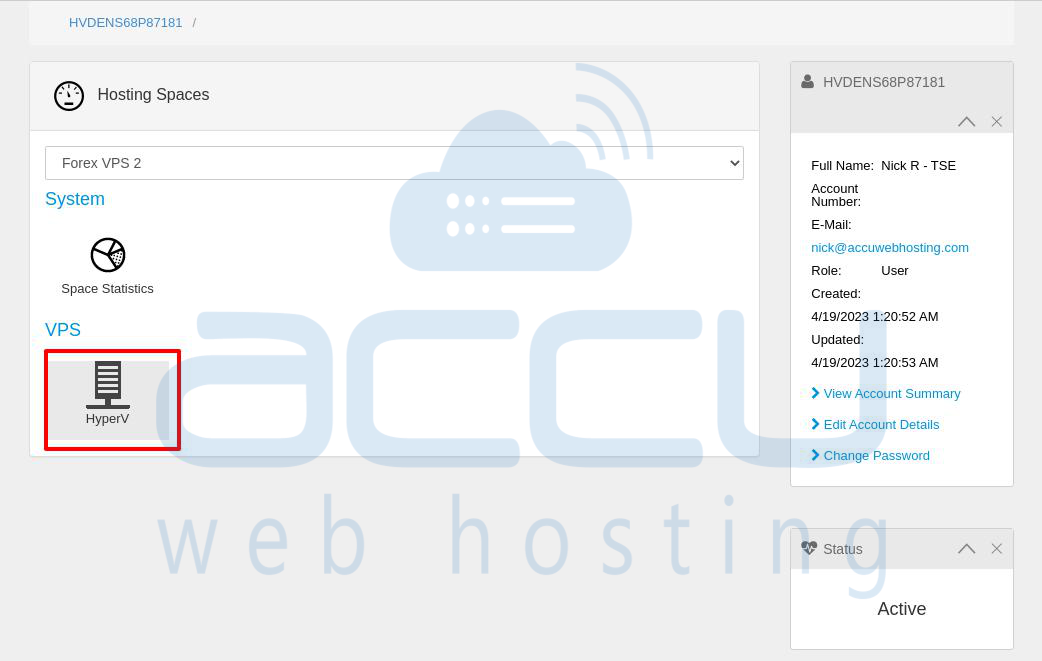
Step 2: Click on the HyperV under the VPS section.
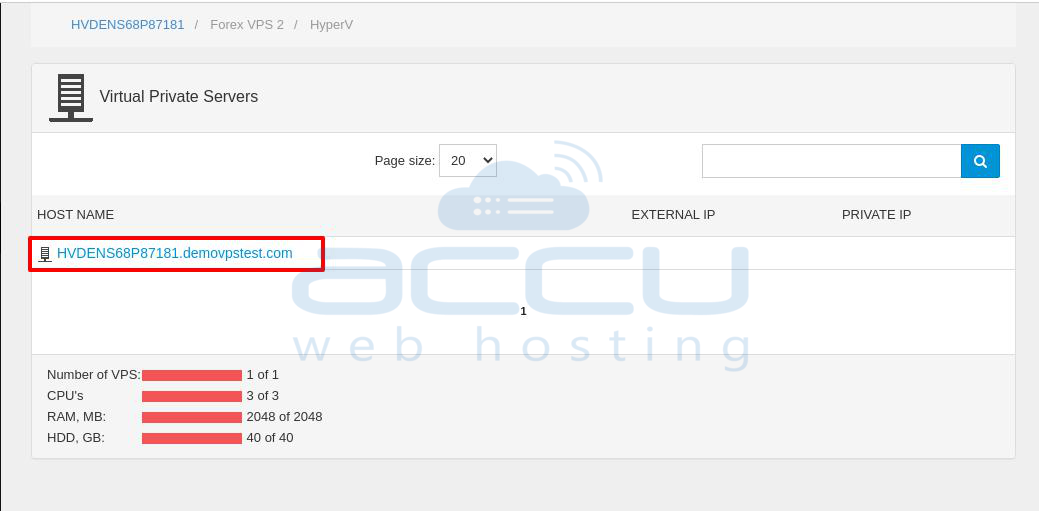
Step 3: Click on the VPS hostname.
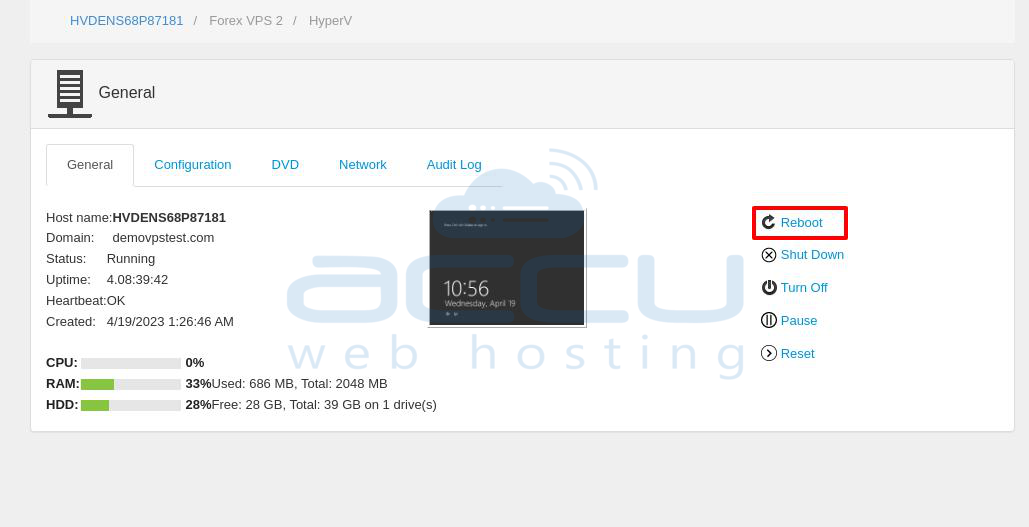
Step 4: In the General tab, click on the Reboot button to restart the VPS.
That's all.


