
The WordPress App is a step towards making it easier to read your WordPress blog on your mobile phone. The app allows readers to read blogs on various topics, by topic and author. The app aims to facilitate readers of Wordpress blogs and increase their interest in blogging as it can be accessed from anywhere.
The WordPress platform continues to grow and is used more and more on the internet. The use of mobile devices is also more common than ever. So combining those two things seems like a no-brainer. You can run, manage, and maintain your WordPress website on any mobile device using the WordPress mobile app.
This article will guide you on how to access the WordPress site from WordPress App.
Why use WordPress App?
WordPress lets you create and manage content like no other platform. We want you to manage all your content on the go, wherever you are. This is especially valuable for people who are on the go a lot or those who travel frequently.
If you run a blog that needs frequent updates, the WordPress mobile app allows you to:
-> Upload a photo
-> Record and upload videos
-> Write a blog post
-> Manage your content
-> Run the update
The WordPress app doesn't give you complete control over your website, but it gives you all the features you need on the go.
Set up WordPress on your mobile device
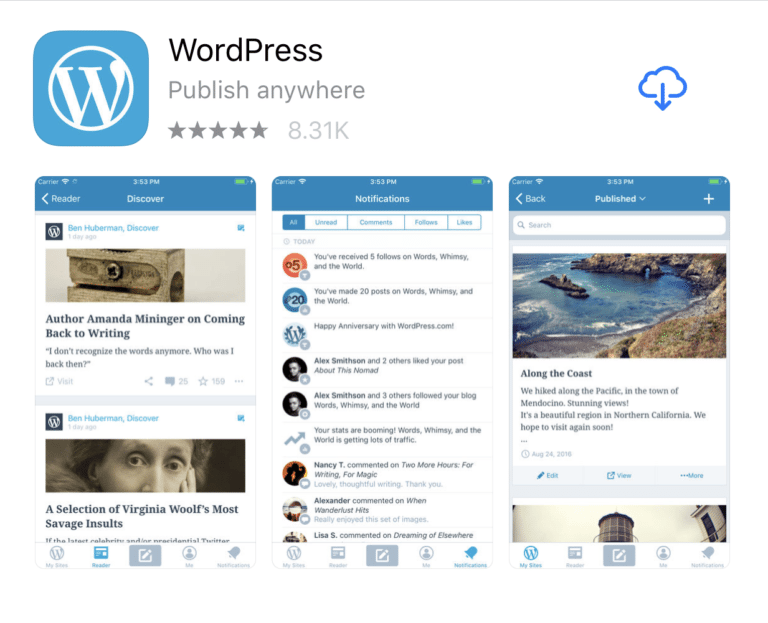
Getting started with WordPress on your mobile device requires a few steps. First, find the app in the Google Play Store or App Store on your iPhone or iPad and tap to install. Next, follow the setup prompts and log into your WordPress.com account.
Important Note:
If you don't host your website on WordPress.com, you'll need to use a service like Jetpack to connect your website to WordPress.com. You can install Jetpack for free if you want.
Enter the email address you use for WordPress.com and you will receive a confirmation email with a link. Clicking on the link will open your WordPress app and automatically log you in. You'll see a list of blogs that you can switch between as needed.
Writing and Editing in the WordPress App
You are now ready to edit your existing post. Much of the editing experience looks slightly different, but it's very similar to the original WordPress functionality and intuitive.
You can also give the app access to your photos and embed them directly from your device. Some advanced features, like setting featured images and adding categories and tags are hidden, but You can easily find it by tapping the "..." icon and selecting Options.

However, please note that there is no plugin in the mobile app to add metaboxes to the editor. For example, if you're using Yoast SEO and want to customize your post's meta description, there's no way to do that.
Moderate comments
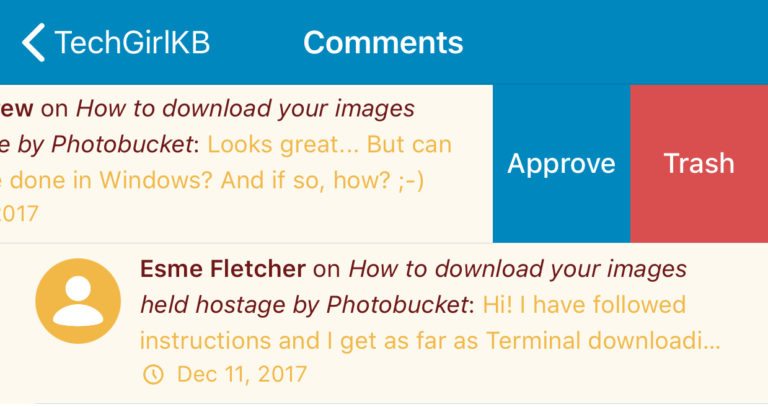
Another valuable feature of the WordPress mobile app is managing comments on the go. For example, I logged into one of the websites and saw a flood of spam comments.
You can easily remove or approve from the app. Select Comments from the main menu and select a comment to approve or reject. Or, like many mobile apps, just swipe left to approve or delete comments in one action.
Analyze statistics
The WordPress mobile app allows you to manage your posts and comments as well as gain insight into your website visitors. You can track these metrics in the Statistics tab at the top of your site's main menu.
View daily, weekly, and monthly data and drill down by metrics like likes and comments, most viewed posts and pages, most visited countries, and most popular search terms.
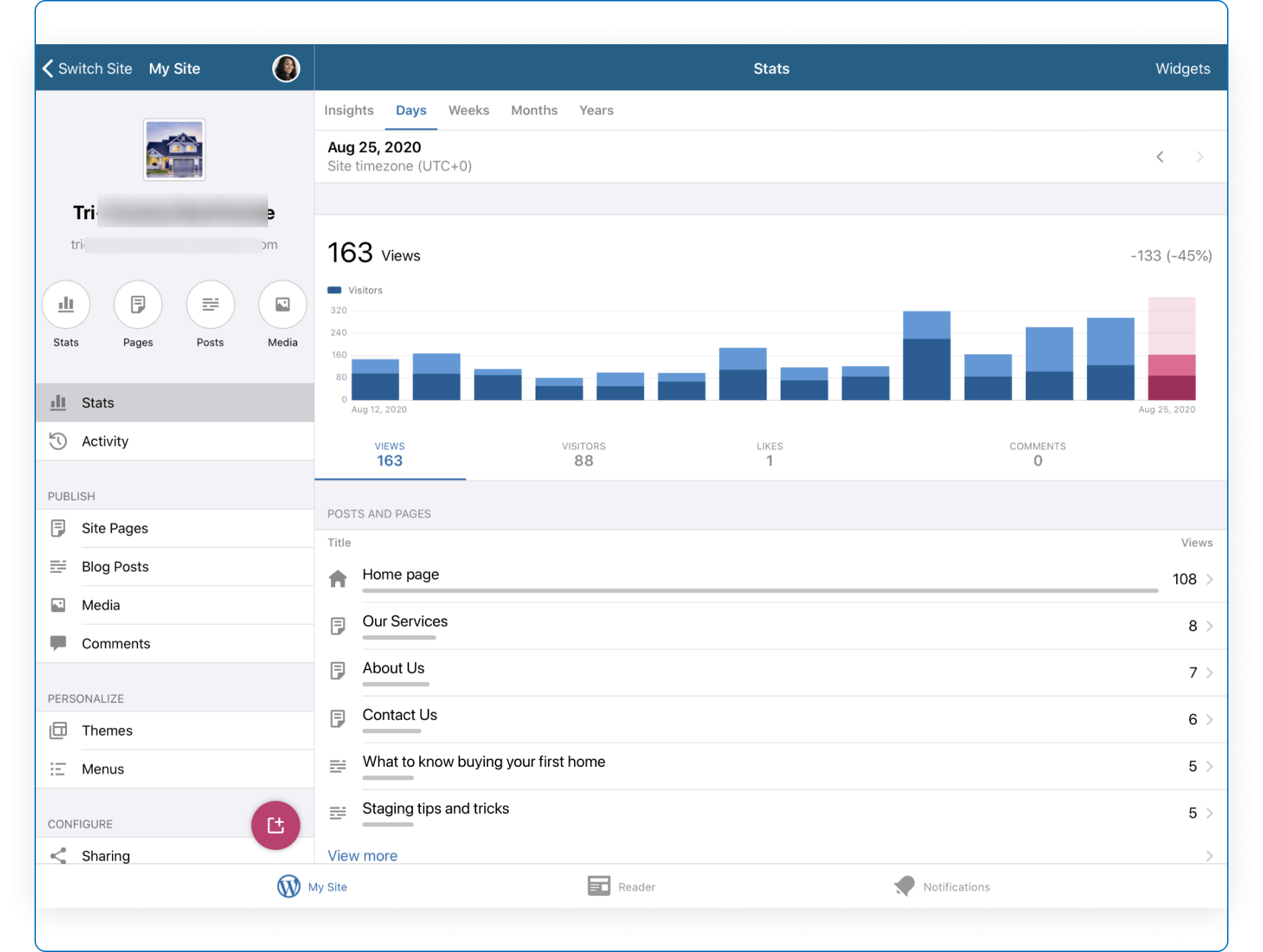
The Insights tab makes it easy to identify trends in your data so you can inform your content strategy. For example, when a post is most popular can help you explore content trends and plan when to publish "hot" topics.
Upload Media in WordPress App
Finally, the WordPress app allows users to easily upload media directly from the mobile app to your website. You can use the "+" button to embed directly from a new post you're writing or use the "Media" section of the main menu.
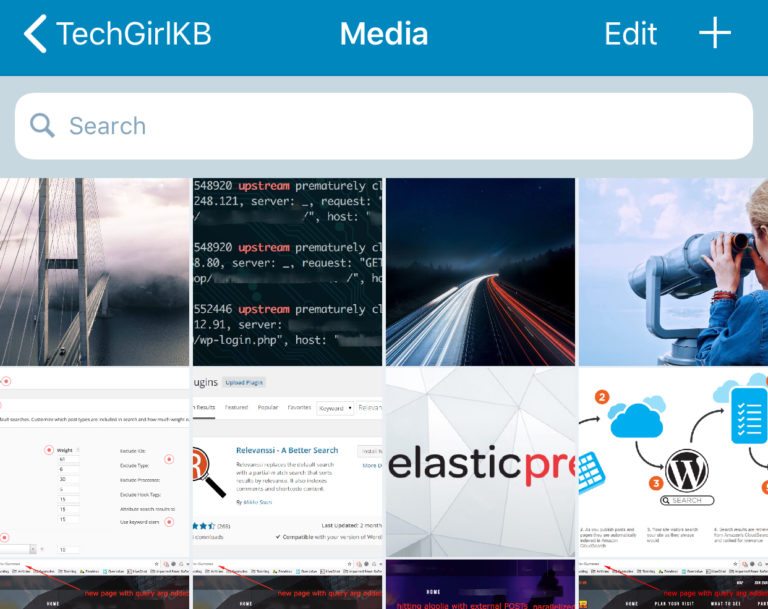
Deleting and editing media in the media panel is also easy; just tap the image.
Conclusion:
Running a WordPress site on the go doesn't have to be complicated. Keeping your website or blog up to date is easy once you learn how to use the WordPress mobile app. You can upload your content and write new pieces from the WordPress App anytime.
