
DirectAdmin installs the CSF firewall by default in its setup. You won't be able to access MySQL port 3306 remotely using telnet. Also, you can't access the database remotely as well. First of all, add port 3306 to your CSF firewall installed on DirectAdmin.
Allow MySQL Port on CSF
1. Log in to the DirectAdmin Panel. At the Extra features option, click on Config Server Security & Firewall.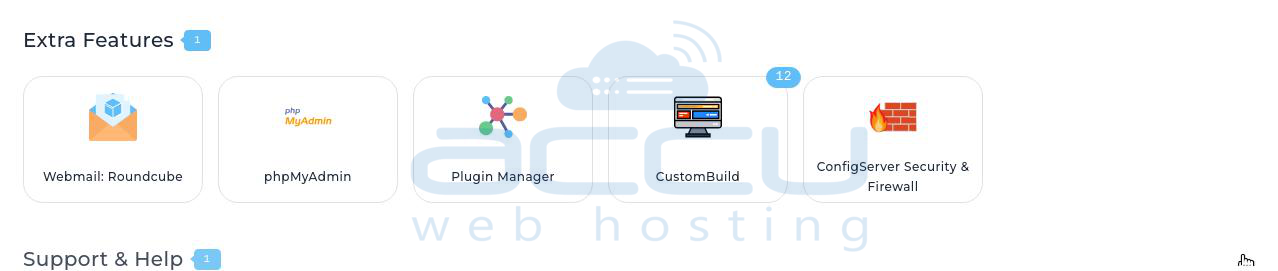
2. Click on the Firewall Configurations.

Uninstall Firewall
If you would like to uninstall the CSF firewall, you can just run the below command and uninstall it.
cd /etc/csf
sh uninstall.sh
Allow Database to connect remotely
1. Log in to your User account created in DirectAdmin.
2. Click on MySQL Management.
3. Double-click on your database name.
4. At the Access Hosts, enter the IP Address of the remote location from where you want to connect remotely and click on Add New button.
Now, try to connect your database remotely, and it should work.


