
You may receive the following error for your WordPress while installing/ updating themes or plugins:
Fatal error: Maximum execution time of xx seconds exceeded
This issue occurs when your WordPress PHP code takes a long time to run and reaches the maximum time limit set for your hosting account.
By default, the maximum execution time to execute a PHP code is set between 30 - 60 seconds on cPanel; it should be enough for a PHP script to run. But there are three different ways to increase the WordPress maximum execution time in cPanel.
Increase the PHP limit from the PHP.ini file
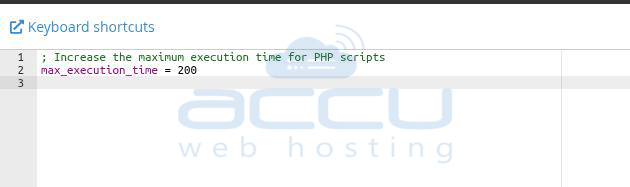
You can modify the maximum execution limit if you have access to the php.ini file.
If you don't find max_execution_time in your php.ini file, you can add the following line to your php.ini file:
max_execution_time = 200;
Increase the PHP limit from the wp-config file
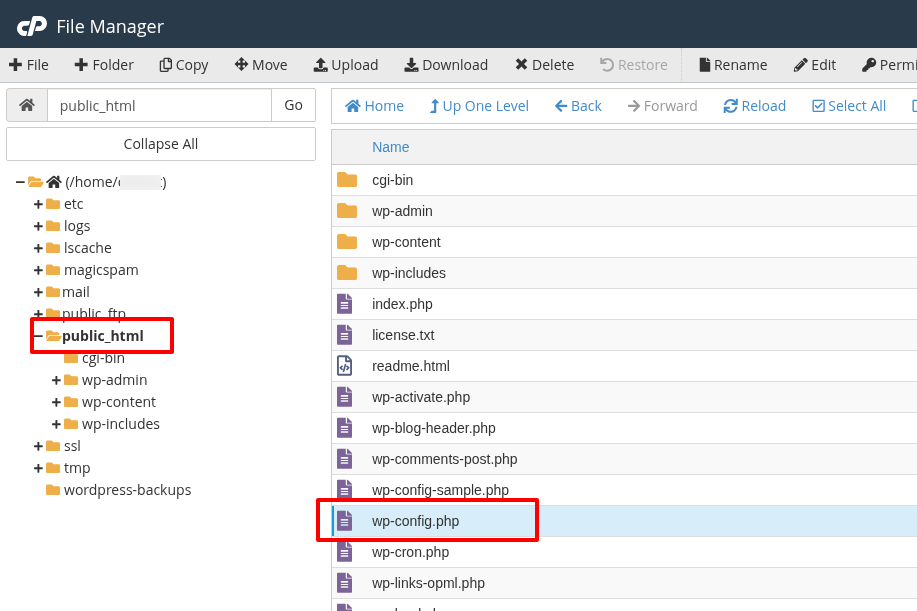
You can also increase the PHP time limit from the WordPress config file, wp-config.php.
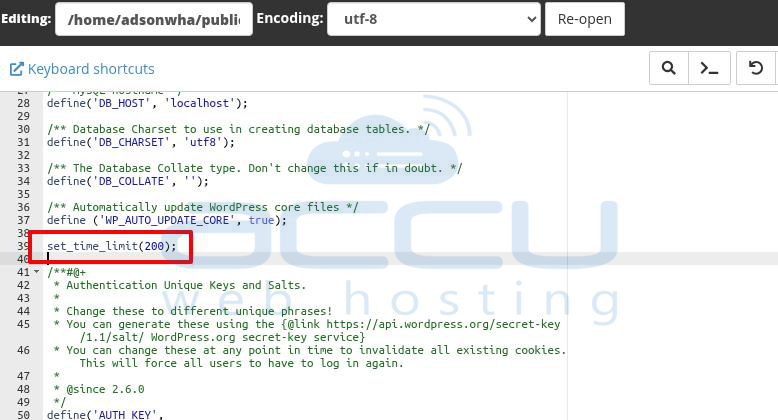
Just add or edit the following line to modify the PHP time limit:
set_time_limit(200);
Increase the PHP limit from the .htaccess file
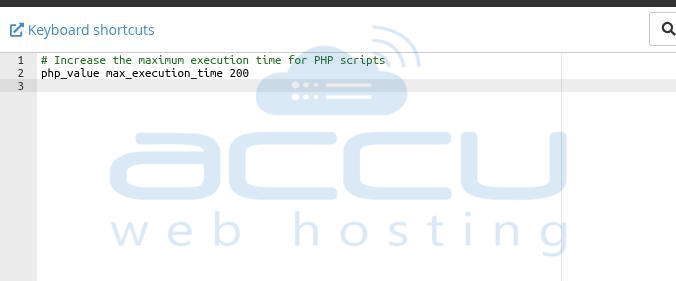
If you find it easy to increase the maximum execution time for PHP code from .htaccess, you can add or edit the code listed below to your .htaccess file:
max_execution 200
Note: We have used 200 seconds for the examples. You can enter any digit to update the seconds as per your requirement.
