
bash: netstat: command not found
If yes, don’t worry, this simply means the netstat command is not installed on your system.
What is netstat?
Netstat (short for Network Statistics) is a command-line tool that displays:
-
Active network connections
-
Listening ports
-
Routing tables
-
Interface statistics
It's beneficial for network troubleshooting, monitoring server connections, and more.
Why do You See This Error?
Most modern Linux distributions don’t include netstat by default. Instead, it's bundled inside a package called net-tools, which you need to install manually.
How to Fix netstat: command not found
You can resolve this by installing the net-tools package, depending on your Linux distribution:
For CentOS / RHEL / Rocky Linux / AlmaLinux
Run the following command as root or with sudo:
# sudo yum install net-tools
For Ubuntu / Debian
Use the following command:
# sudo apt install net-tools
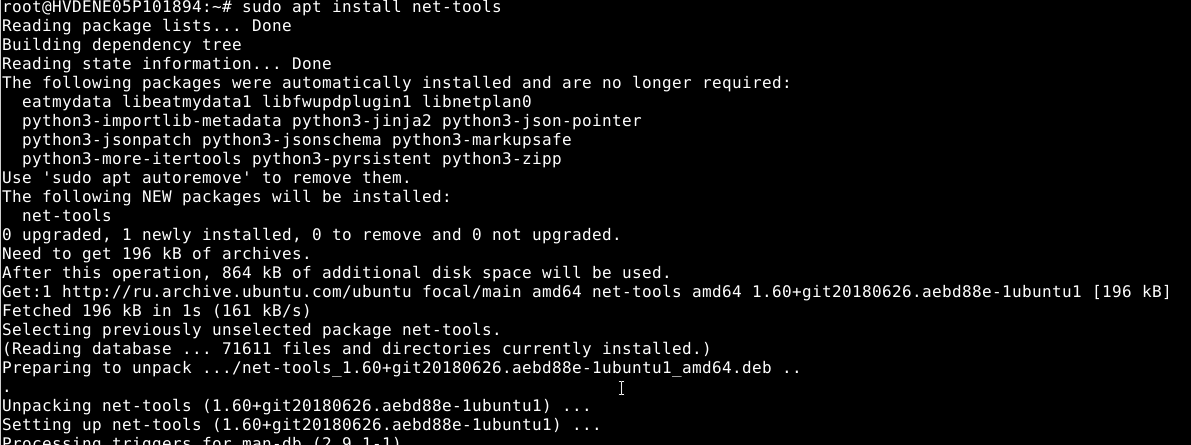
In this way, we can resolve this error.


