
MySQL is one of the most popular open-source relational database management systems.
In AlmaLinux, MariaDB is included by default in the official repositories, so MySQL is not available unless you manually add the MySQL Yum repository.
This guide will walk you through installing MySQL on AlmaLinux, securing the installation, and connecting to the MySQL server.
Step 1: Update the System Packages
Make sure your AlmaLinux server is up-to-date:
# sudo dnf update -y

Step 2: Install wget (if not already installed)
wget will be used to download the MySQL repository package:
# sudo dnf install wget -y

Step 3: Download and Add the MySQL Repository
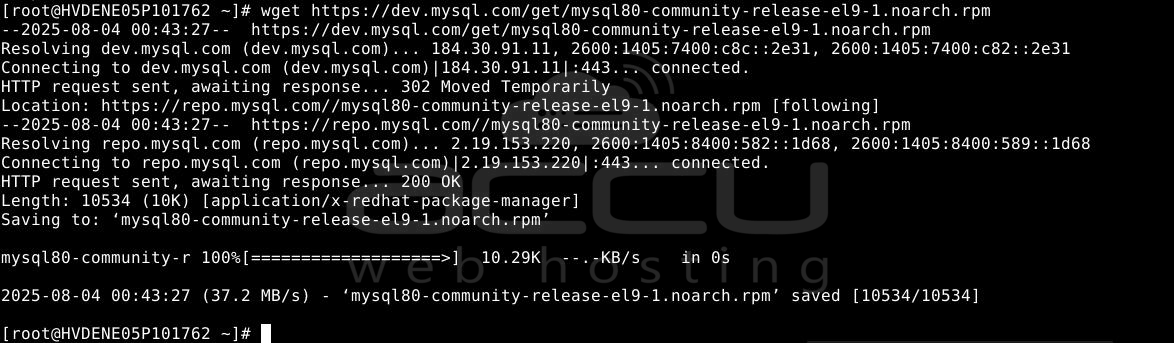
Download the MySQL community repository package from MySQL’s official site:
# wget https://dev.mysql.com/get/mysql80-community-release-el9-1.noarch.rpm
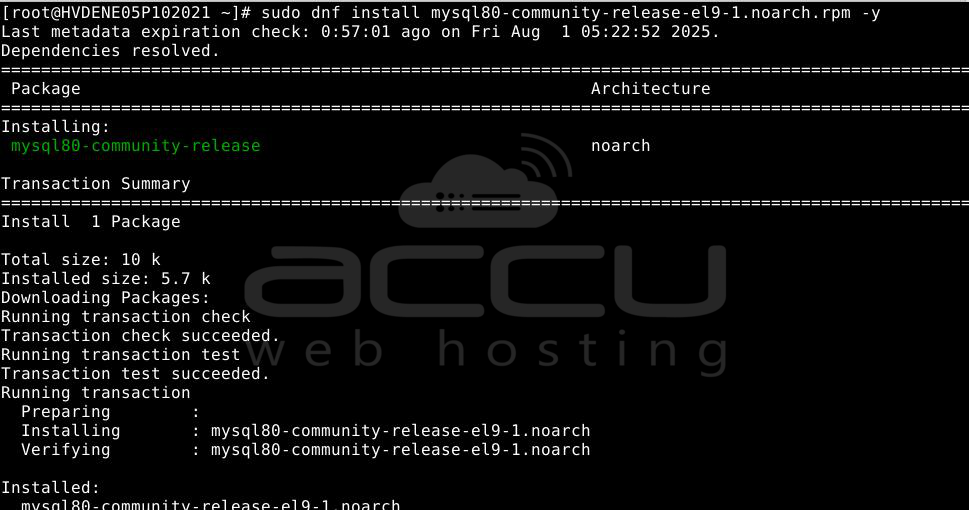
Install the repository:
# sudo dnf install mysql80-community-release-el9-1.noarch.rpm -y
Step 4: Install MySQL 8.0 (Recommended)
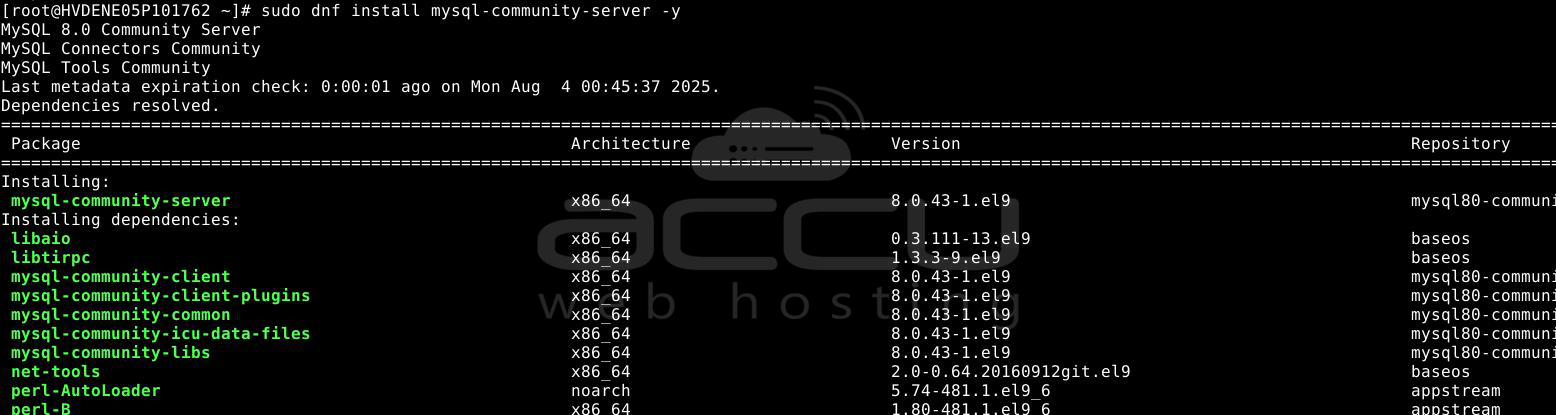
By default, MySQL 8.0 will be enabled.
# sudo dnf install mysql-community-server -y
Step 5: Start and Enable MySQL Service
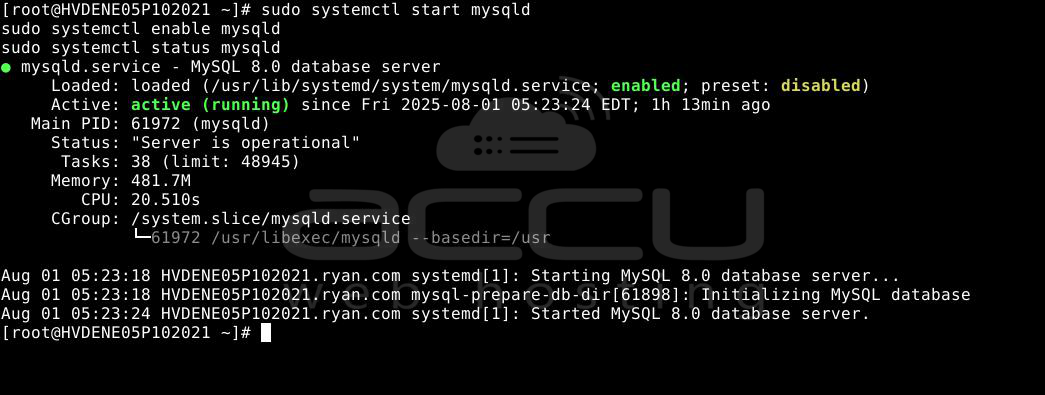
# sudo systemctl start mysqld
# sudo systemctl enable mysqld
# sudo systemctl status mysqld
Step 6: Get the Temporary Root Password
When MySQL starts for the first time, it generates a temporary password for the root user. You can find it with:
# sudo grep 'temporary password' /var/log/mysqld.log
Example output:
pgsql
[Note] A temporary password is generated for root@localhost: o!5y,JGALQa
Step 7: Secure the MySQL Installation
Run the MySQL secure installation tool:
# sudo mysql_secure_installation
Step 8: Connect to MySQL
Once secured, log in to MySQL with:
# mysql -u root -p
Enter your new root password when prompted.
Conclusion:
You have successfully installed MySQL on AlmaLinux. AlmaLinux ships with MariaDB by default; you must manually add MySQL’s official Yum repository to install MySQL.
You can choose between MySQL 8.0 or 5.7 by enabling the correct repository before installation. Always secure your MySQL installation using mysql_secure_installation to protect against unauthorized access.
Next, you can create databases, manage users, and connect your applications to the MySQL server. For production environments, we recommend enabling a firewall and allowing MySQL access only from trusted IP addresses.


