
Jenkins is an open-source and free tool for developers to develop, test, and deploy code continuously; it is developed in Java. The primary function of Jenkins is to automate tasks, which helps to save time in the development process.
The following are the steps to install Jenkins on CentOS/AlmaLinux.
Step 1: We will install JAVA 8 to use the Jenkins function
# sudo yum install java-1.8.0-openjdk-devel
Step 2: Verify the JAVA version:
# java –version
Step 3: Add Jenkins repository on CentOS/AlmaLinux with this command:
# sudo curl --silent --location https://pkg.jenkins.io/redhat-stable/jenkins.repo
 | sudo tee /etc/yum.repos.d/jenkins.repo
Step 4: Add a Repository in the system with the command given below:
# sudo rpm --import https://pkg.jenkins.io/redhat-stable/jenkins.io-2023.key
Step 5: After installation of the Repository, install Jenkins using this command:
# sudo yum install jenkins
Step 6: Start Jenkins and enable the Jenkins service to start on system boot.
# sudo systemctl start jenkins

# sudo systemctl enable Jenkins
Step 7: Jenkins uses port 8080. If you have the Firewall enabled, you will need to allow the port in the Firewall.
# sudo firewall-cmd --permanent --zone=public --add-port=8080/tcp
# sudo firewall-cmd –reload
Step 8: Open Jenkins in the web browser with IP_Address:8080. We will set up Jenkins further.
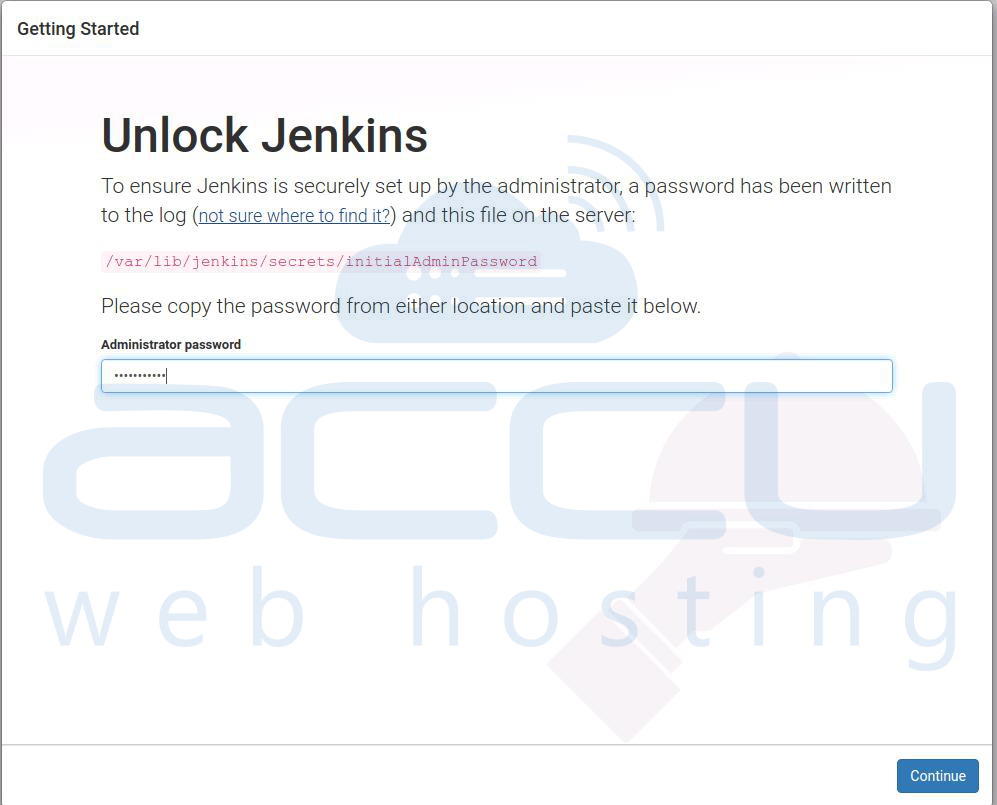
Step 9: Once you access Jenkins in the web browser, it will ask for the password. Execute the below command to view the password:
# sudo cat /var/lib/jenkins/secrets/initialAdminPassword
Output: 9a6f2643bd164d9588401d19f073b60d
Step 10: Copy the password from the terminal and paste it into your Jenkins setup.
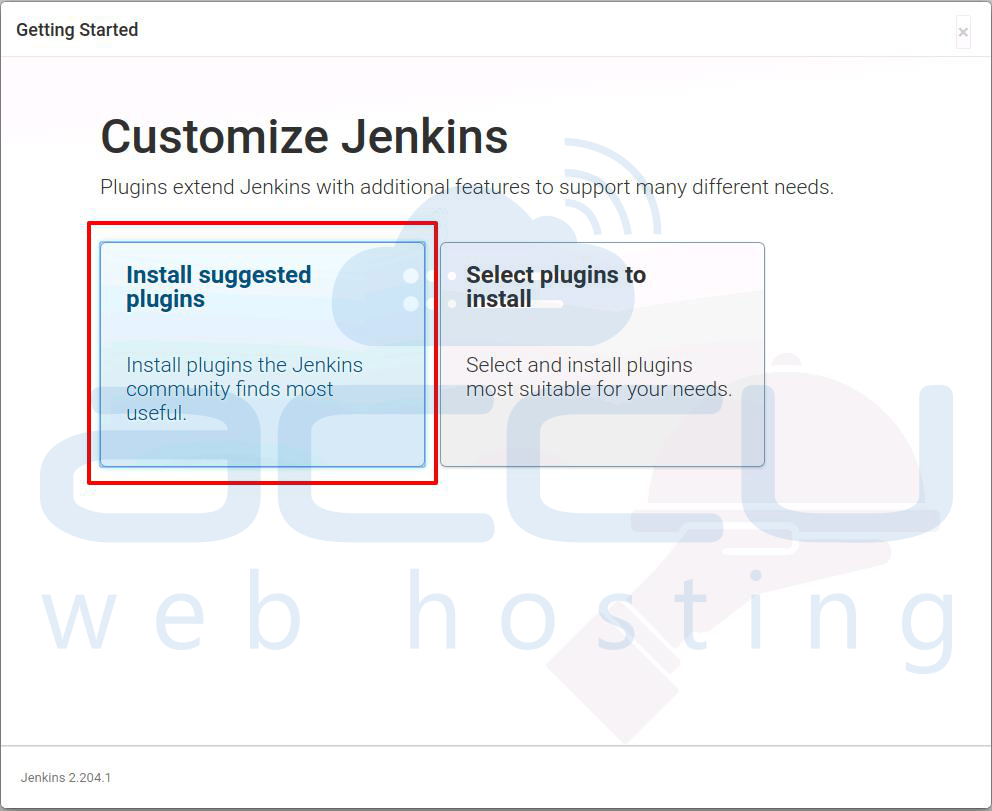
Step 11: Click on the Install suggested plugins box. It will start the installation process.
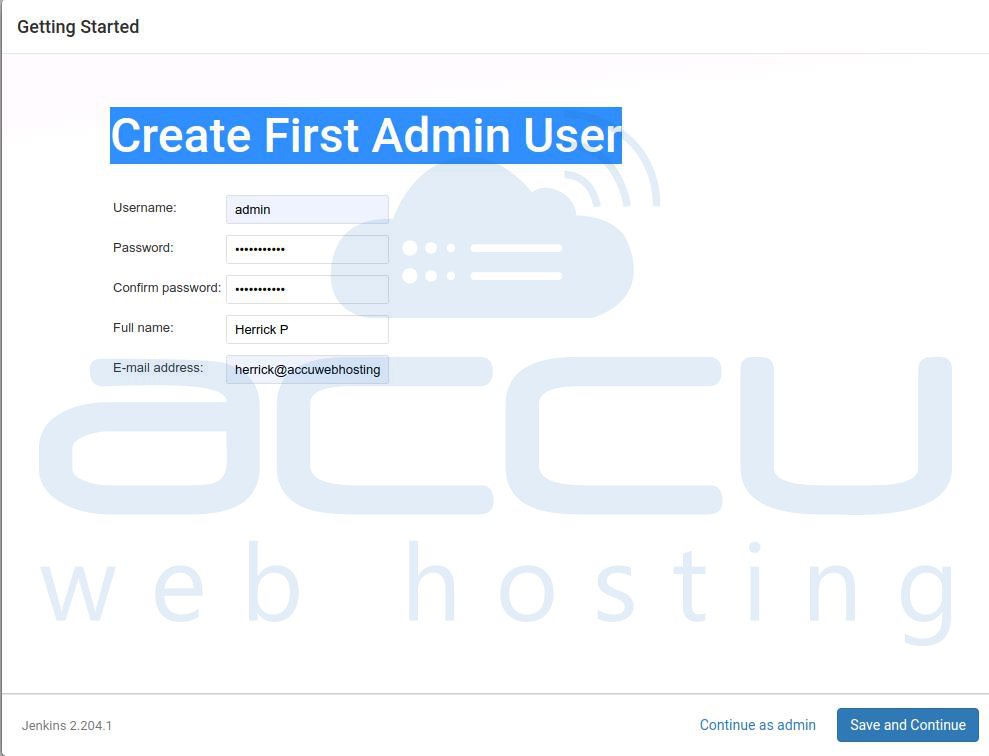
Step 12: Enter your credentials to create the First Admin User.
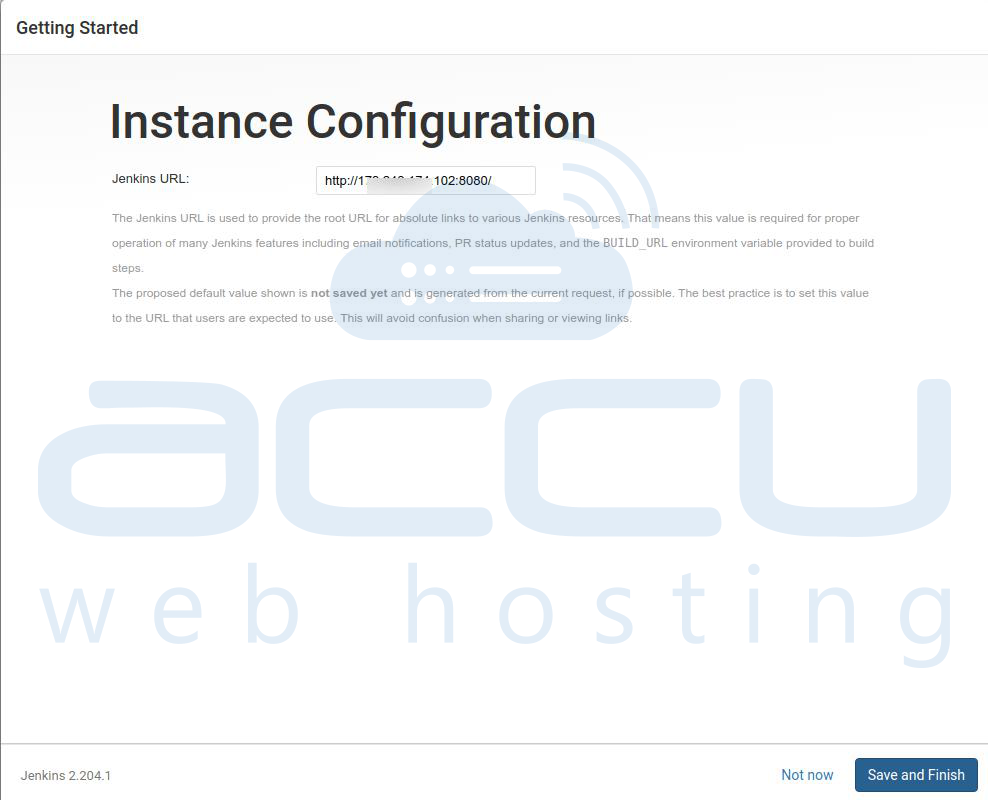
Step 13: Confirm the URL for Jenkins and click on Save and Finish.
Step 14: At last, click on the Start using Jenkins button. It will redirect you to the Jenkins Dashboard.
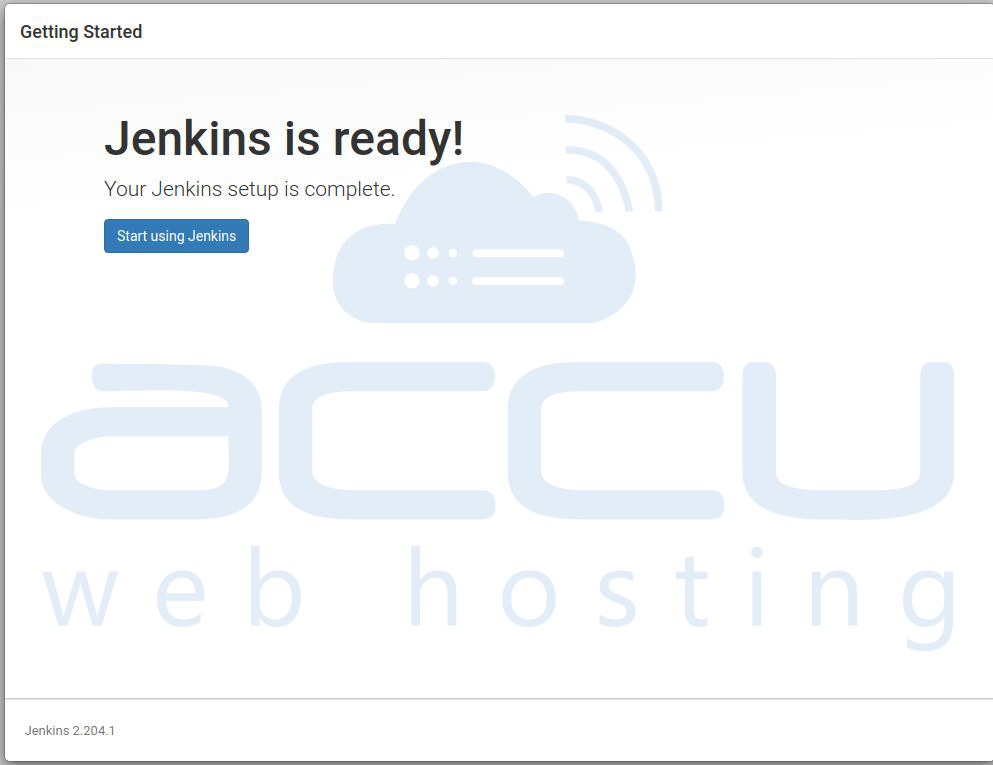
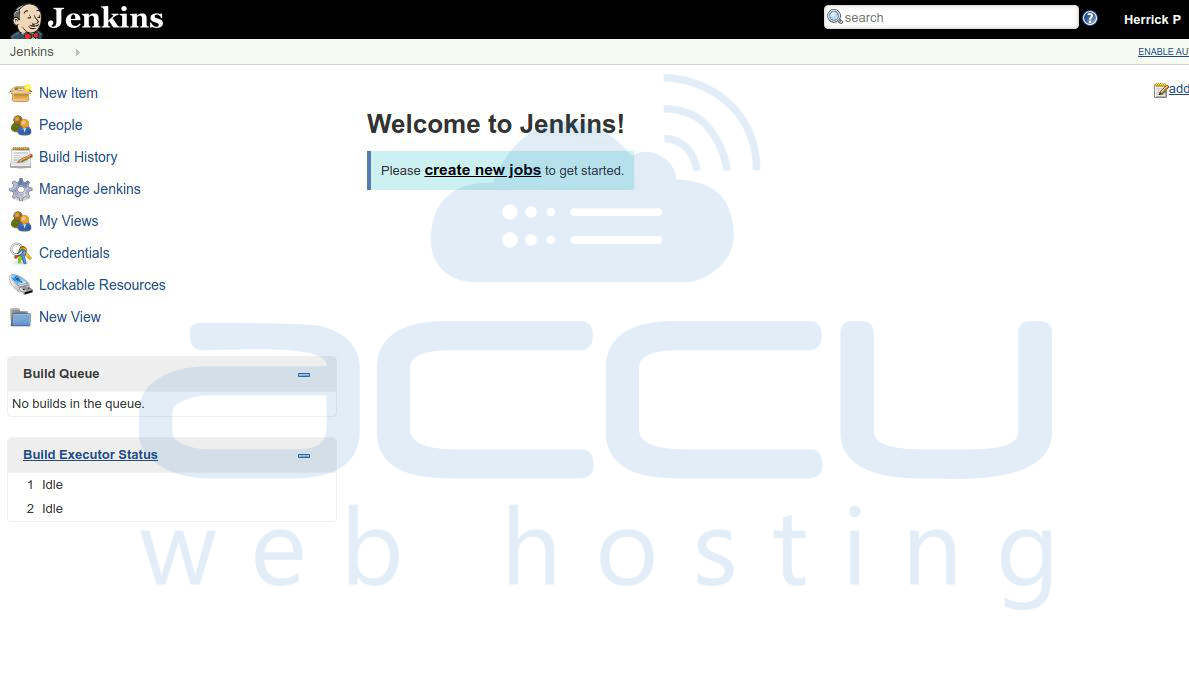
Jenkins’ installation is complete now.


