
This article is for you if you are a WordPress beginner and want to know where to find your WordPress Database details, such as DB User and DB User Password, in the wp-config.php file.
Step 1: Log in to your cPanel.
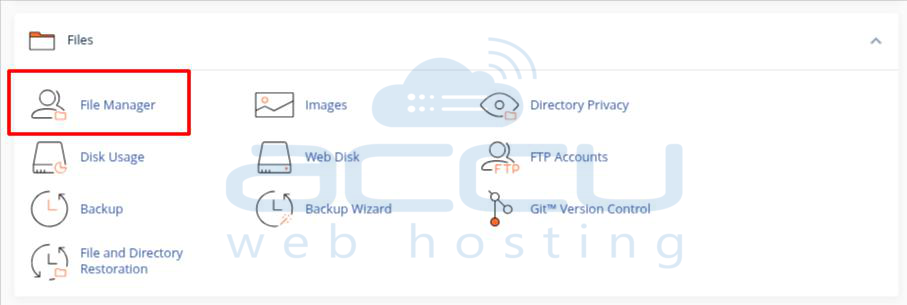
Step 2: Click on File Manager.
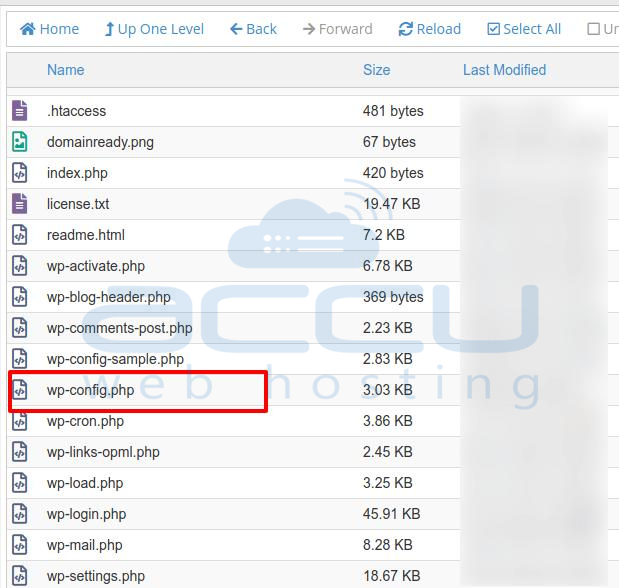
Step 3: Locate your WordPress installation and find the file called wp-config.
Step 4: Right-click on the wp-config file and click on the View button. It will open the wp-config file in a new tab.
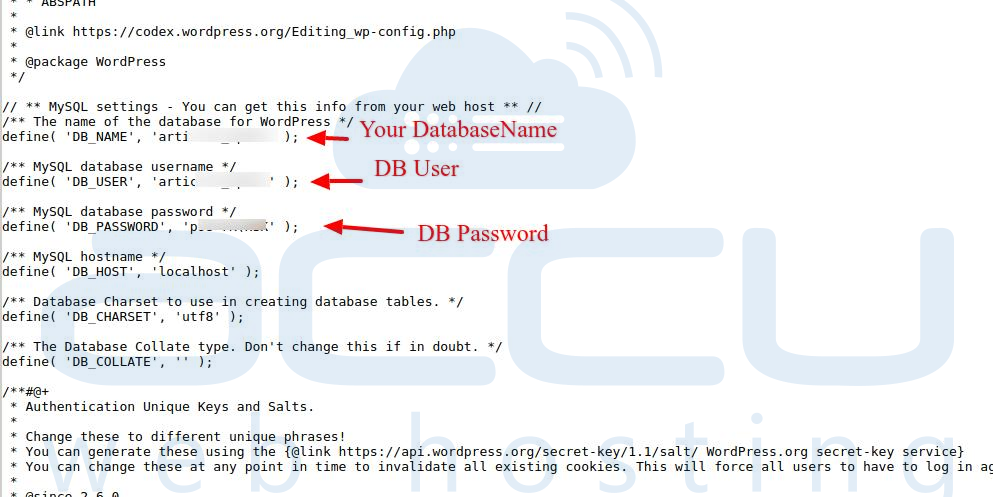
Step 5: You can see your WordPress details, such as Database Name, User, and Password.
All have been shown in the image below.
Step 6: You must note down this information for your reference.
