
Fix: Unable to Add Domain in cPanel That Points to Some Other Server
You may encounter an error while trying to add a domain in cPanel that is not currently pointed to your server.
Error Message: "Sorry, the domain is already pointed to an IP address that does not appear to use DNS servers associated with this server. Please transfer the domain to this server's nameservers or have your administrator add one of its nameservers to /etc/ipsremotedns and make the proper A entries on that remote nameserver."
We can fix this issue by following these steps:
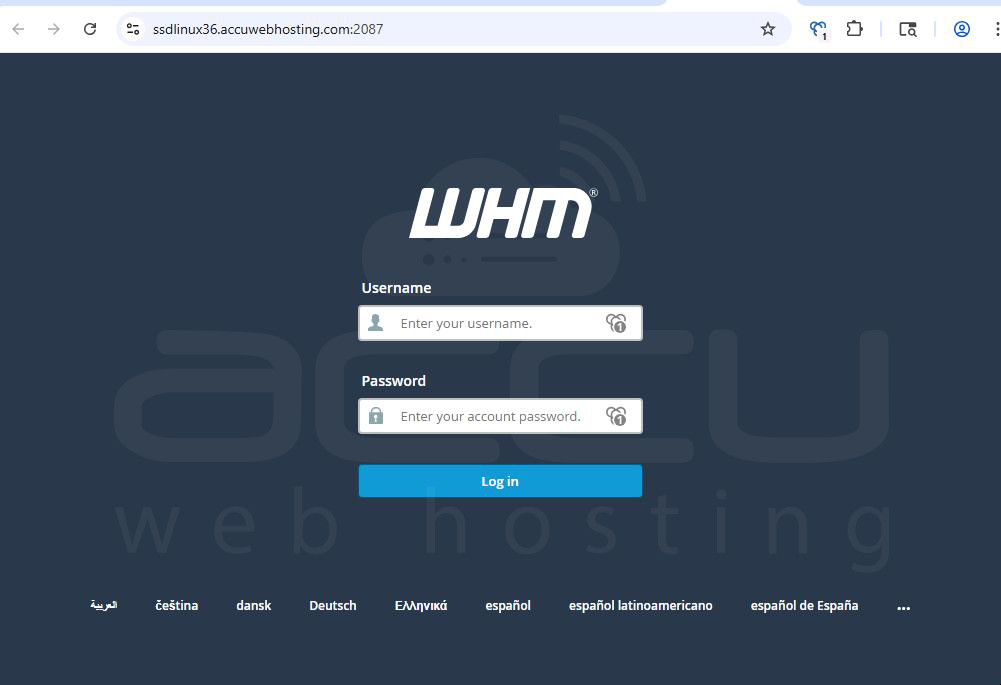
Step 1: Log in to WHM
Step 2: Locate Tweak Settings
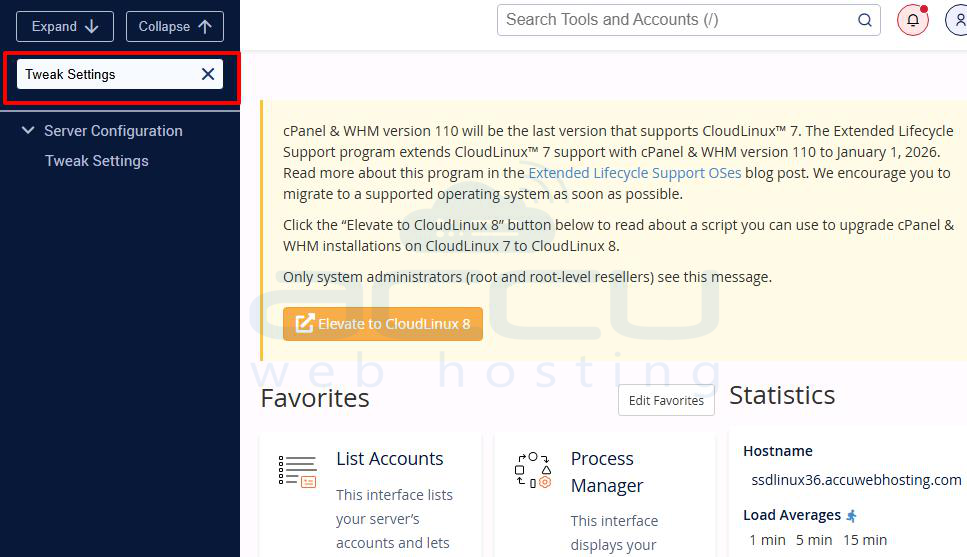
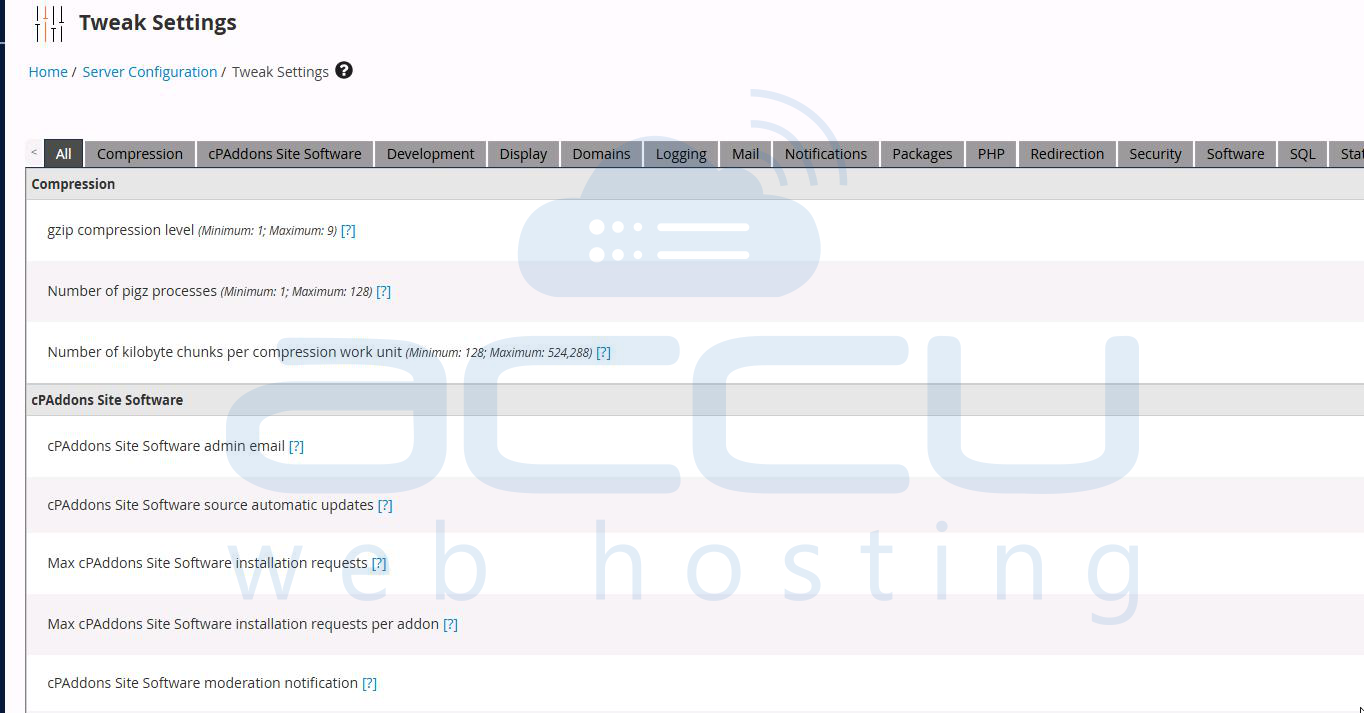
From the WHM home page, search for and open Tweak Settings.
Step 3: Enable "Allow Remote Domains."
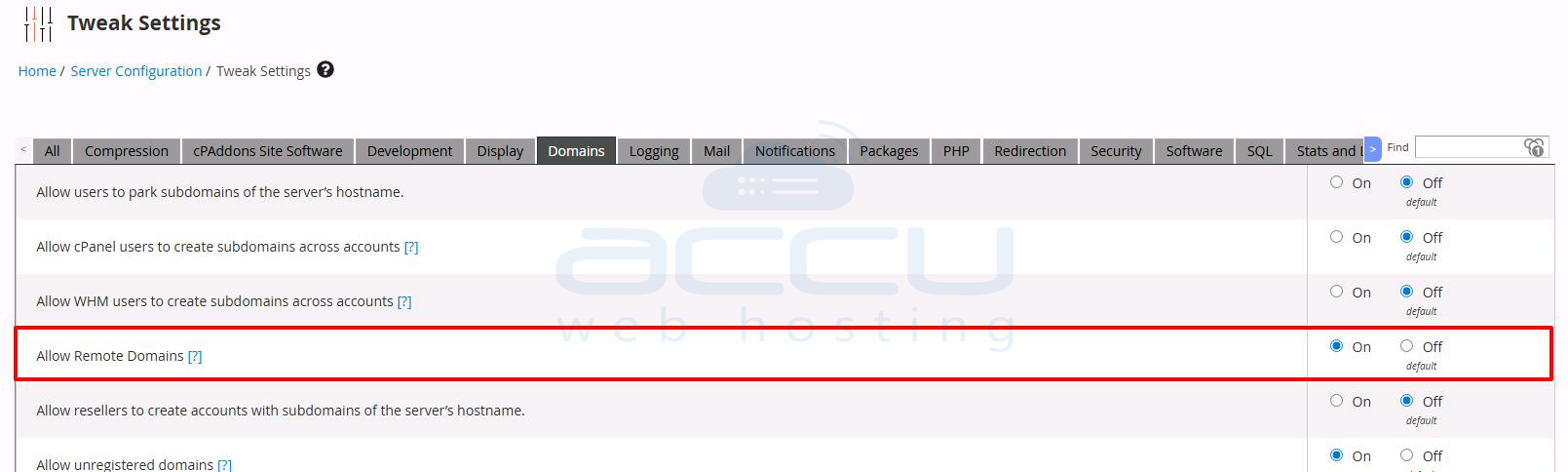
Under the Domains tab, find the option: Allow Remote Domains and set this to On.
Step 4: Save and Exit
Scroll down and click Save to apply the changes.
Conclusion:
Enabling the Allow Remote Domains setting in WHM allows you to add domains in cPanel even if they are pointed to external name servers. This is especially helpful in cases where DNS is managed remotely.


