
By default, all the domains registered with AccuWebHosting are locked at the registrar. If you would like to remove this lock, then you can either update us or perform the following steps from the client area:
- Log in to your client area.
- Select the Domains tab.
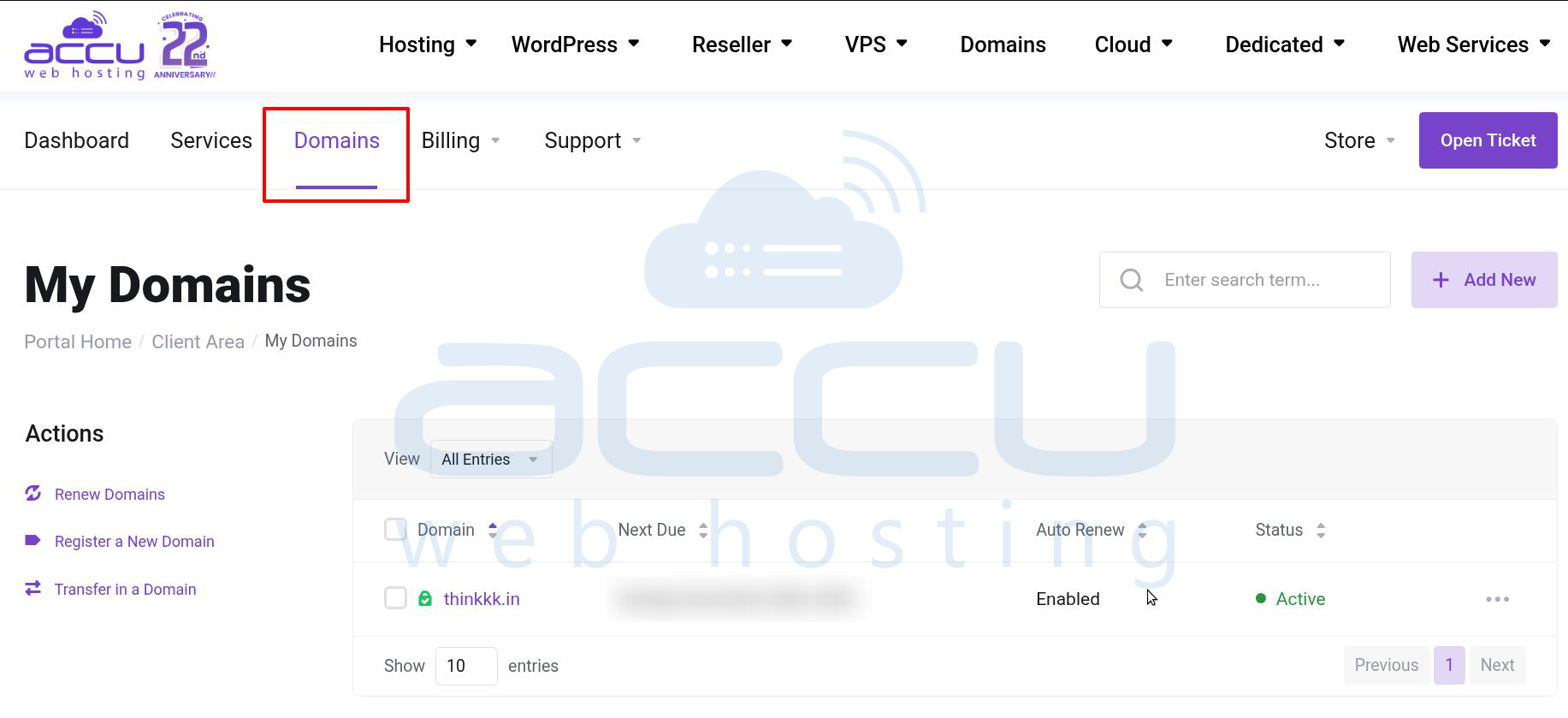
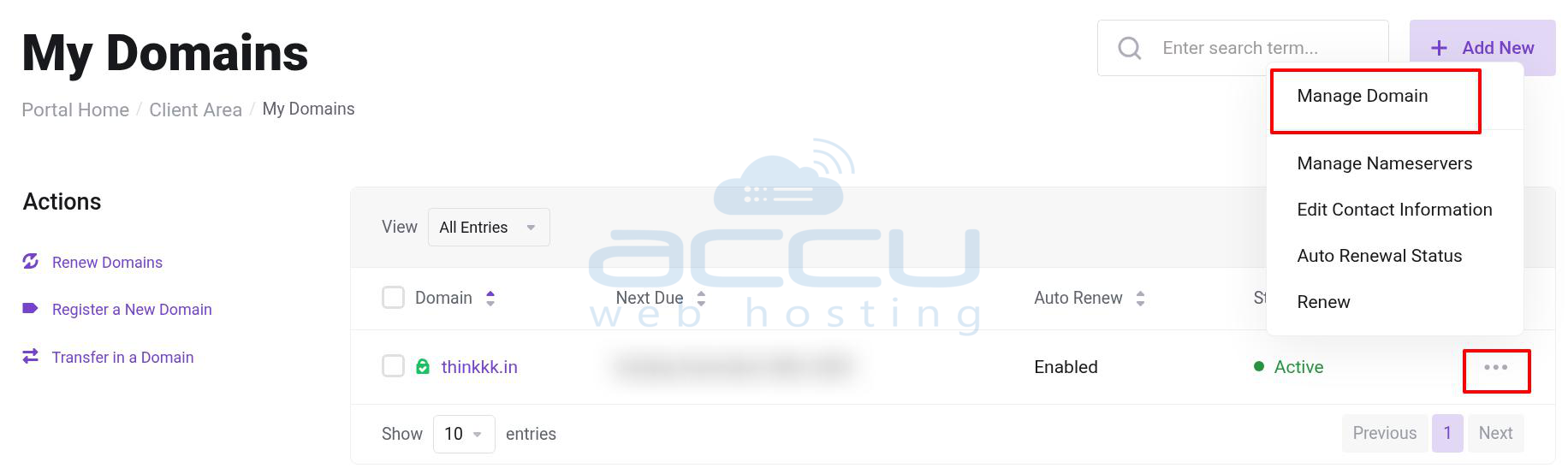
- Click on the three dots and Manage Domain next to the domain to enable/disable registrar lock.
-
Click on Manage domain →Registrar lock.
You will get the current status of your domain lock.
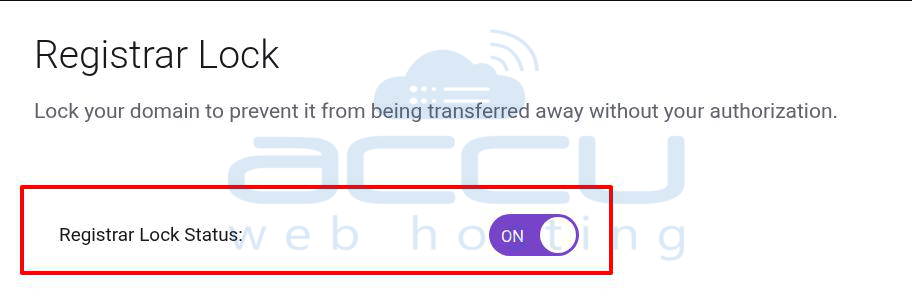
- If you want to disable the registrar lock, then off the Registrar Lock button.
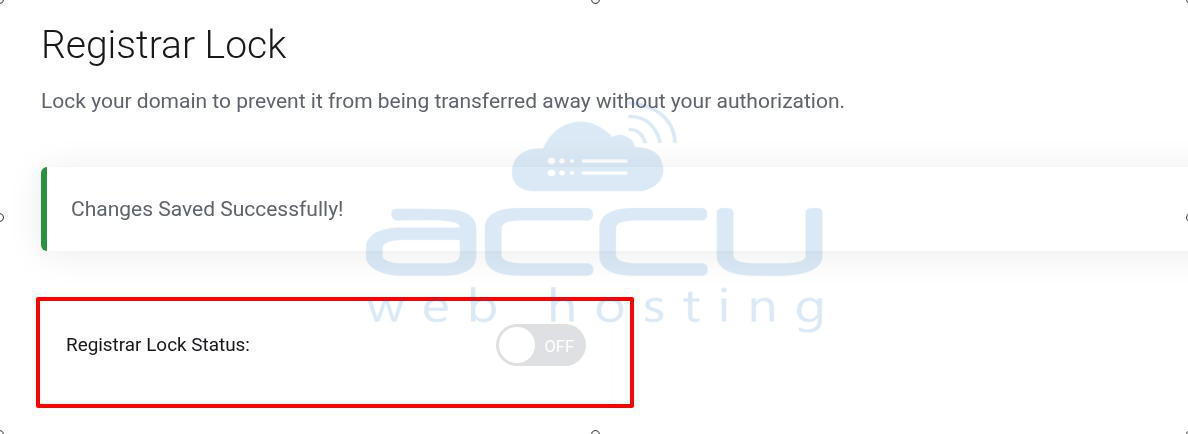
If you want to enable then on the Registrar lock button.
