
- Login to the HELM control panel.
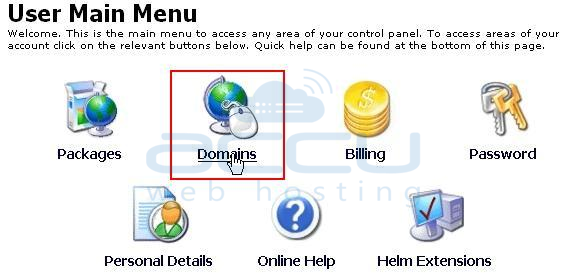
- Click on Domains.
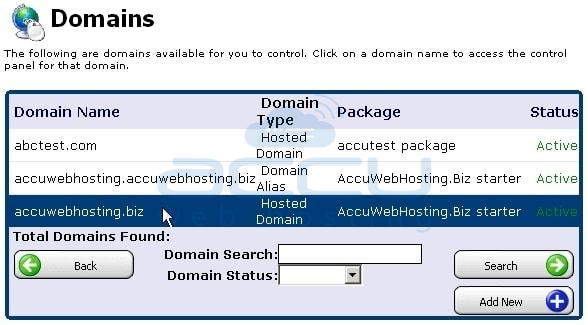
- Hit on your hosted domain i.e. accuwebhosting.biz.
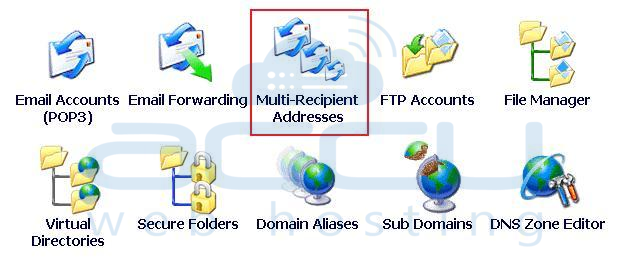
- Click on Multi-Recipient Addresses.
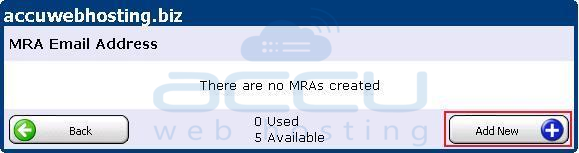
- Hit on Add New button.
- Enter the fake e-mail address in Email Address text box, while the other existing email addresses in the Recipient Addresses.
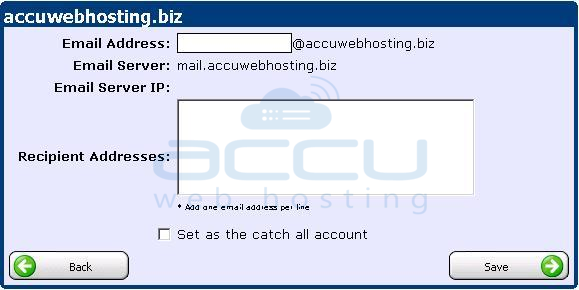
That's all. You have done with MRA. Now all the emails will be forwarded to the above mentioned email addresses.


