
- Login to your HELM control panel.
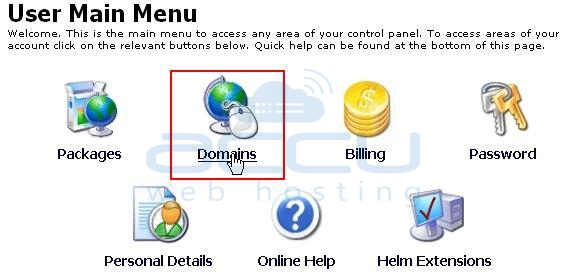
- Click on Domains.
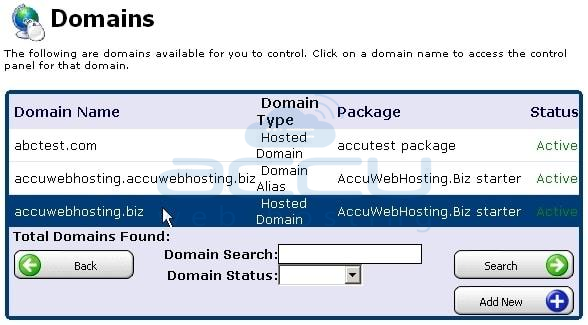
- Select your domain name from the list by clicking on it.
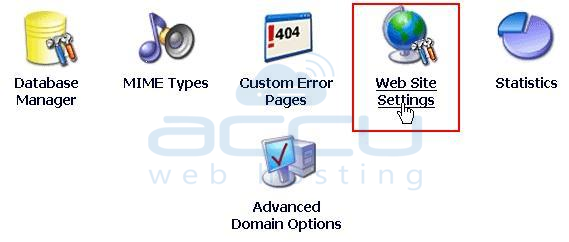
- Click on the Web Site Settings.
- Select the version of your choice from the ASP.Net dropdown list and finally click on the Save button.
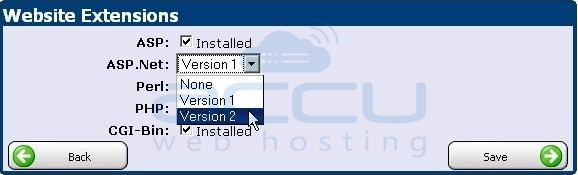
Note: You can use only one version of .Net on your website at any given time.


