
When building content-rich websites with editors like WordPress Gutenberg, one crucial concept to understand is the use of blocks. These blocks allow for a more visual, modular, and efficient approach to content creation. However, not all blocks function the same way; some are static, while others are dynamic.
Understanding the difference between these two types of blocks is essential, not only for developers but also because it can significantly impact your site's performance, flexibility, and scalability.
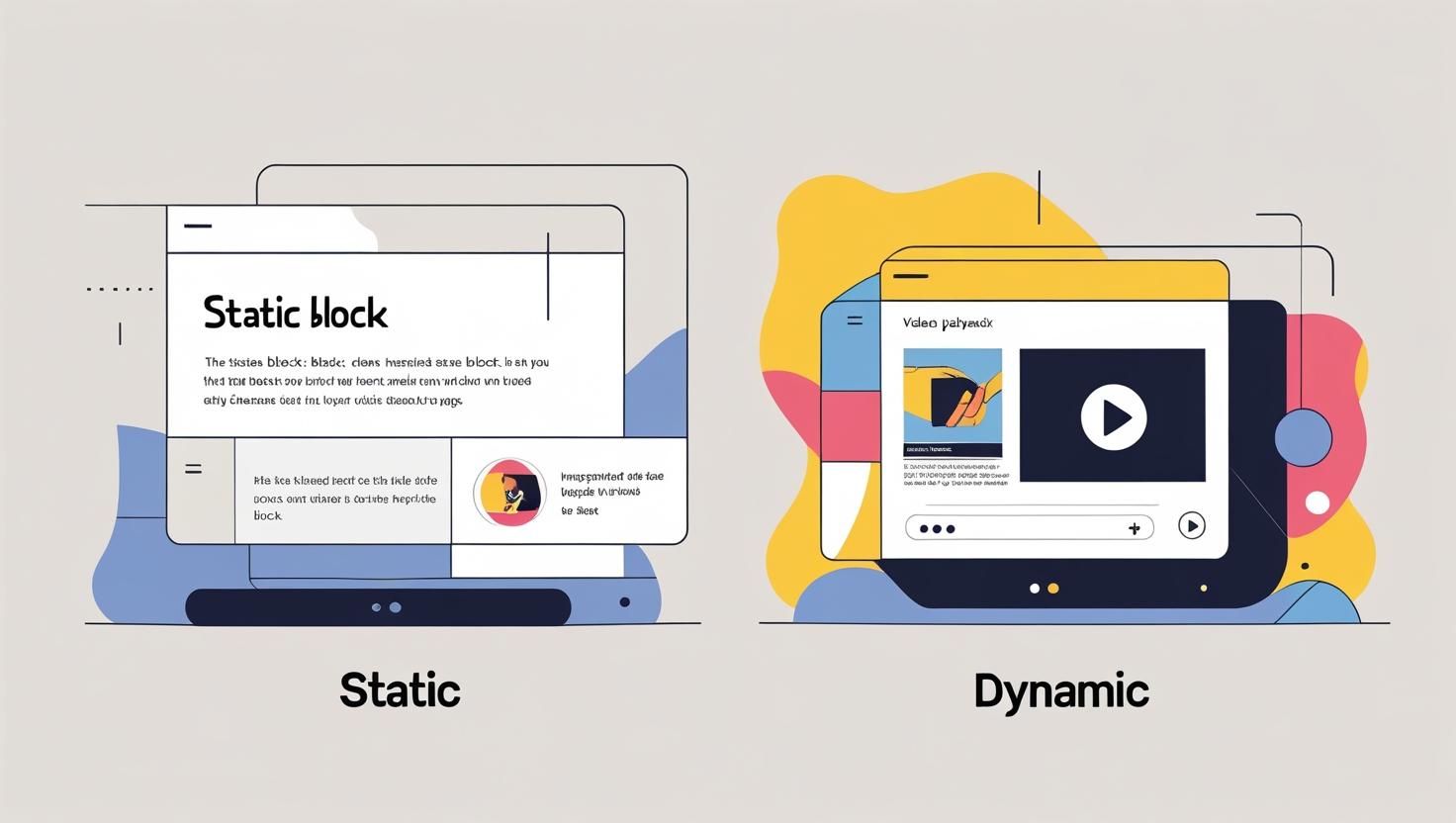
What Are Static Blocks?
Static blocks are blocks whose content remains unchanged unless it is manually edited. These blocks do not require server-side rendering.
A static block in WordPress (like in the Gutenberg editor) is written in a single language, JavaScript. When you add this block to a page or post and save it, WordPress stores the actual HTML output (the visible content) directly into the post’s content in the database.
Examples:
- Buttons
- Header and Footers
- Testimonials
- Plans (service or product plans table)
What is a Block Validation Error in a Static Block?
A block validation error means that the saved content of the block doesn’t match what WordPress expects. It's like WordPress saying, “Hey, something here looks different than what I remember!”
This typically occurs when a developer modifies the save() function of a static block.
For example:
Before, the block saved content like this:
<p class="my-class">Hello</p>
Then the developer updates the block to save it like this:
<div class="new-class">Hello</div>
Now, when you edit the post, WordPress checks the saved HTML and compares it with the new version of the block. Since they’re different, it shows a validation error.
What Does the Error Look Like?
In the editor, you’ll see a warning like: "This block contains unexpected or invalid content."
Sometimes WordPress offers to fix it for you. Other times, it might break the block, and you could lose your content if you’re not careful.
What Are Dynamic Blocks?
A dynamic block is a type of content that isn’t fully saved with the page because its content can change automatically. It may display recent blog posts or updated site information.
Since this content can change on its own, it’s not something the editor has to update manually. Instead, the content and layout of the block are created by the server when someone visits the page.
A dynamic block in WordPress is set up using both JavaScript and PHP.
1. JavaScript (Editor-side):
Handles how the block appears and behaves in the WordPress block editor (Gutenberg). This part is written in JavaScript using registerBlockType.
2. PHP (Front-end rendering):
Controls how the block appears on the live website. This is where the block's HTML is generated at runtime using a render_callback function.
Example:
- Latest blog posts block
- Recent comments or ratings
- Countdown timers
- Blocks pulling data from third-party APIs
How Dynamic Blocks Are Registered?
Dynamic blocks use register_block_type() in PHP, which supports two ways to link a render function:
- Via render_callback: You write a function that outputs HTML using the block’s attributes.
- Via block.json: A render property in the block’s metadata points to a PHP file that contains the render logic.
Static vs. Dynamic Blocks: What’s the Difference?
|
Feature |
Static Block |
Dynamic Block |
|
Content Storage |
HTML is saved directly in the post content (wp_posts table) |
Content is rendered at runtime via PHP, not stored in full as HTML |
|
save() Function |
Required – defines the HTML output |
Not used – render_callback (PHP) is used instead |
|
Content Updates |
Manual – you must edit the post to update the block content |
Automatic – updates as the data source changes |
|
Use Case Examples |
Paragraph, Image, Button |
Latest Posts, Comments, WooCommerce Products |
|
Performance |
Faster – no extra server processing needed |
Slightly slower – content is generated dynamically |
|
Ease of Development |
Easier – written fully in JavaScript |
Requires PHP knowledge and server-side code |
|
Customization |
Fixed structure unless edited manually |
More flexible – content and layout can change based on logic/data |
|
Risk of Validation Errors |
Yes – if the save() output changes |
No – content is not validated against saved HTML |
|
Ideal For |
Static content that doesn’t change often |
Content that should auto-update (e.g., listings) |
Advantages of Static Blocks
Static blocks are ideal for creating reusable and consistent design elements across a WordPress website. Since the HTML output is saved directly into the post content, it loads quickly and doesn’t require any extra server processing. This makes them ideal for performance-focused websites.
If you're a developer working on WordPress themes, client websites, or reusable layouts, static blocks can make your life much easier. Static blocks allow developers to build sections, for example, call-to-actions, headers, footers, pricing tables, or testimonials, and then reuse them in several pages, ensuring consistent layouts and less repetition. They also help maintain a clean codebase, as all the rendering is done in JavaScript without relying on PHP. Static blocks are especially useful in Full Site Editing (FSE) and custom block patterns, making it easy for non-technical users to add pre-styled components without breaking the layout.
Advantages of Dynamic Blocks
Dynamic blocks are powerful when you need content that updates automatically or pulls information from the database. Instead of saving HTML directly, dynamic blocks generate their output at runtime using PHP. This enables developers to create blocks that display real-time data, such as recent blog posts, product listings, user comments, or custom queries.
One of the most significant advantages is that you can change the block's output globally without editing individual posts, simply update the PHP render function. Dynamic blocks also support complex logic and conditional rendering, making them ideal for more advanced use cases. Since the rendering happens on the server, it's also more secure and controlled, ensuring users can't accidentally break the layout or logic.
Both static and dynamic blocks are powerful tools in WordPress development. Static blocks are great for reusable layouts and design elements that don’t change often. They help keep your site fast, clean, and easy to manage. On the other hand, dynamic blocks are perfect when you need content that updates automatically or pulls data from the server.
By understanding when and how to use each type, developers can build flexible, scalable, and user-friendly WordPress websites.


