Domain Name System is the internet's phonebook.
DNS is used to convert/map the domain name to an IP address.
To access a website, a client needs to know the site's IP address, but it is tough to remember the IP addresses of each website.
A domain name is easy to remember instead of remembering the IP address of each website.

The website/requested URL is forwarded to the DNS server, and the DNS server returns the IP address for the requested website. The client is then able to access the requested site.
What is DNS root hints:
Root hints provided a list of IP addresses of DNS servers considered authoritative at the root level of the DNS hierarchy.
If the DNS server does not know the address of the requested website, it will forward the request to another DNS server.
The DNS server must know the IP address of another DNS server to forward the request.
DNS Server will contact Root Hints only when no Forwarders are available or cannot resolve the query.
Root hints are preconfigured on DNS servers. The root hints are stored in a file named CACHE.DNS that is located in at below folder.
\Windows\System32\Dns
How to check ROOT Hints:
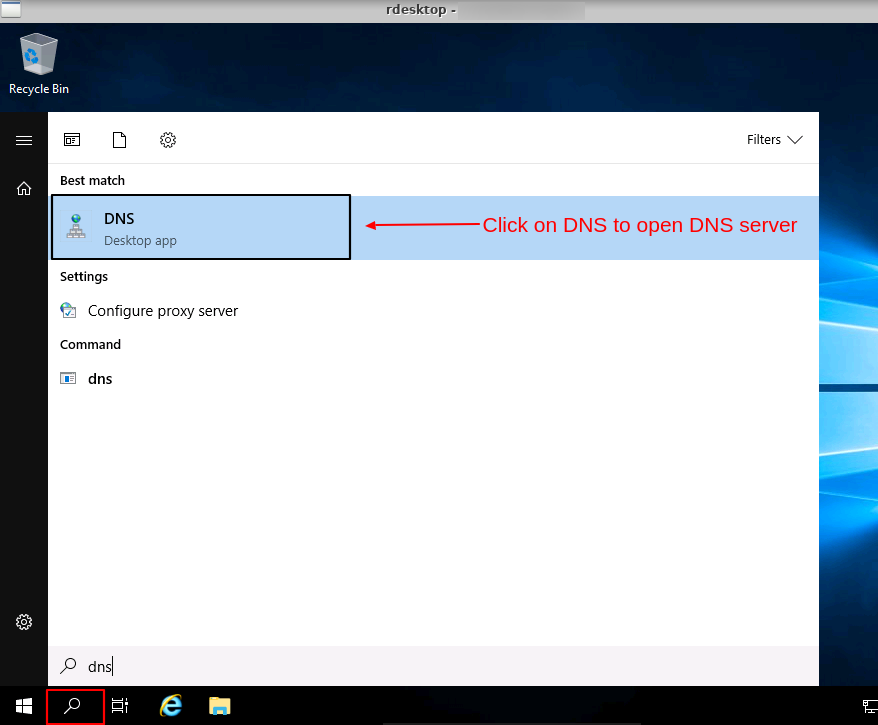
Step1: Open DNS Server
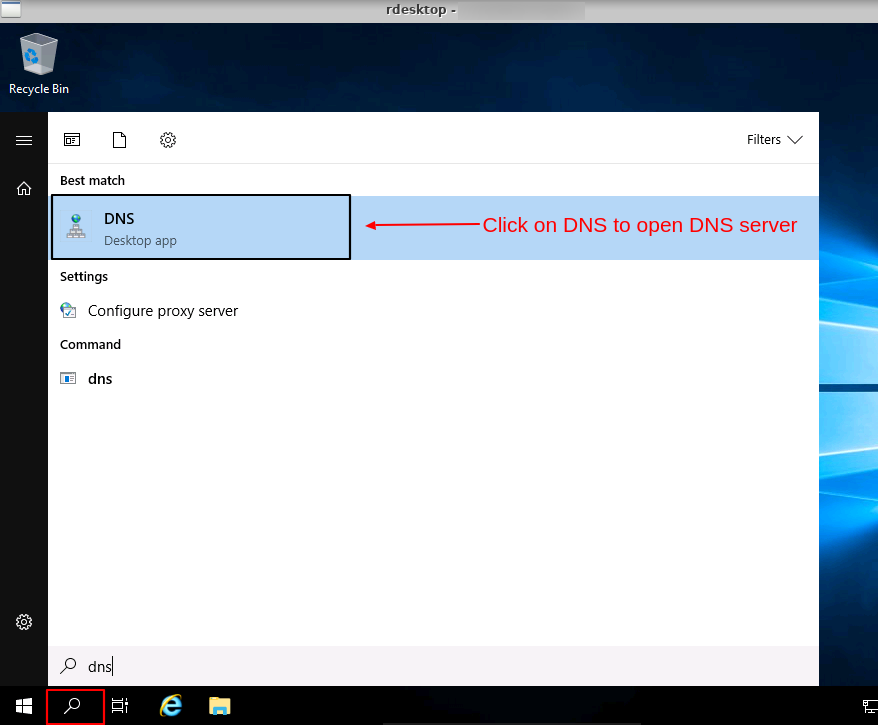
Step2: Right-click on the DNS server name and click on Properties.
Step3: Click on the Root Hints tab to view Root Hints.

You can add, remove and edit Root Hint from here.
What is DNS Recursion:
DNS recursion means the DNS server will not query to any other DNS server apart from its cache or within its local DNS server.
When we configure a DNS server to allow recursion, the server queries other DNS servers to request clients resolve domain names that are not authoritative.
It also increases the system's vulnerability to DNS attacks if the DNS recursion is not disabled.
Disable recursion DNS:
Step1: Open DNS Server and Right click on DNS server.
Step2: Click on Properties and
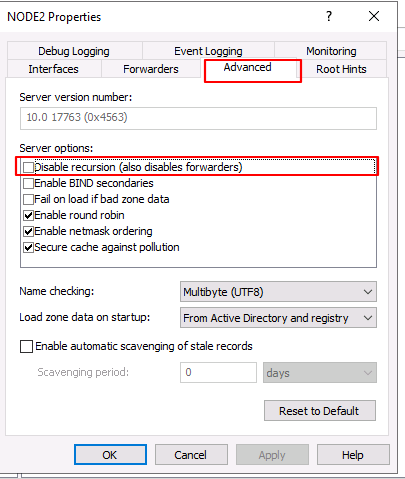
Go to Advanced Tab
Click on the "Disable recursion" check box under the Server section to disable recursion.